Skip to content
View in the app

A better way to browse. Learn more.

Enpass Discussion Forum

A full-screen app on your home screen with push notifications, badges and more.

To install this app on iOS and iPadOS
  1. Tap the Share icon in Safari
  2. Scroll the menu and tap Add to Home Screen.
  3. Tap Add in the top-right corner.
To install this app on Android
  1. Tap the 3-dot menu (⋮) in the top-right corner of the browser.
  2. Tap Add to Home screen or Install app.
  3. Confirm by tapping Install.

uktivo

Members
  • Joined

  • Last visited

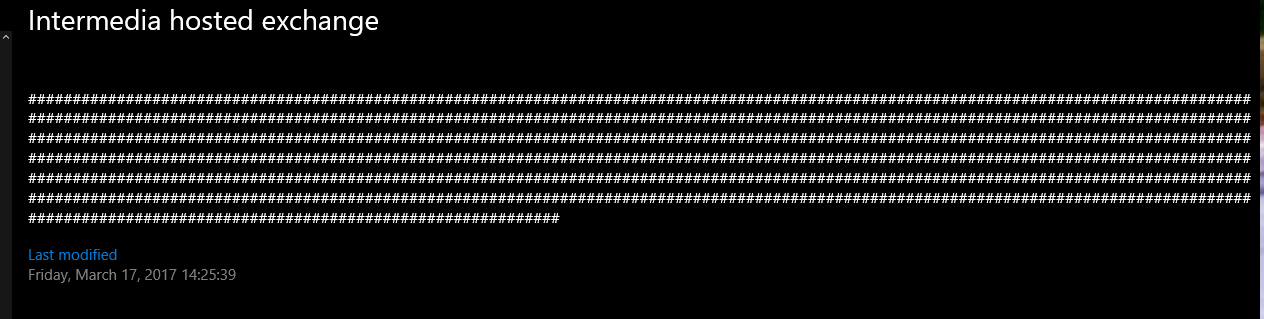
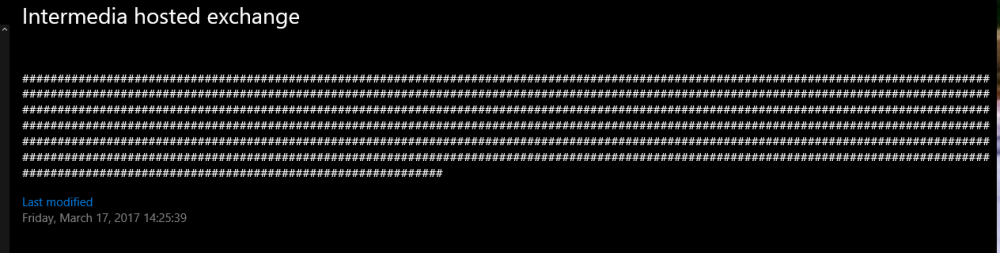
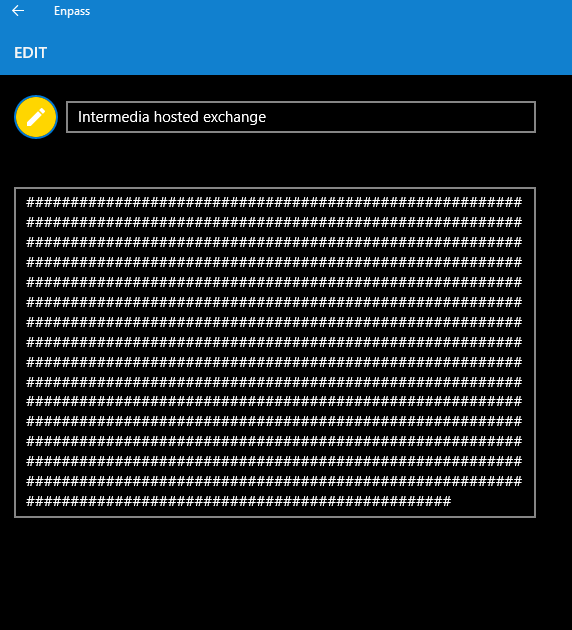
  1. Hi All, I've been using Enpass for several years now and have had no issues. I recently purchased a new Win10 laptop and have today changed a password on one entry. On clicking the save button the entry was over written with lots of ######. Unfortunately, I'm set to auto sync so this has now been updated on all my other linked devices. The double whammy, I don't have a recent backup stored either. Is there any way to recover this critical information please?
Account

Navigation

Search

Search

Configure browser push notifications

Chrome (Android)
  1. Tap the lock icon next to the address bar.
  2. Tap Permissions → Notifications.
  3. Adjust your preference.
Chrome (Desktop)
  1. Click the padlock icon in the address bar.
  2. Select Site settings.
  3. Find Notifications and adjust your preference.