MikeR
Members
-
Joined
-
Last visited
-
Would love this to be included in the next update. Big +1 from me.
-
thanks that seems to have sorted out the issue.
-
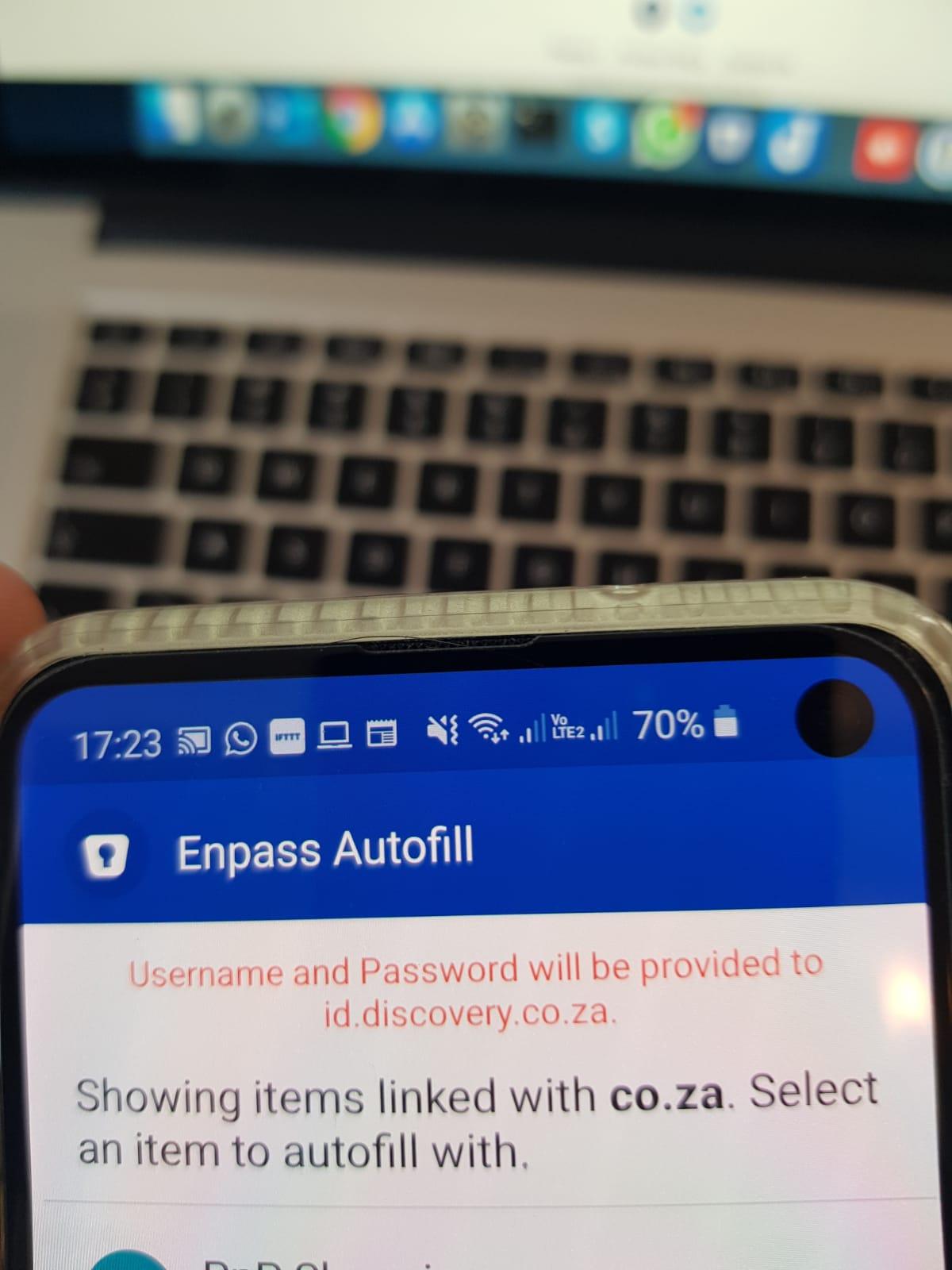
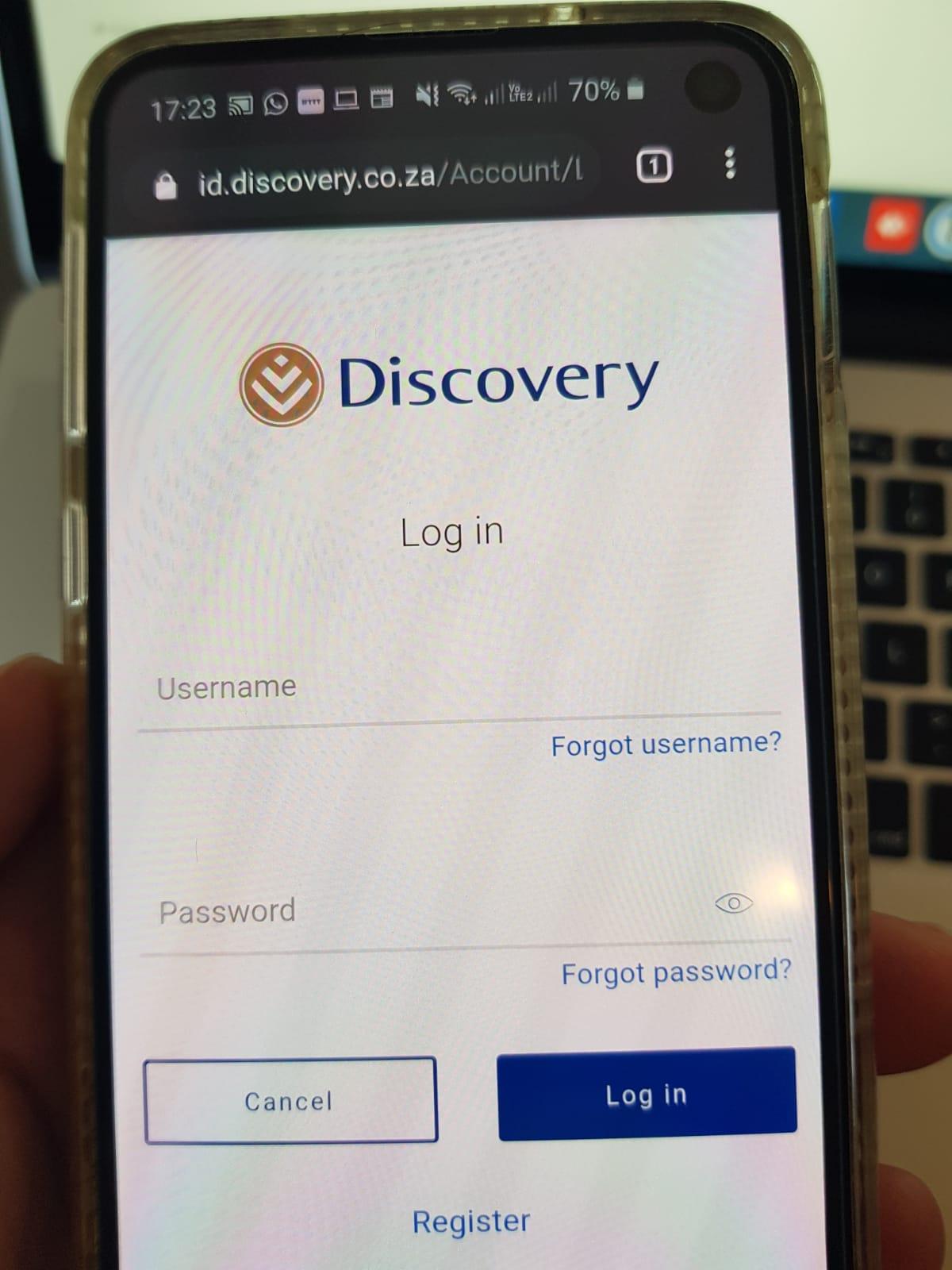
Example pics attached. Enpass 6.4.0322
-
Galaxy s10e Android 10 Chrome and other apps that require a web login any website ending in co.za I can't take a screenshot from the enpass screen when I open it as it says it's blocked for security
-
I'm from South Africa and hence log in to a lot of .co.za websites, when I access enpass to autofill it looks for sites matching "co.za" instead of what-ever-the-domain-is.co.za so every time I need to select autofill with other and search for it. Please can this be fixed
-
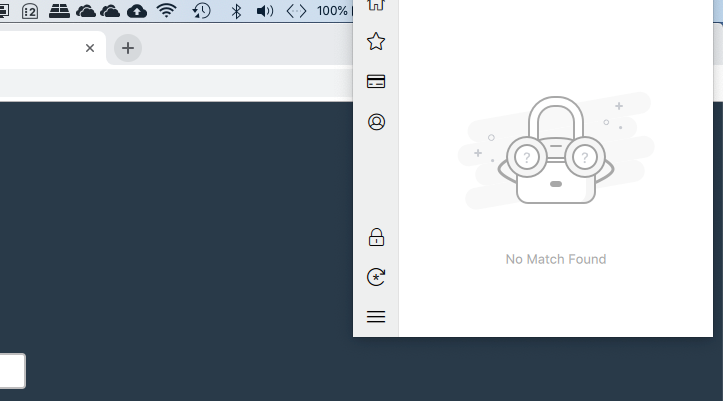
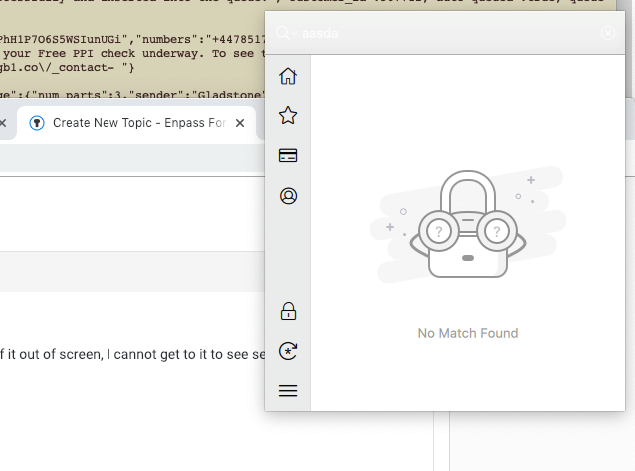
I'm on MacOS Mojave 10.14.2 running Enpass Beta 6.0.0 (250) When using Chrome or Safari on an external screen (HP w2207h) resolution 1680x1050 the enpass popup appears with the top part of it out of screen, I cannot get to it to see searches or move it. Doesn't do it when I drag the browser into my MacBook Pro's default screen. Strange issue but does get a bit annoying. I've quit + reopened and still does the same thing. If I minimise the window I can see the top, but you can see that the alignment of the popup in relation to the helper button on the browser is the same, (i.e. it should launch with the top of the helper a bit lower down)
-
In addition to the info in my post above - Enpass 6.0.0 (250) - Extension 6.0.0.56 - No AV / security extensions in Chrome - Only using Enpass 6
-
When this happens to me on my Mac (MacOS Mojave 10.41.1) using Chrome (latest version 70.0.3538.110) the Enpass app tries to open and then closes immediately, every time I click retry nothing happens and I cannot open the Enpass app either. The way I resolve this is to open Activity Monitor.app and force kill the Enpass process (there is usually one running with very high CPU), I did restart chrome as well but I'm not sure if that's necessary. I then open the Enpass app directly and try again with the Chrome plugin and it works.
-
-
-
I've imported all my data from 1Password and all got the same 'world' icon, even the secure notes - I'd like to be able to bulk update icons (eg: select all and right click -> set icon)
-
Confirmed - if I re-add the cards manually it fills correctly, imported from 1Password does not autofill.
-
Hi, I've just tried on loot.co.za and it doesnt autofill when I select it. I've tried it on other sites before and it doesn't autofill. Could it be because it was imported from 1Password?
-
I've moved from 1password which has a very polished solution, Enpass is close behind but not quite there. I would like the extensions to work like 1password when a web page has credit card inputs for it to allow a stored credit card to be filled in. This doesn't work in Enpass from my testing.