Skip to content
View in the app

A better way to browse. Learn more.

Enpass Discussion Forum

A full-screen app on your home screen with push notifications, badges and more.

To install this app on iOS and iPadOS
  1. Tap the Share icon in Safari
  2. Scroll the menu and tap Add to Home Screen.
  3. Tap Add in the top-right corner.
To install this app on Android
  1. Tap the 3-dot menu (⋮) in the top-right corner of the browser.
  2. Tap Add to Home screen or Install app.
  3. Confirm by tapping Install.

GSestito

Members
  • Joined

  • Last visited

  1. GSestito posted a topic in Android
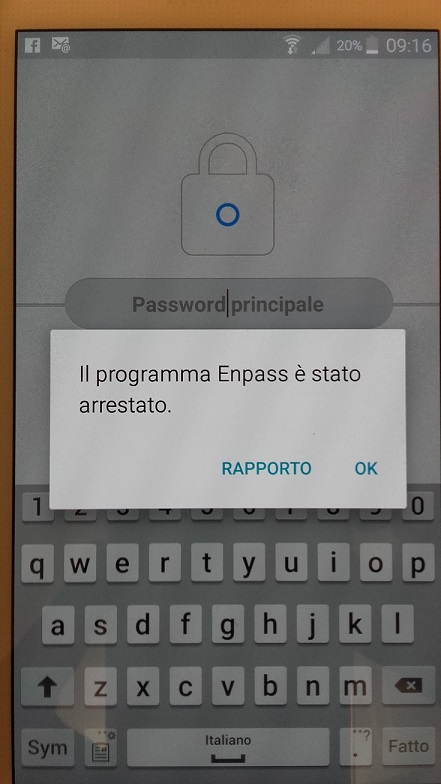
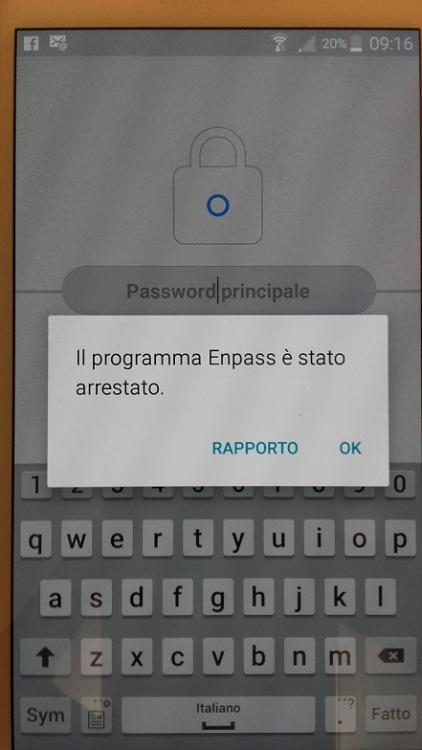
    Doesn't work on S5 Hi All, My Enpass doesn't work on Android S5 phone. It has a strange behaviors, start and stop, or start and freeze (input phone is denied), or start, login and then freeze. Last two week I had removed and installed Enpass several times: first day it works fine, but next day no more. Have you any suggestion? Gaetano
  2. HI all, I'm new to Enpass and I would like purchase pro version for my android. First, what is the best way to puchase? From play store I don't see buy button. Second, can I use Pro version on my two android phone? Thanks in advantage. Gaetano

Account

Navigation

Search

Search

Configure browser push notifications

Chrome (Android)
  1. Tap the lock icon next to the address bar.
  2. Tap Permissions → Notifications.
  3. Adjust your preference.
Chrome (Desktop)
  1. Click the padlock icon in the address bar.
  2. Select Site settings.
  3. Find Notifications and adjust your preference.