Skip to content
View in the app

A better way to browse. Learn more.

Enpass Discussion Forum

A full-screen app on your home screen with push notifications, badges and more.

To install this app on iOS and iPadOS
  1. Tap the Share icon in Safari
  2. Scroll the menu and tap Add to Home Screen.
  3. Tap Add in the top-right corner.
To install this app on Android
  1. Tap the 3-dot menu (⋮) in the top-right corner of the browser.
  2. Tap Add to Home screen or Install app.
  3. Confirm by tapping Install.

loks07

Members
  • Joined

  • Last visited

  1. Dear Team, On credit card payment sites, I only receive autofill option of cards which are separately saved as 'Cards' in Enpass. If I save my cards as 'Linked Cards' section of 'Bank Accounts', then they don't show up in autofill options. Please add this autofill feature as well. Thank you.
  2. loks07 replied to Zbyszek's topic in Purchasing Enpass
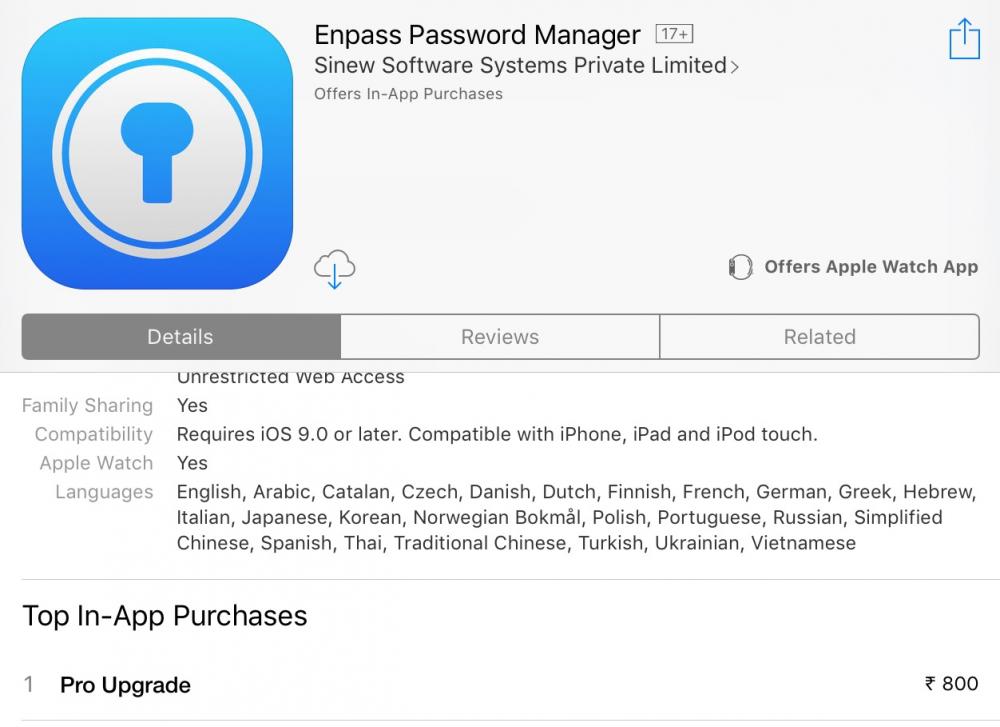
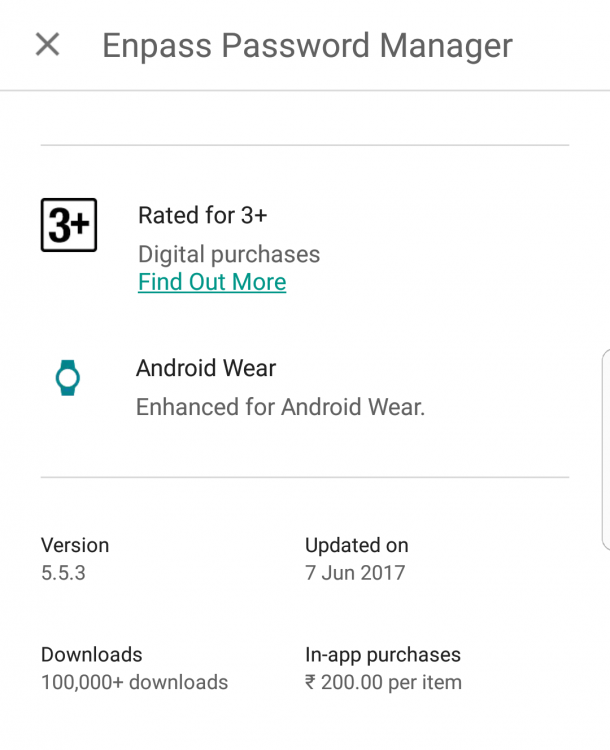
    Thanks for reply. But am I mistaken that price is indeed different - 200 against 800 bucks. Please check the screenshot.
  3. loks07 replied to Zbyszek's topic in Purchasing Enpass
    Dear All, I am a paid customer on Android. However the price on IOS is four fold! It is not fair to assume that IOS users should always pay more. Rather than comparing to other password managers on how expensive they are, may be it is fair to compare how cheap Enpass is on android compared to ios. I am holding onto purchasing it on my ipad for the same reason. Least you can offer is discount to existing customer on other platform. Already paid for LastPass and then they made syncing free. Sigh!
Account

Navigation

Search

Search

Configure browser push notifications

Chrome (Android)
  1. Tap the lock icon next to the address bar.
  2. Tap Permissions → Notifications.
  3. Adjust your preference.
Chrome (Desktop)
  1. Click the padlock icon in the address bar.
  2. Select Site settings.
  3. Find Notifications and adjust your preference.