

Skip to content
View in the app

A better way to browse. Learn more.

Enpass Discussion Forum

A full-screen app on your home screen with push notifications, badges and more.

To install this app on iOS and iPadOS
  1. Tap the Share icon in Safari
  2. Scroll the menu and tap Add to Home Screen.
  3. Tap Add in the top-right corner.
To install this app on Android
  1. Tap the 3-dot menu (⋮) in the top-right corner of the browser.
  2. Tap Add to Home screen or Install app.
  3. Confirm by tapping Install.

Simon Fu

Members
  • Joined

  • Last visited

Everything posted by Simon Fu

  1. Thanks for your reply. I paid the app by credit card which bind with my Apple ID. I also contacted with Apple China about this issue. The staff told me that there was no transaction records yesterday. But the credit card bank sent me a message about transaction pre-authorization ,then sent me a cancel transaction pre-authorization message. I don't know why. Then,I bought Enpass again, and I had successfully upgraded to Pro Version this time. I will contact with U if there is something wrong!
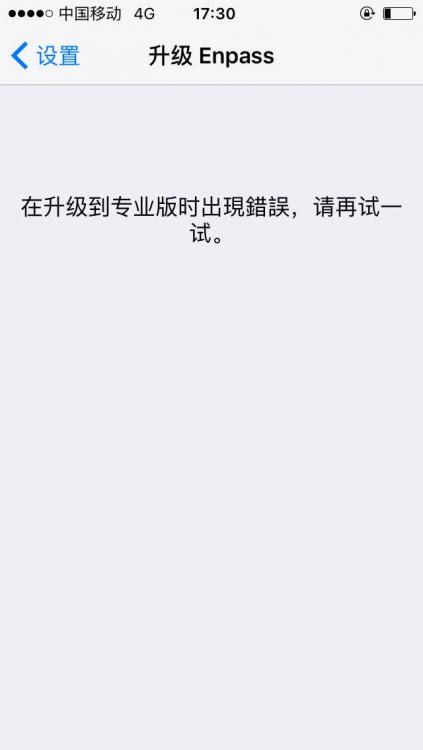
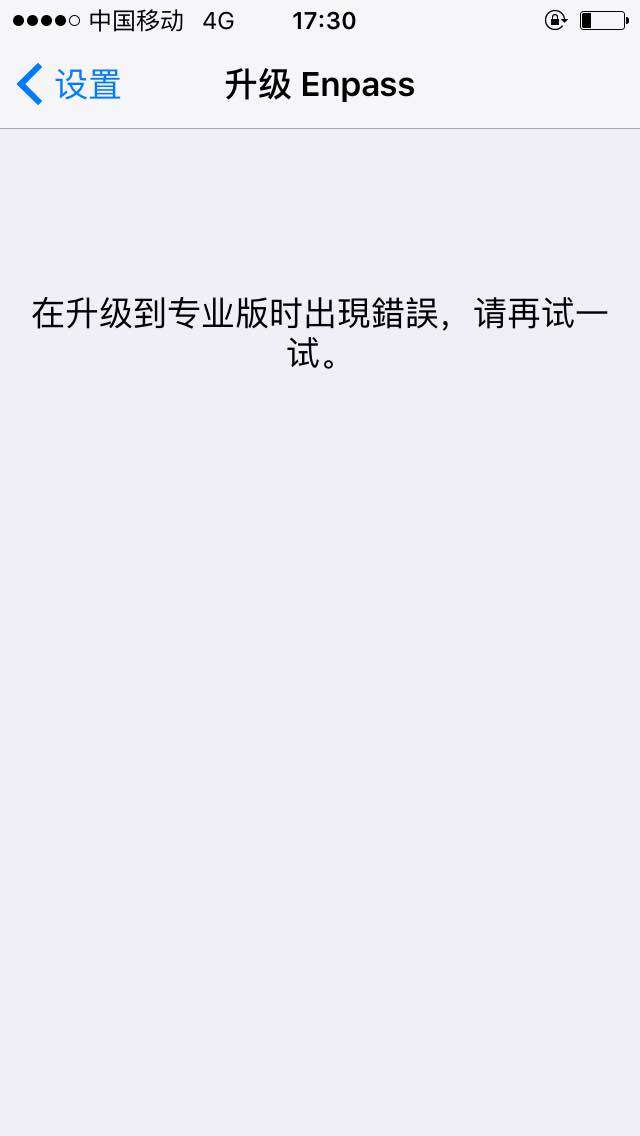
  2. Hi, i'm a user from China Today, when I click the"Upgrade To Pro Version" after i paid the Pro Version bill it says "Faild To Upgrate To The Pro Version , Try Agian Later!" I want to know why!! !
Account

Navigation

Search

Search

Configure browser push notifications

Chrome (Android)
  1. Tap the lock icon next to the address bar.
  2. Tap Permissions → Notifications.
  3. Adjust your preference.
Chrome (Desktop)
  1. Click the padlock icon in the address bar.
  2. Select Site settings.
  3. Find Notifications and adjust your preference.