david
Members
-
Joined
-
Last visited
Everything posted by david
-
This is an example, I believe I've run into it once or twice before if I'm not mistaken. I have an URL https://vrv.co/ If I click the "Existing user, sign in", a login screen shows but if I try to fill it out, enpass opens the "change password" -dialog. There's no way to fill it out with the extension. I've tried three different browsers so it's not browser specific. This does work with 1password, i still have that old tool hanging =) In case you're not in the US, I think this site is US-only.. The code when I check the password field is: <input class="password-input" type="password" name="password" autocomplete="current-password"> Is it because it says "current-password" maybe? Anyway, it doesn't work on that site. Thanks
-
np, I'm just asking if it's possible to fix, it's not a life or death situation =) It would just make enpass, which is already great, even better!
-
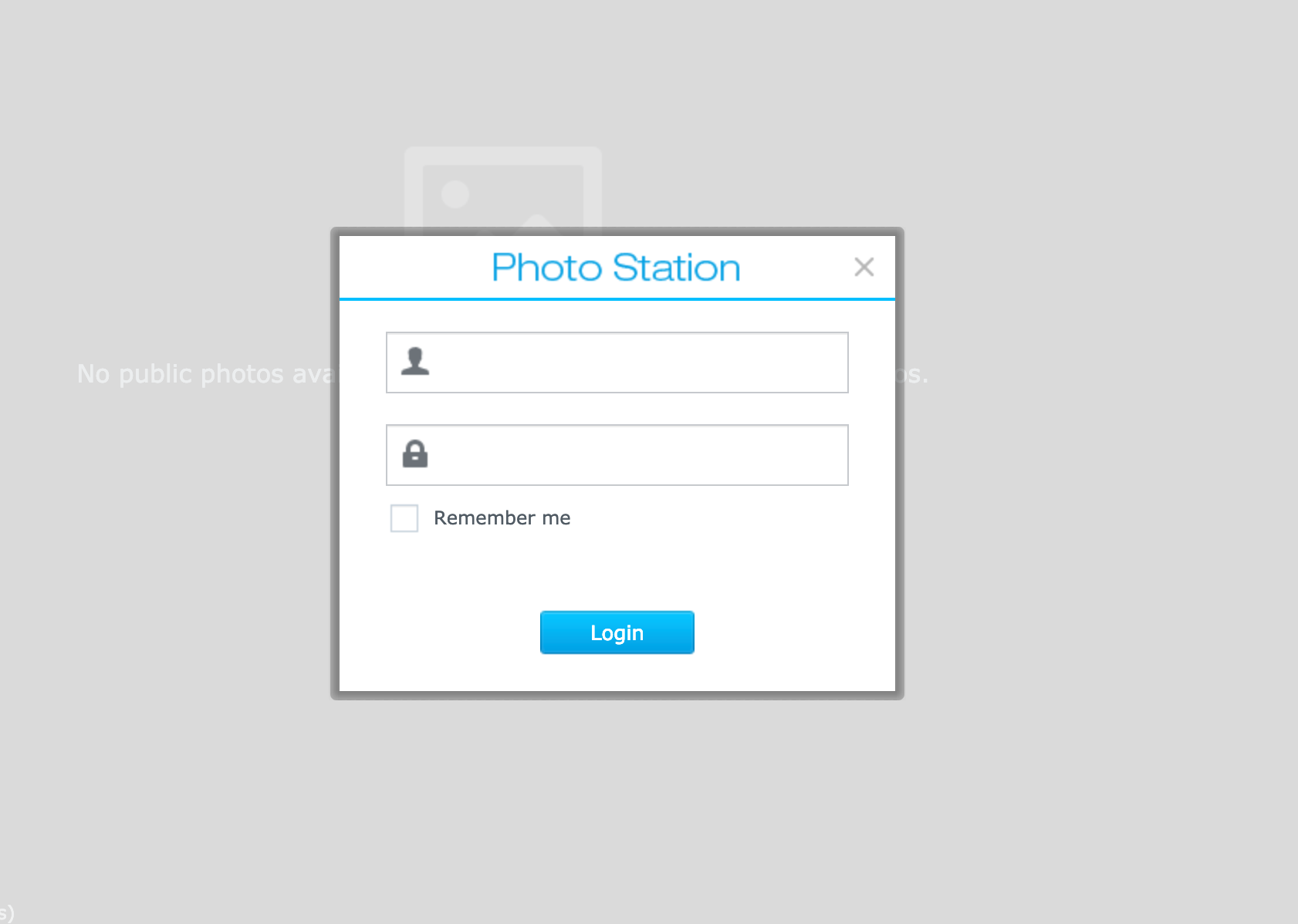
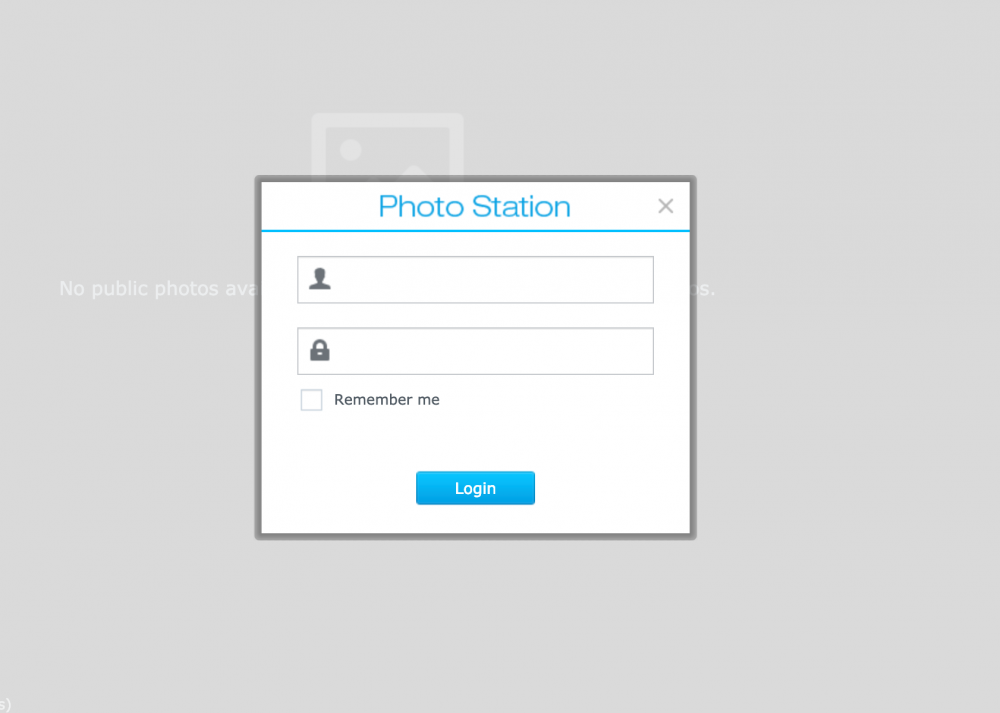
I'm not sure this is correct but there are sometimes in-page-popups that are positioned by z-index in the css. So we click "login" and something like a popup, except it's not a separate page, it's more of an overlay. When trying to fill in forms/passwords on these types of situations, enpass tries to fill in something in the background but not on the actual "popup" if that makes sense. Is this possible to fix? I use synologys photo station for my pictures and this is one example where it does not work. I can right click in the username field and choose the password in enpass but nothing happens because enpass doesn't know where the form is I believe..
-
Thanks xarkate =) That actually worked for one of my particular cases which is the one I use most frequently. I had no idea there was such a feature! You just made my day! The feature request for creating my own forms will be useful in other cases though so I still want that but this is awesome!
-
Wait, I'm confused, is there a feature called webforms? What does it do and where do I find it?
-
So I updated the extension but the problem persists. The extension just doesn't seem to want to fill in things correctly.. If I copy from enpass and paste in the fields, it works so there's nothing wrong with the actual content of the saved login but if I try to autofill it either doesn't do anything or it just refreshes the page and nothing happens. sometimes it looks like if tills in the fields but then the page just "bounces". I tried to make a screenrecording showing what I mean, it's really blurry but I hope you see what's happening. I try first to use the extension twice which doesn't work and then I open the main window and copy the same content and paste it an voila.. I uploaded the video to dropbox, I hope it's vieawble.. https://www.dropbox.com/s/z6c9u0h8e3h1tdb/enpassvideo.mov?dl=0
-
Hi Anshu, sorry I didn't respond, I missed the "notify me of replies" button.. is there anyway to always have this checked? Anyway, there is no actual specific page that this happens. Usually when it doesn't work, restarting the enpass app or the browser will make it work again (most of the time).. so it's, what can I say.. glitchy? It works fine in safari but I don't use safari..
-
Every now and then a site has more "form fields" than just username and password. For example, a site I log into several times per day has an extra field called Company, after that comes username and password. If I add a field in my template for that site, there's no way to choose a format that will actually fill in that field on the page. Checking the site, the field is called "SystemName" in the code. I was hoping to be able to add SystemName as a special template so I just purchased the "pro features" in the app store because I thought that custom templates etc would be of use in this case. but what I see I need is something like "custom form fields" or something like that. Especially for me, this is something that I come across on a daily basis in my work where I need to rely on the web browsers saved forms to fill in the rest (which I obviously can but it's difficult if I'm on my phone or if I happen to open a different browser etc..). I wish this would be added in enpass. I hope my explanation was descent.. =)
-
1. Shortcut key in browser only works sporadically, however global shortcut always works 2. Enpass most of the time does not ask to save logins, I have to manually add them most of the time. 3. When using password generator to press autofill, it never works. I have to manually copy the password and the login information in these cases never get saved so I have to manually add the login details in enpass. I've had these issues in the last couple of updates so it might not make a difference but here's my current setup: macOS Mojave 10.14.2 Vivaldi: 2.3.1440.41 (Stable channel) (64-bit) Enpass: 6.0.5 (306) Browser extension: 6.0.0.68
-
I just forced my entire workplace to install enpass on their computers because I was thinking of sharing a vault with them but now I realise I can't do it in any simple way like I was planning. So just to be clear, Is a webdav service the only way to get around this issue?? I have formerly used 1password, which I left for a plethora of reasons, however it was simple enough to keep several vaults in my dropbox storage and share the ones I wanted to with others. This limitation which I had no clue about is just about to make my strife for securing my workplace passwords (that are currently being sent around through chats, emails and post-it's) much more cumbersome. Can enpass please update us on if there are any plans on making this work in a simple way? With cloud providers like google drive or dropbox? A way to choose which folder we want to put the vault in and share it with another user should be simple enough and then to have the option of choosing a certain folder in the cloud to sync with? I honestly don't understand the explanation earlier, and it doesn't really matter either since it's possible for other password managers so it can't be impossible right?
-
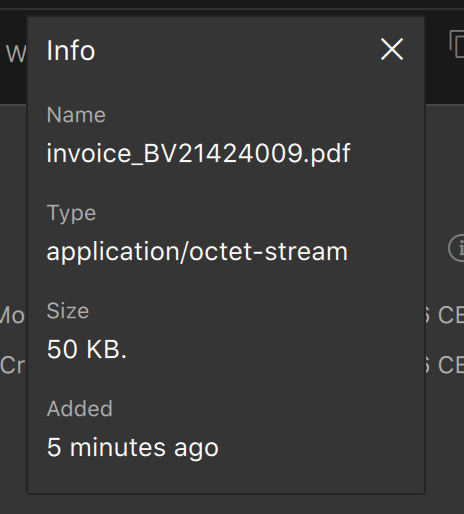
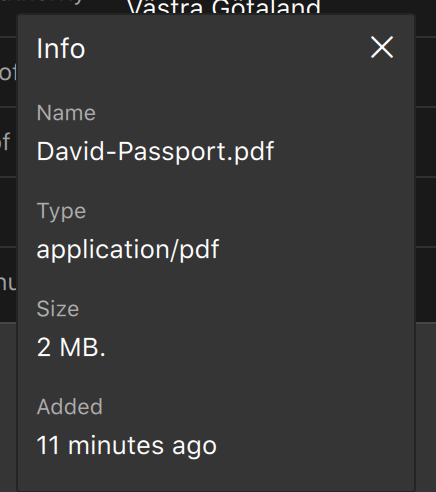
When uploading a photo, pdf etc, enpass doesn't always "guess" correctly what kind of file it is. Most of my attachments have been marked as application/octet stream wether it's a pdf or jpeg, this makes it difficult to view, especially on a phone, I have to download the file first and open it with a viewer because otherwise my phone tries to open all attachments with my calendar etc.. So my request is that enpass would be better at realising what kind of files are attached. Attached are two examples.. It's quite clear that they are both pdfs. I've removed it and uploaded it several times but every time enpass just marks its an "octet stream".. I can open the pdf fine in acrobat so it's not corrupt or anything.. this happens every now and then, even with images ending with .jpeg..
-
I just updated yesterday and then again today so it's a minor update I assume (still 6.0.3). In any case, all my 545 entries seem to have been imported perfectly for the first time ever in any manager including attachments which has never worked for me! Super happy about this! Thank you!
-
I agree. Their seems to be several issues when trying to move from 1password.. I believe the issue to be mostly because of the export from 1password. They've pretty much made it impossible to switch to a different manager without loosing data. 1password puts a lot of content in the "form details" instead of in the main details which is really frustrating. When exporting to the 1pif format, the title for the form fields are taken from the website you came from when adding your details so for example "username" might be entered as "choose a username" or "pick a login" or "Enter your email" etc.. Or let's say the "url" might be called "website" or "webpage" or "webpage2". When importing to any other manager we will either loose those entries completely or they will be imported as "other" or whatever. The only way to export from 1password is to a standard csv. Then we can at least open it in a spreadsheet and make sure the entries look ok, this is however extreemly tedious if you have a few hundred entries. Unfortunately we also loose any multiple urls in the export and any other extra information we might want.. In any case I will definitely add my vote to this as well. Please figure out a way to import 1password 1pif -data in a correct way since many entries become unusable in enpass after import.
-
I'm also very much wondering this.. I might be stupid but I literally can't find my passwords without the favicons. I guess I'm more visual than I am a reader..
-
workaround for Import problem from 1password I have now found a workaround for the import problem from 1password. If I export a pif file from 1password, there's no way to edit the labels and then the username and password field changes to "usr" and "pwd" in enpass for some reason and gets put in as additional details instead. If I instead export from 1password a csv file and make sure to check the "include column labels" and "all fields". I'm able to import this file to enpass6 without issue. Don't know if this is the correct forum to write this but I thought it would be since it's about the beta for mac. Edit: I just noticed that I was wrong.. everything got imported to additional details instead. I didn't notice at first since they all looked the same.. So instead of a few, none of the logins are correct. I can find no way to export from 1password and import to enpass6 and get the fields correct.
-
Great news! I'm glad to hear it! I have noticed a migration-problem. I wouldn't call it a bug but it might be fixable. I imported 500+ login details from .pif (1password..) and most of them seem to have been imported correctly but there were a few issues. Many of the usernames and passwords dit not end up as username and password in enpass but as "additional details" instead which means that they won't work unless I edit them manually and move the details from one field to the other. I see no common denominator, it seems to have happened at random through out my logins. The other thing is attachments. Is it possible to have attachments imported as well? It's a big job to go through them all and upload them to the correct login manually. It would definitely make the process of migrating easier. I really love how the browser-extension works, it's great! I second the issue with multiple monitors, the assistant barely shows up at all on my screen unless I unplug my second monitor.. I'm really looking forward to this application getting to the non-beta stages, It really is improving a lot. This will definitely become my go to!
-
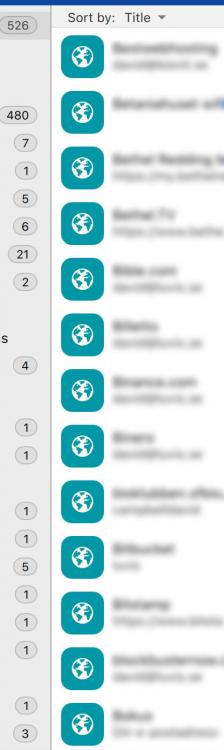
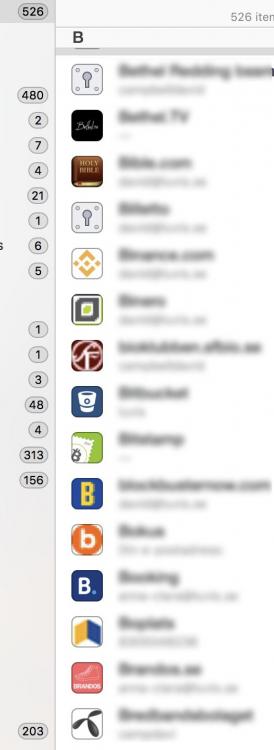
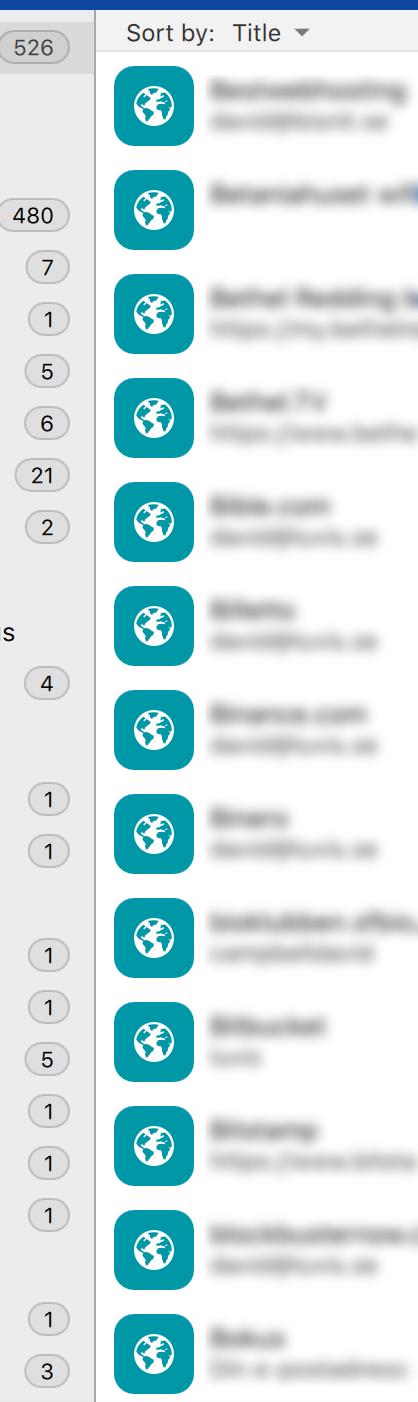
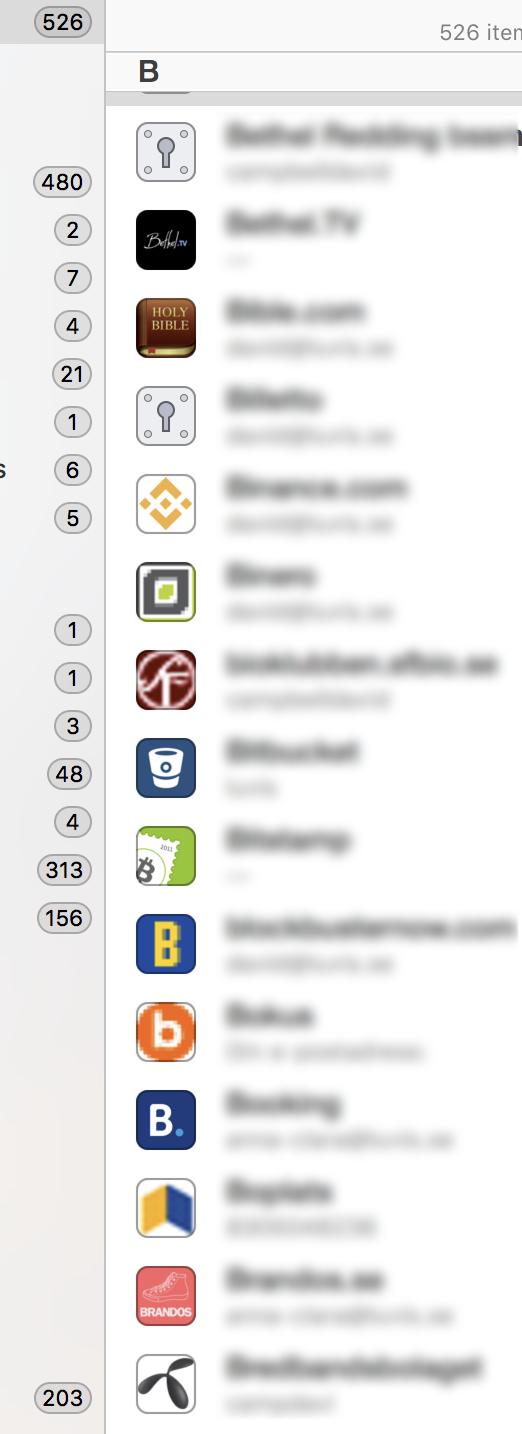
I'm happy that there's a beta for MacOS now. I was unfortunately sad to realise that enpass 6 doesn't grab favicons from homepages either. I was told that this was a feature of enpass 6 a while back while emailing with support. Is this something that will be added soon? This is the only reason I'm not using enpass yet. I have a hard time reading on a computer screen so for me, the automated favicons are a life saver since I'm able to distinguish them more clearly than I can read the titles. Now that most of the passwords for homepages have the same browser icon I have a really difficult time to distinguish between them. I don't feel like customizing 500+ icons on my own, it would take me the rest of my life to achieve. I attached an image just to prove my point. You can compare a "different" password manager where all favicons are generated. It makes it so much easier for me. These entries almost all start with the letter B and have the same icon in enpass. For me that becomes almost impossible to read. Hoping for a positive reply regarding this! Keep up the great work!