Skip to content
View in the app

A better way to browse. Learn more.

Enpass Discussion Forum

A full-screen app on your home screen with push notifications, badges and more.

To install this app on iOS and iPadOS
  1. Tap the Share icon in Safari
  2. Scroll the menu and tap Add to Home Screen.
  3. Tap Add in the top-right corner.
To install this app on Android
  1. Tap the 3-dot menu (⋮) in the top-right corner of the browser.
  2. Tap Add to Home screen or Install app.
  3. Confirm by tapping Install.

Ronald

Members
  • Joined

  • Last visited

Everything posted by Ronald

  1. Hi @Akash Vyas, As per your request, I have sent the full report to the email. Hoping to get an answer to the technical issue ASAP.
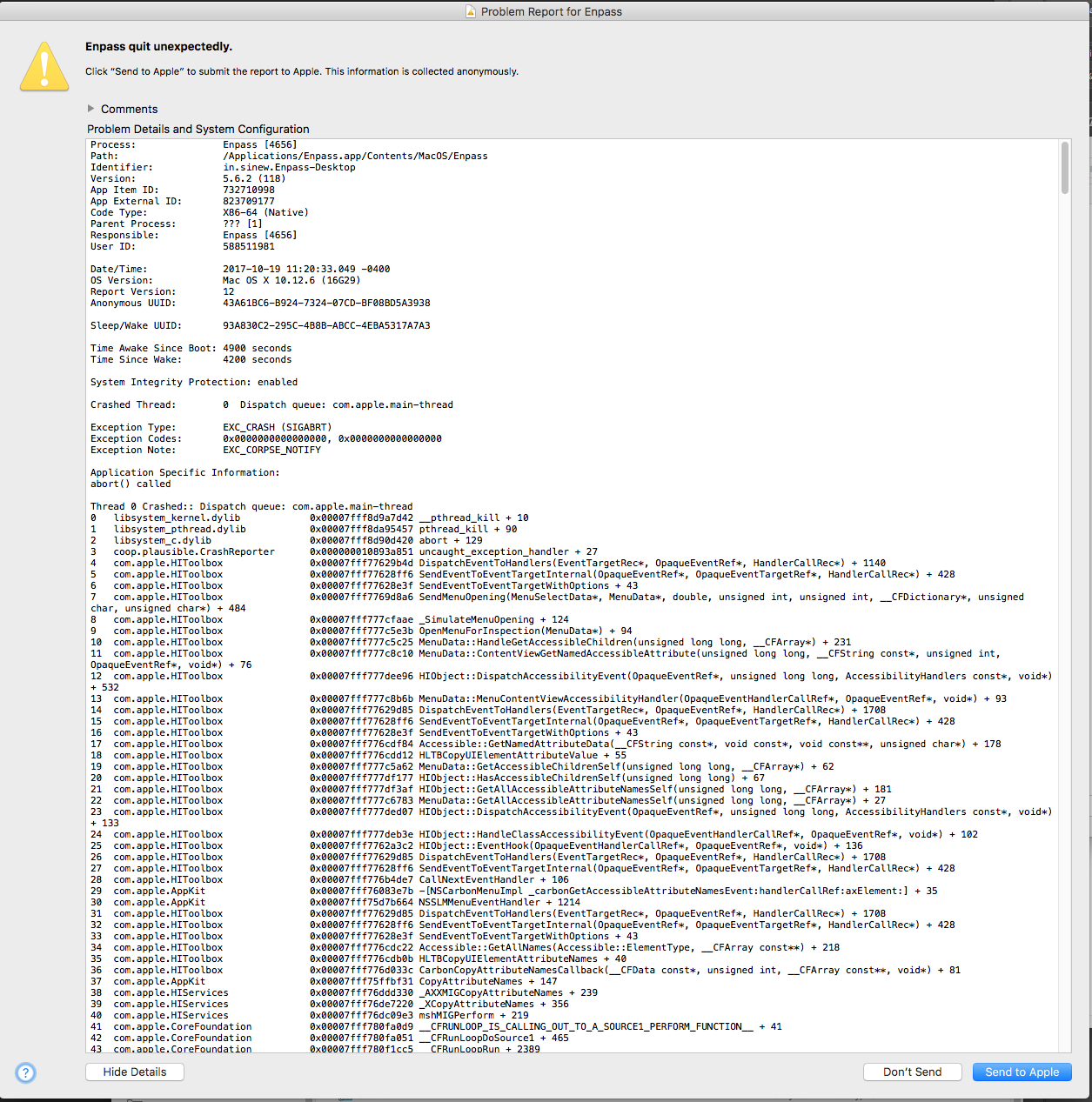
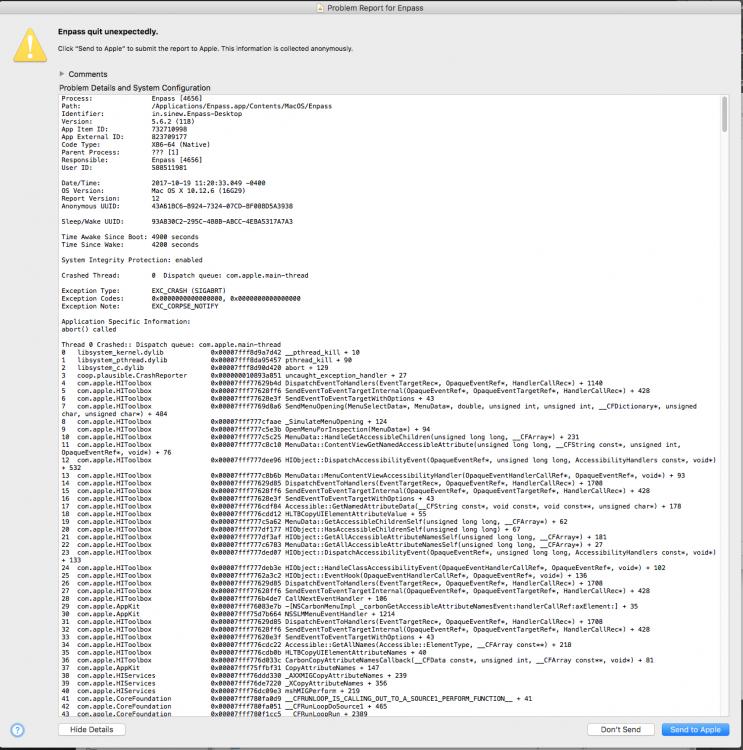
  2. Enpass Mac is crashing every time I try to edit the existing item, on macOS Sierra. Please see attached screenshot for the "Enpass quit unexpectedly report." Fyi, I have tried all the methods that I can think of, reinstalling the app after a full cleanup, disable the sync and even disabling the automatic backup. I am a paid member, not too sure if I am using the right form; please help to solve this issue. - Ronald

Account

Navigation

Search

Search

Configure browser push notifications

Chrome (Android)
  1. Tap the lock icon next to the address bar.
  2. Tap Permissions → Notifications.
  3. Adjust your preference.
Chrome (Desktop)
  1. Click the padlock icon in the address bar.
  2. Select Site settings.
  3. Find Notifications and adjust your preference.