

Skip to content
View in the app

A better way to browse. Learn more.

Enpass Discussion Forum

A full-screen app on your home screen with push notifications, badges and more.

To install this app on iOS and iPadOS
  1. Tap the Share icon in Safari
  2. Scroll the menu and tap Add to Home Screen.
  3. Tap Add in the top-right corner.
To install this app on Android
  1. Tap the 3-dot menu (⋮) in the top-right corner of the browser.
  2. Tap Add to Home screen or Install app.
  3. Confirm by tapping Install.

misteurz

Members
  • Joined

  • Last visited

  1. What about now?
  2. hi, can i have news about this issue? Thanx in advance
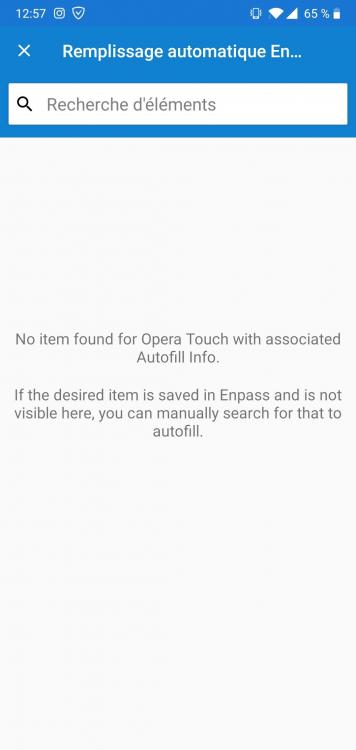
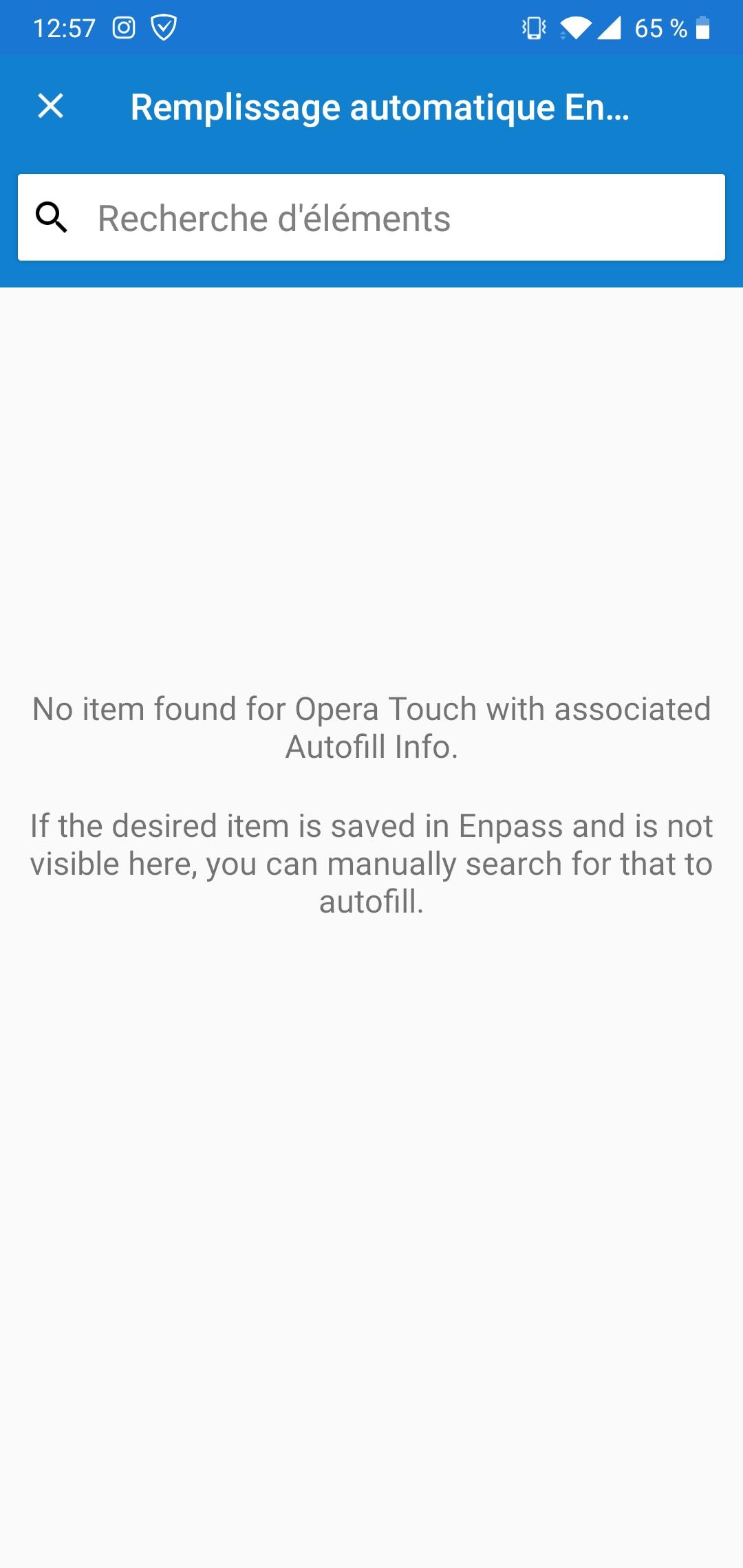
  3. Hi, i'm experiencing an issue with autofill in opera touch. Enpass sees when it has to enter a login and a password, but it can't find on which website i am. If i want enpass to autofill, i have to manually search the website. can you do something? thanks
  4. misteurz replied to misteurz's topic in Mac
    up?
  5. misteurz posted a topic in Mac
    Hi, I've just seen that desktop app has been updated. what's new in 5.6.10?
  6. perfect, because i want it too ;-)
  7. misteurz replied to misteurz's topic in Mac
    12 hours with 5.6.9 and the problem seems solved! thank you!!
  8. I'm thinking to switch to the website version too. Does the website version auto-update? or do we have to check on enpass.io so see if there is a new version?
  9. misteurz replied to misteurz's topic in Mac
    PLease... Let us know when this problem will be solved...
  10. misteurz replied to misteurz's topic in Mac
    Hi, it's really a problem you know? It happens so many times a day... that i'm thinking to leave enpass... Please, when will you fix that?
  11. misteurz replied to misteurz's topic in Mac
    great :-) thanks
  12. misteurz posted a topic in Mac
    Hi, one or two times a day, when i put my finger on the Touch id sensor, database is empty. sometimes it is when i try lo log in on the chrome plugin, sometimes when i login on the desktop enpass app. I have to close and relaunch the desktop app to recover the database. I have tried to delete everything and install everything again on my mac : enpass desktop, enpass plugin on chrome, enpass folder with saved data... What do you think?

Account

Navigation

Search

Search

Configure browser push notifications

Chrome (Android)
  1. Tap the lock icon next to the address bar.
  2. Tap Permissions → Notifications.
  3. Adjust your preference.
Chrome (Desktop)
  1. Click the padlock icon in the address bar.
  2. Select Site settings.
  3. Find Notifications and adjust your preference.