


rantanplan
Members
-
Joined
-
Last visited
-
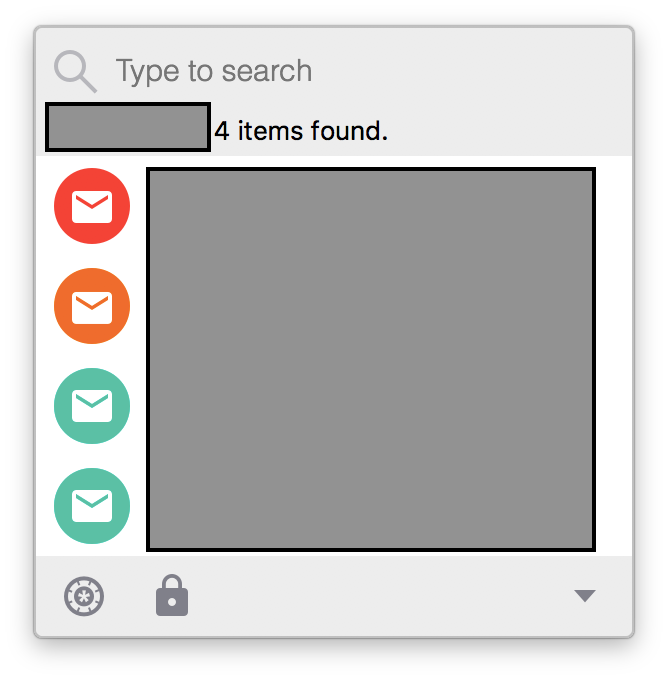
Hi I have a feature request respectively an idea. I support family members and friends. Therefore I have also stored the data of this persons also in enpass but I don't need this logins often. Therefore it is not very comfortable that when I need to login to a website that also all other login data will be provided. Attached to this post is a screenshot. Only one of the logins is my own account. The others are family members. Therefore It would be a good improvement to be able to separate them from my own data. Could be an option for the entrys like "Don't display" or put them in a separate location / database or similar
-
Hi Seems to be that the autofill function is not working for Synology Photostation login. URL: http://miracuruzrh.synology.me/photo I tried many different settings with password and username field type and url. Seems to be that the password and username is filled in the background. When then the login button on the page is clicked then the fields are filled out. But when opening the login overlay and then let en pass trigger the autofill then the fields aren't filled out. Any idea how to correct this?
-
Hi Is it possible to unlock the enpass Mac Desktop version automatically without typing the master password or PIN code with one of this methods? a) When my smartphone is nearby (based on GPS or present in the same WIFI or similar)? And automatic locking when the smartphone is out of range? or b) No typing of master password needed when a USB stick with a keyfile or similar is present on the machine? Otherwise I think I could move this post to the feature request section? Cheers Simon