zdravkos74
Members
-
Joined
-
Last visited
Everything posted by zdravkos74
-
I had the same issue today on my Linux PC and Samsung S9+ phone... for whatever reason both just started requesting for password on OneDrive data in order to sync. Same as others, I haven't re-encrypted the data using some different password. Tried to delete everything from OneDrive, remove application access for Enpass on OneDrive and then re-establish the sync, but that didn't help, so only switching to different cloud service (DropBox) solved it. Hopefully this is just temporary issue, because I really enjoy and appreciate the way Enpass just works... for years.
-
Same issue here, after update it keeps reverting to password.
-
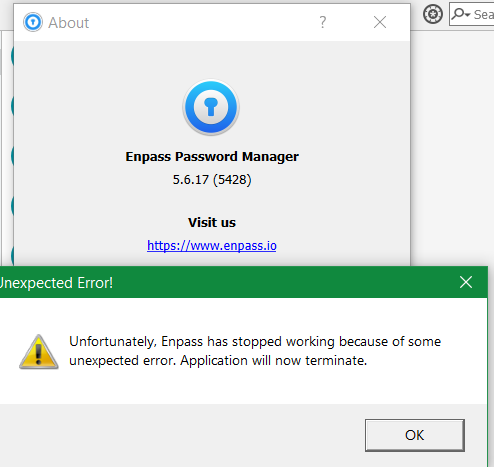
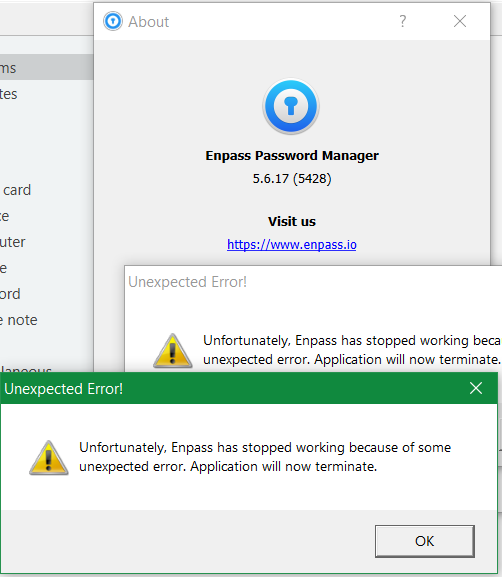
I have two nag screens asking me to click OK, and Enpass is still working just fine. Please fix, it's getting ridiculous! Application will now terminate... click OK... No, wait... now it will terminate for sure... just click OK. Please!
-
This is some stupid issue! If you don't click on "Unfortunatelly..." notification, it keeps working.