


Jens Goldhammer fme
Members
-
Joined
-
Last visited
-
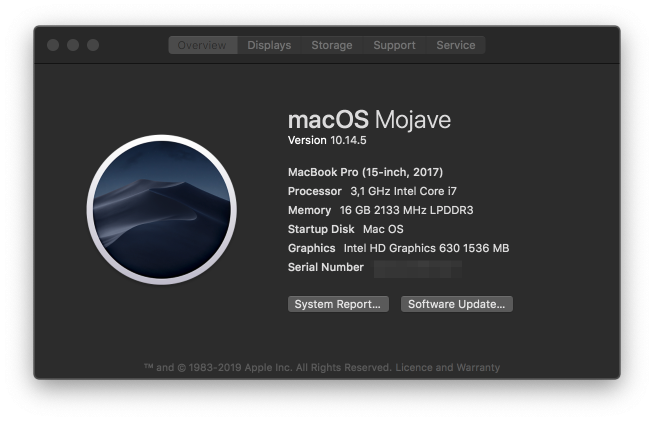
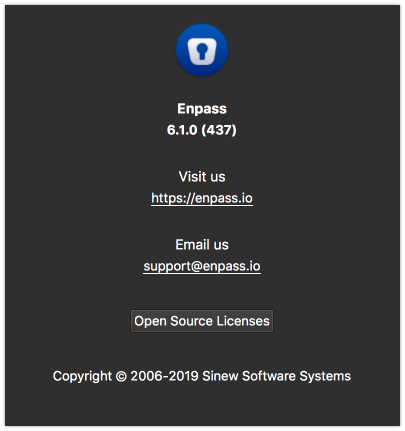
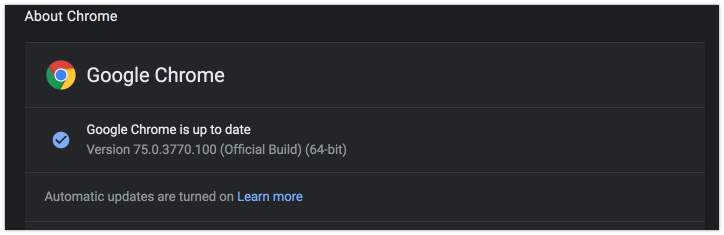
I have the same effect sometimes. Restarting helps, too! My combination is: Using Chrome 75, MacOS 10.14.5 and Enpass 6.1 (437)
-
I have tested it today and it was a good experience so far. Restore backup from Enpass 5 works great- everything was imported, tags are created correctly- nice! Safari, Chrome and Firefox Extension work as expected in general Save for a new item works Keyboard autofill works in most times- sometimes it does not work- I had to reset the keyboard shortcut in Safari Autofill for matching logins does not work at all- sometimes it does not autofill although the url is exactly the same Touch-ID works, but is not very user-friendly- I always have to click on the touch-id button in the login screen (same as Enpass 5) before we can use the fingerprint- can we hope for a better handling? Wifi-Sync, Emergency Kit and Check for Pwned passwords are greyed out- I expect that these things will be in the next beta... Suggestions: It would be nice to be able to collapse the sidebar. Please enable a visible drag&drop indicator for moving the sidebar - currently you do not see any changing mouse cursor Please show more icons by default instead of hiding them behind the burger menu (three dots)- for example, the history of a field could be shown besides the copy button or the edit button of an item. Filling basic auth dialogs in all browsers with the extensions do not work- is this correct? It does not work in Chrome even in Enpass 5.6 and not in Enpass 6 Env: MacOS 10.13.4 (17E199)
