lokdawg78
Members
-
Joined
-
Last visited
-
It would be great if we could get multi-factor authentication when entering in the master password, especially since most users are syncing with an online file repository of some type.
-
So I currently use Enpass 5.6.19 with a personal OneDrive account synced. When I try to sync Enpass 6.0.0 (72) to the same OneDrive account, not all of the items get synced. I'm only seeing 3 out of the 13 items. It also appears that items I update or add are not synced between different versions.
-
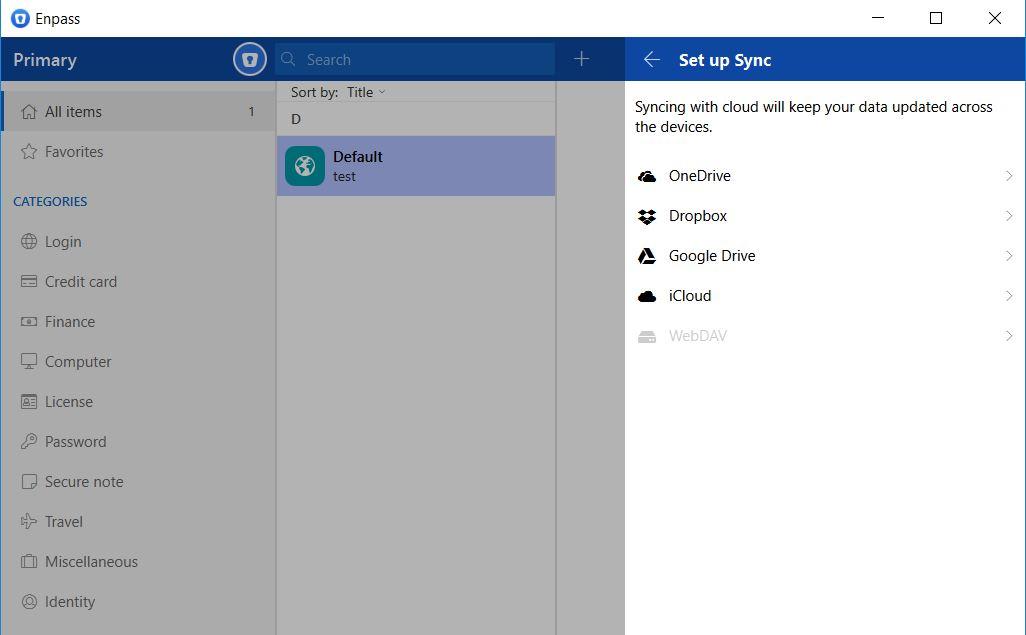
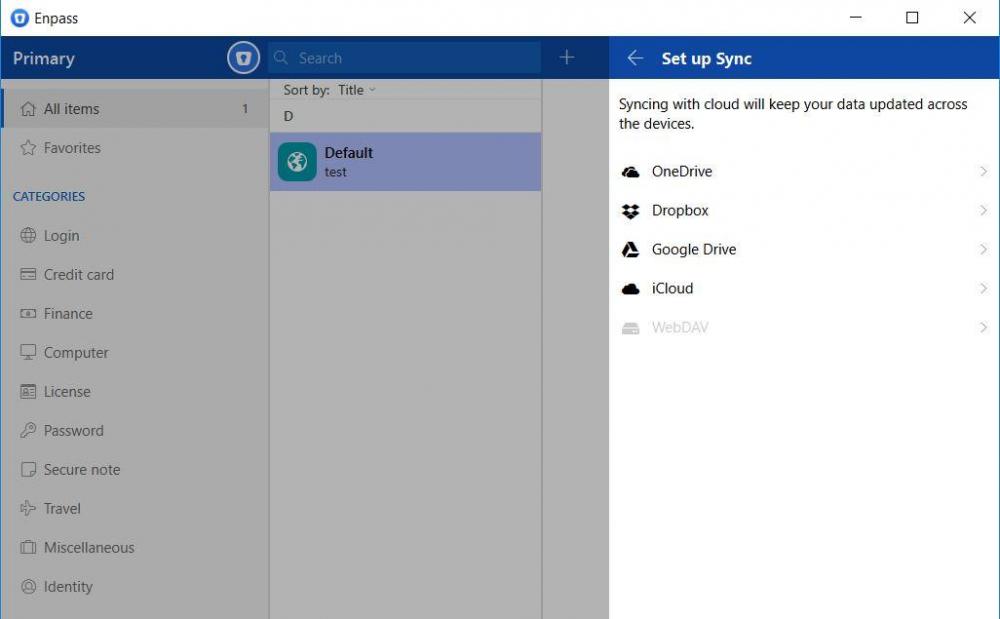
So I'm having an issue with the beta. I cannot sync with a webDAV connection because the option is grayed out. Also, OneDrive syncing only allows for a personal OneDrive account and not a 365 account.
-
I thought I saw somewhere in the forums that OneDrive 365/Business will be supported within Enpass 6. I downloaded the Beta for Windows, the Chrome extension and the Android app and I am unable to log into my 365 account. Is this something that is going to be implemented in the future or is there a setting I'm missing?