zorglups
Members
-
Joined
-
Last visited
Everything posted by zorglups
-
Hello @Anshu kumar, I'm not sure I want to apply your last suggestion as this would make my work computer using a copy which would soon get out of sync. Back to my previous comment, I now installed and enabled Dropbox on my computer but still cannot seem to be able to setup the sync. Do you need any log ? Thanks, Pierre
-
Oh !!! Maybe this is because I did not install Dropbox on my computer yet ;-)
-
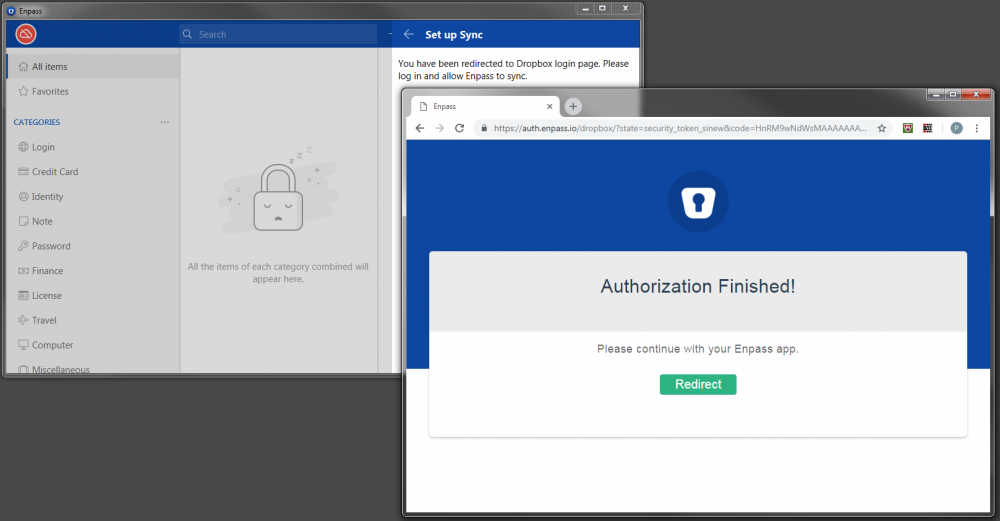
Hello @Anshu kumar, Thank you for getting back to me. I couldn't test this over the week-end hance the slight delay in my reply. I said to my new Win 7 instance of Enpass that I was a new user and created the new vault using the same master password. I then went to the synchronization and tried to enable it with dropbox. This opened the Dropbox page to let me authorize this which I did. From Dropbox view point, it says it is done so I clicked "Redirect" which brought the Enpass in the foreground. From Enpass though, it is like I did nothing. Sorry. What else should I try ? Pierre
-
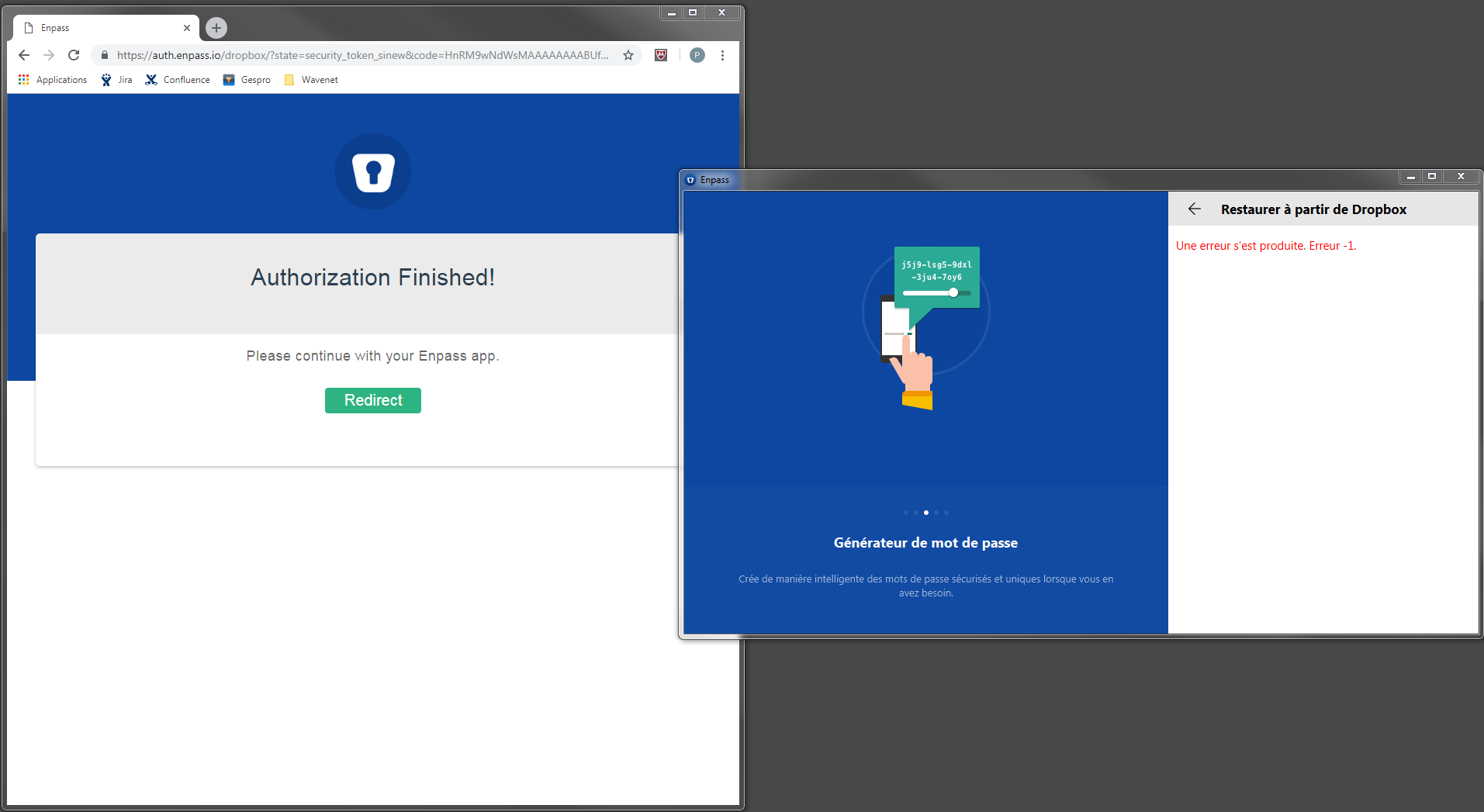
Hello, I joined this morning a new company and the first thing I tried installing on my "new" Windows 7 (64bits) is Enpass. I tried to restore my Vault from Dropbox. It opened the authentication page in Chrome and this went well. Nevertheless once I got the "Authorization Finished!" and clicked the "Redirect" button, Enpass gave the message "Une erreur s'est produite. Erreur -1." The vault on my Dropbox is accessed by at least 3 other Enpass instances without issue on Windows 10 and iOS. I already tried rebooting. Can you please help as I feel naked without Enpass ? Best regards, Pierre
-
-
Creating folders and moving folders were the 2 first things I tried after starting the evaluation of your solution. Do you have any ETA of this feature?
-
-