Skip to content
View in the app

A better way to browse. Learn more.

Enpass Discussion Forum

A full-screen app on your home screen with push notifications, badges and more.

To install this app on iOS and iPadOS
  1. Tap the Share icon in Safari
  2. Scroll the menu and tap Add to Home Screen.
  3. Tap Add in the top-right corner.
To install this app on Android
  1. Tap the 3-dot menu (⋮) in the top-right corner of the browser.
  2. Tap Add to Home screen or Install app.
  3. Confirm by tapping Install.

matz

Members
  • Joined

  • Last visited

  1. My Phone is up2date, all Apps are up2date and I don't use any Beta atm.
  2. Hi, I've the same issue. I already tried to reinstall, but I changed the Mail Adress of my Apple-ID in the meantime, so I think I cannot restore :-/ Any ideas?
  3. matz replied to matz's topic in Desktop
    Hi @Anshu kumar nice, thank you :-)
  4. matz posted a topic in Desktop
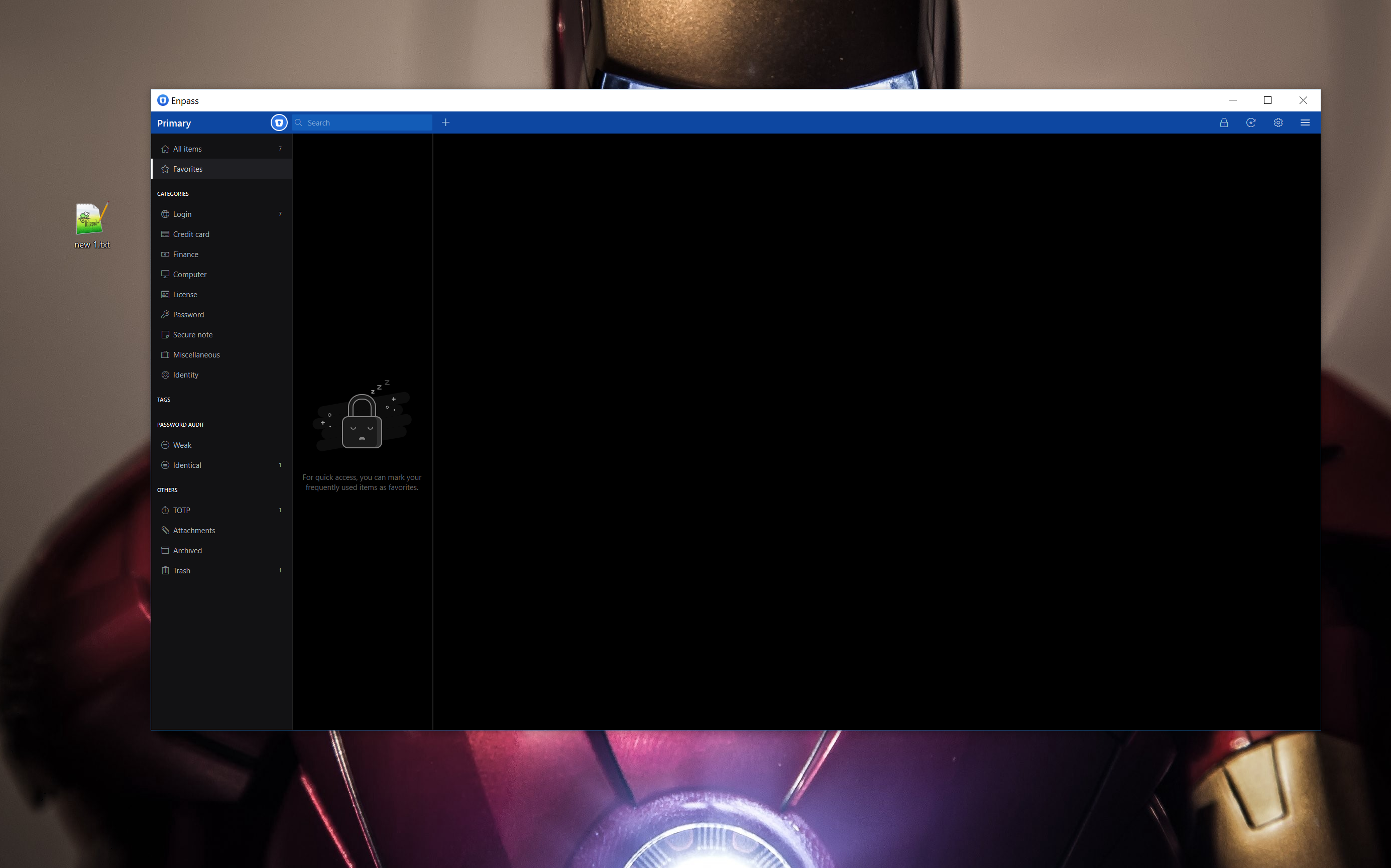
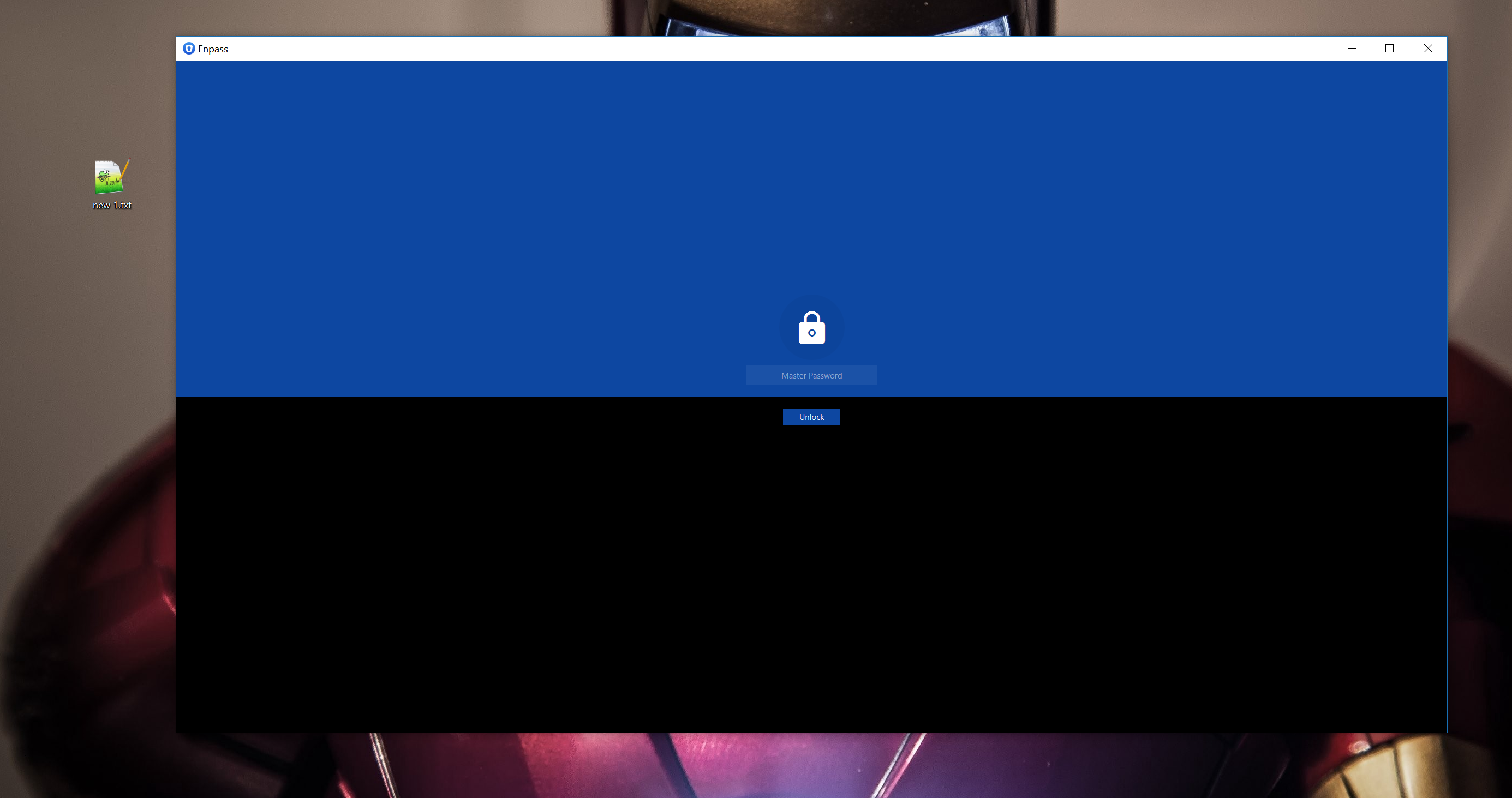
    Hi, I'm using Enpass Beta on Windows 10 with a 4K Display. The app does not scale correctly. I use a screen resolution of 3840 x 1260 and 150%. I already set QT_AUTO_SCREEN_SCALE_FACTOR=1 QT_SCREEN_SCALE_FACTORS=1.5 but same behavior and reinstalled enpass multiple times. I attached 2 screenshots. Hopefully anyone has an idea.
Account

Navigation

Search

Search

Configure browser push notifications

Chrome (Android)
  1. Tap the lock icon next to the address bar.
  2. Tap Permissions → Notifications.
  3. Adjust your preference.
Chrome (Desktop)
  1. Click the padlock icon in the address bar.
  2. Select Site settings.
  3. Find Notifications and adjust your preference.