Michiel
Members
-
Joined
-
Last visited
Everything posted by Michiel
-
Everything works again thanks for the help
-
Never mind... found it.
-
ok, and how do i get the new beta, because when i go to google play and beta there are no updates available for Enpass
-
For the moment the version on my android device is the beta version from 28/10 -- 6.0.0.75
-
@Meister, this did solve my issue but created a new one that my sync doesnt work with onedrive. My items from my pc are not synced to my android I found the problem the new beta uses "apps\enpass" folder for sync and the android beta is looking at "apps\enpass beta"
-
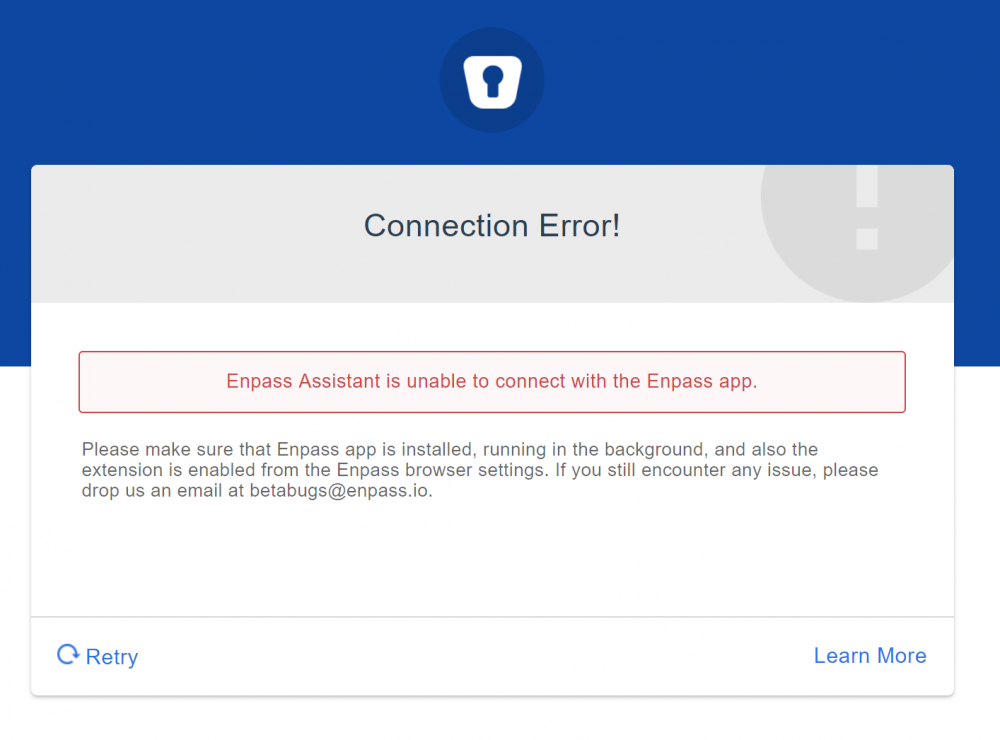
Hi, I cannot use any browser extension on my computer anymore i keep getting "Enpass assistant is unable to connect with the Enpass app" What have I done to try and solve this in chrome Reinstall Chrome plugin Enable / disable browser plugin in enpass Reinstall Chrome Reinstall Enpass Remove “.sync”and “.settings” in my enpass folder Reboot Full cleanup of enpass and chrome including manual cleanup ( Registry entries, folders, appdata...) Tried Edge but i get the same error... Enpass desktop version: 6.0.0 (149) Chrome Plugin: 6.0.0.56 Any advice on how to solve this?
-
I have exactly the same issue. Enpass is running and unlocked during my tests What have I done to try and solve this: Reinstall Chrome plugin Enable / disable browser plugin in enpass Reinstall Chrome Reinstall Enpass Remove “.sync”and “.settings” in my enpass folder Reboot Full cleanup of enpass and chrome including manual cleanup ( Registry entries, folders, appdata...) But nothing worked!