Skip to content
View in the app

A better way to browse. Learn more.

Enpass Discussion Forum

A full-screen app on your home screen with push notifications, badges and more.

To install this app on iOS and iPadOS
  1. Tap the Share icon in Safari
  2. Scroll the menu and tap Add to Home Screen.
  3. Tap Add in the top-right corner.
To install this app on Android
  1. Tap the 3-dot menu (⋮) in the top-right corner of the browser.
  2. Tap Add to Home screen or Install app.
  3. Confirm by tapping Install.

szykov

Members
  • Joined

  • Last visited

  1. Update! Restarted the entire system and it worked.
  2. @Vinod Kumar I tried in IE11 and in Chrome latest version (71.0.3578.98 (Official Build) (64-bit)). WIndows 10 (1709). No difference. It's fine. You guys did a great job. Huge update and bugs are expected.
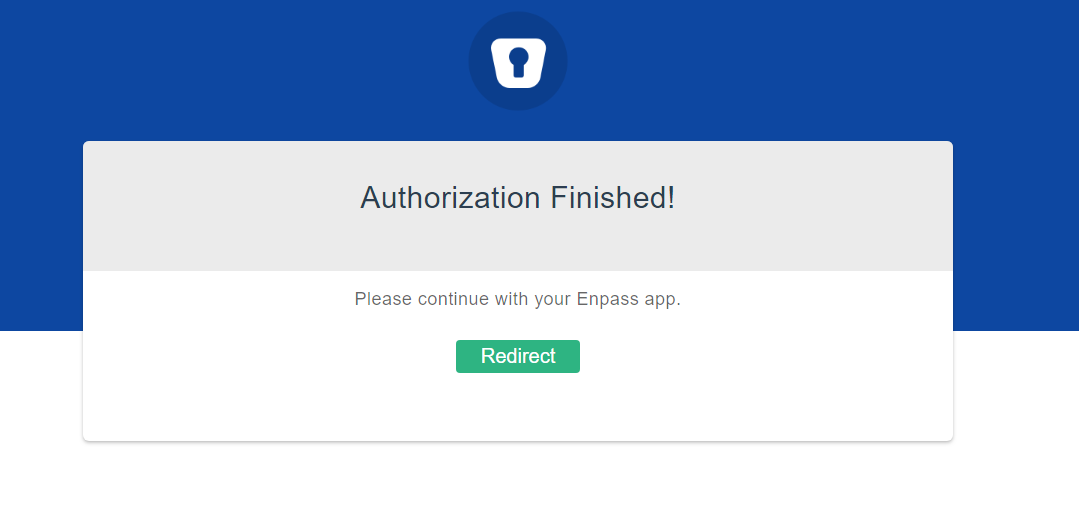
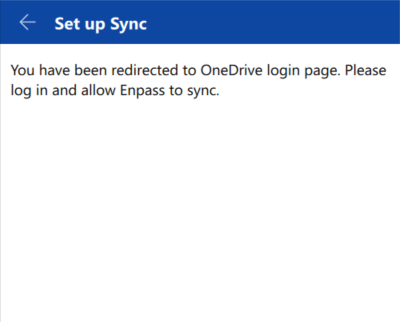
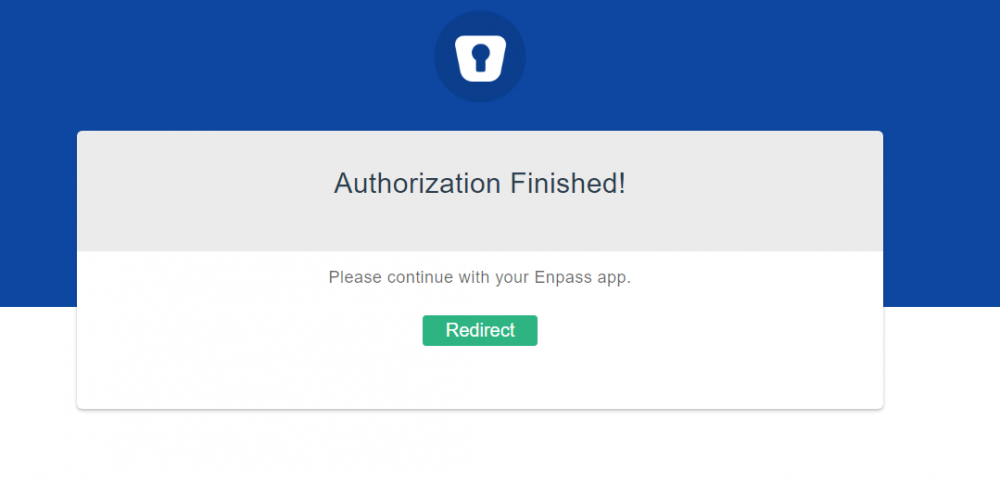
  3. Hi folks. Windows (not store version) stopped syncing with onedrive after upgrade to 6 version. I click Redirect but it doesn't help at all. Thanks.
Account

Navigation

Search

Search

Configure browser push notifications

Chrome (Android)
  1. Tap the lock icon next to the address bar.
  2. Tap Permissions → Notifications.
  3. Adjust your preference.
Chrome (Desktop)
  1. Click the padlock icon in the address bar.
  2. Select Site settings.
  3. Find Notifications and adjust your preference.