Dexter007
Members
-
Joined
-
Last visited
-
I figured out my issue. On Win10 x64 you cannot continue to upgrade and run the x32 desktop 6.x version. You must uninstall it and download and use the Windows store version that supports x64. The 32bit desktop version for Win 7+ was the problem even though I was successfully using the 5.x.x version for the past several years. Once I installed the Windows Store version, Sync was able to initiate and complete right away.
-
I figured out my issue. On Win10 x64 you cannot continue to upgrade and run the x32 desktop 6.x version. You must uninstall it and download and use the Windows store version that supports x64. The 32bit desktop version for Win 7+ was the problem even though I was successfully using the 5.x.x version for the past several years. Once I installed the Windows Store version, Sync was able to initiate and complete right away.
-
jfjunior, How did you end up getting the windows desktop version to sync with Google Drive. I successfully authenticate and allow Google access but it never actually establishes a sync connection.
-
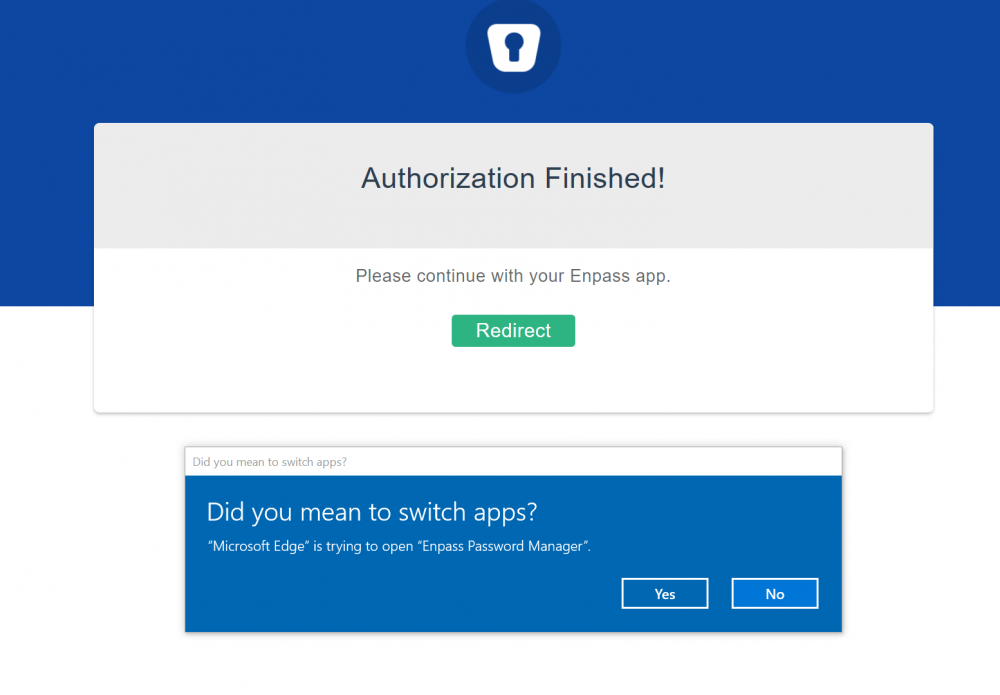
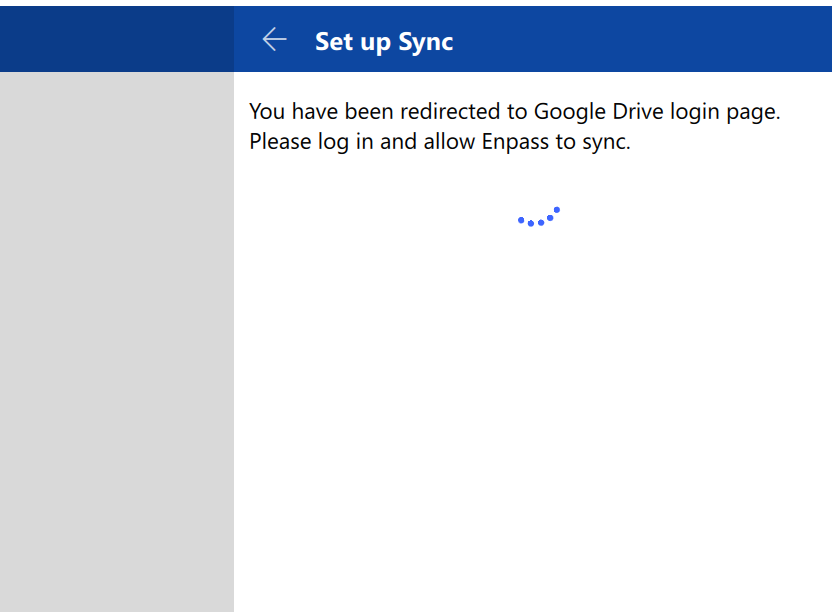
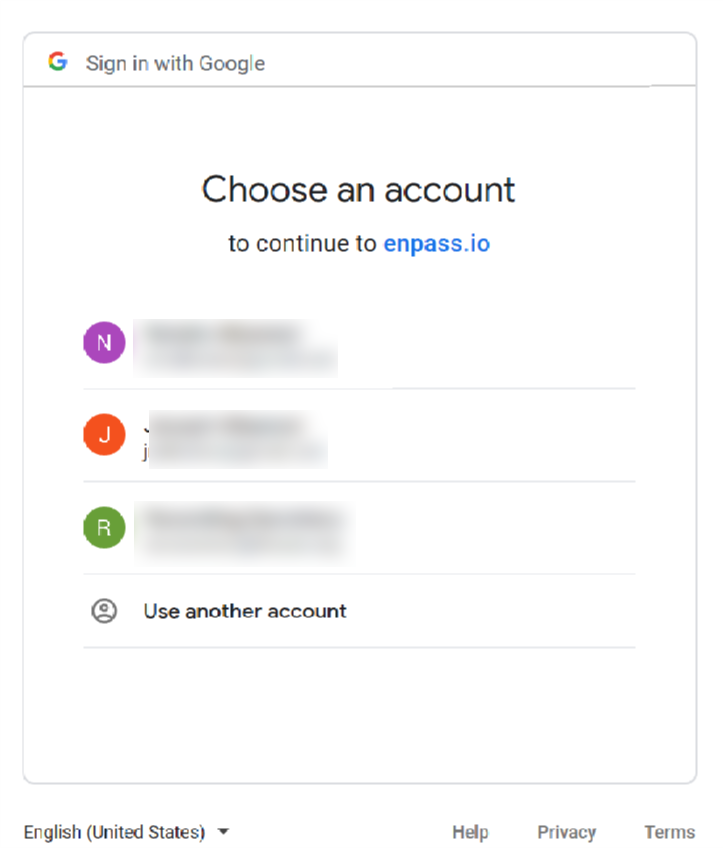
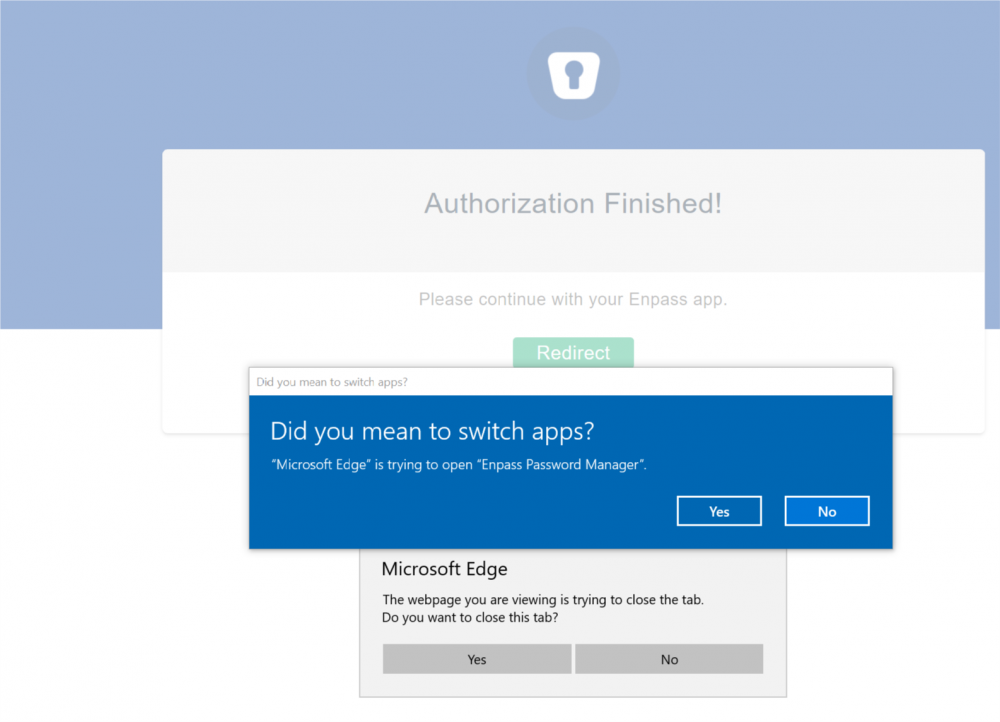
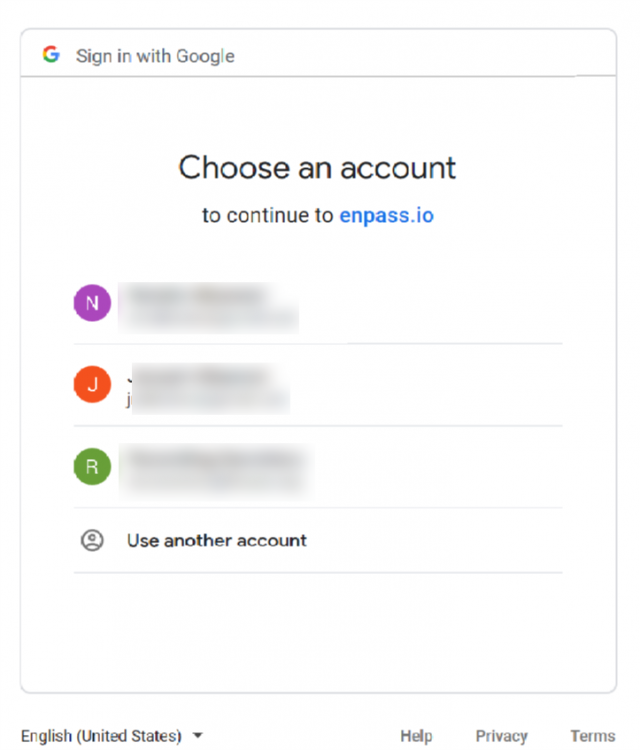
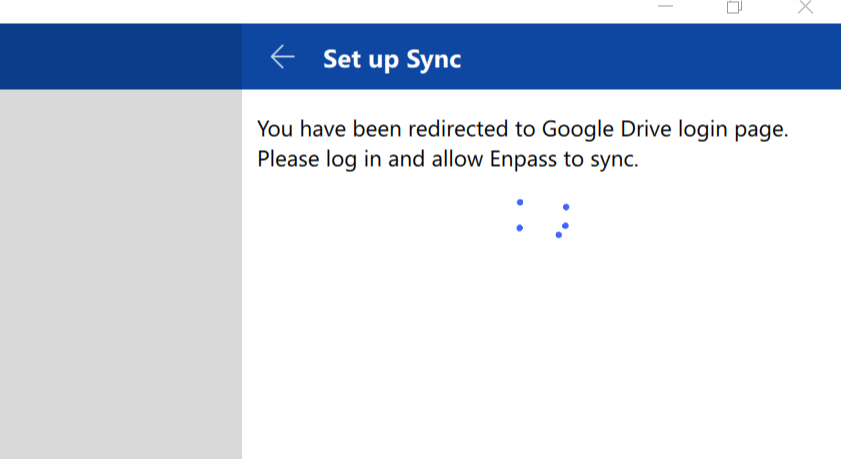
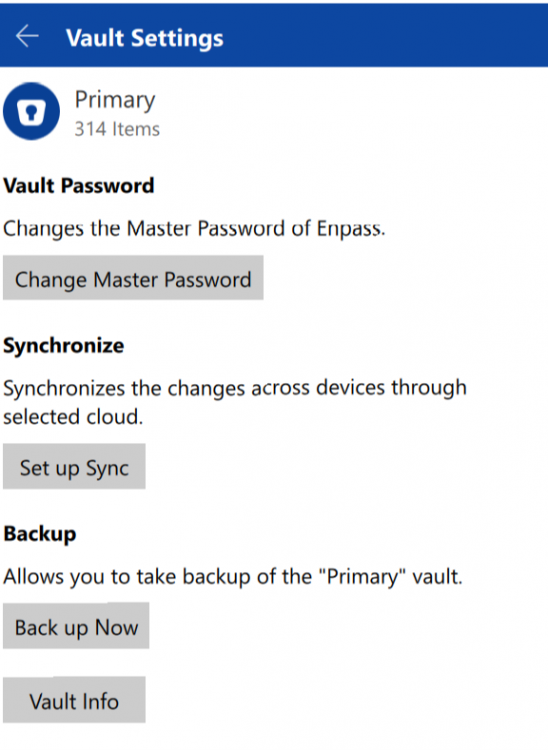
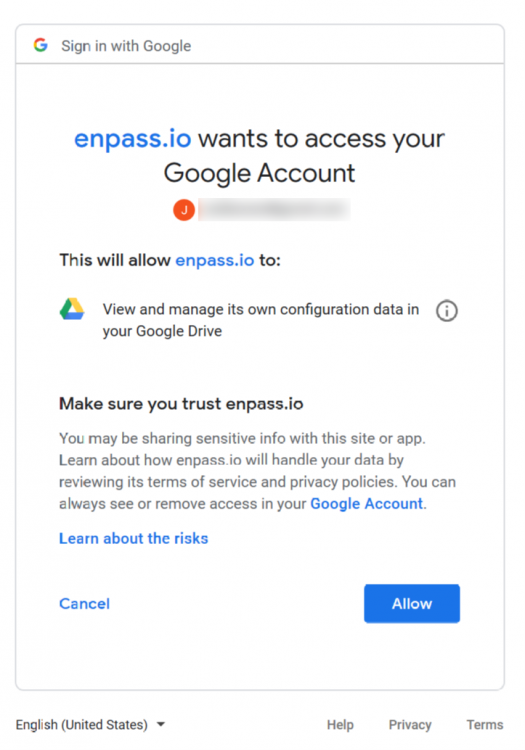
Vinod, I was able to install \ upgrade the desktop version. However, I cannot establish a permanant sync connection to Google Drive. After tring to Setup Sync from the desktop version and Vault Settings, it does successfully authenticate to the Google API. But never establishes the connection to the application. Please see the end to end process in pictures
-
Desktop version will not sync with Google Drive either; even after authenticating the API
-
After installing the newest 6 update, Enpass Windows 10 desktop version will not sync with Google Drive. When Sync is initiated, it goes through the process of connecting and authenticating the API, but it never completes the process within the desktop app.