Michał
Members
-
Joined
-
Last visited
-
Same for me. Yesterday I had long discussion with Vinod Kumar from the Ipass team. He apologised a lot and suggested me to send crash report. Seem they do not consider it as imortant issue and refuse to acknowledge its critical issue. They were unaware the issue exists, even I wasnt the first one who claimed it. As he said, we should wait...
-
Sam efor me. It crashes each approach to synch existing databse of the prwvious version
-
And please acknowledge its BIG desaster for me. Im currently cutted of from my bank accounts, media providers etc. Its of course my stupidity I put so much trust in the company like you, but it do not release you from responsibility of doing such harm ! Why didnt you allow users to work on older version unless the new one is tested by them ?
-
I did it already. However I do not understand how I get the feedback since I wasnt logged to enpas wehn creating the report?
-
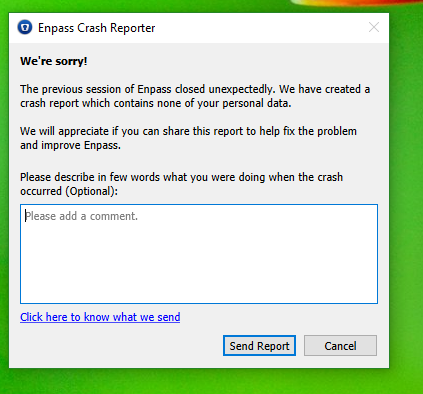
Vinod yes this instruction partially works hovever its far from what is written on FAQ. Nevertheless when I followed what you wrote, when selecting backup file and running restore the final result is sudden crash with no any visible sign of it. Enpass just desapeare. When trying to launch enpass again, the following screen appeares
-
Nope, it does not
-
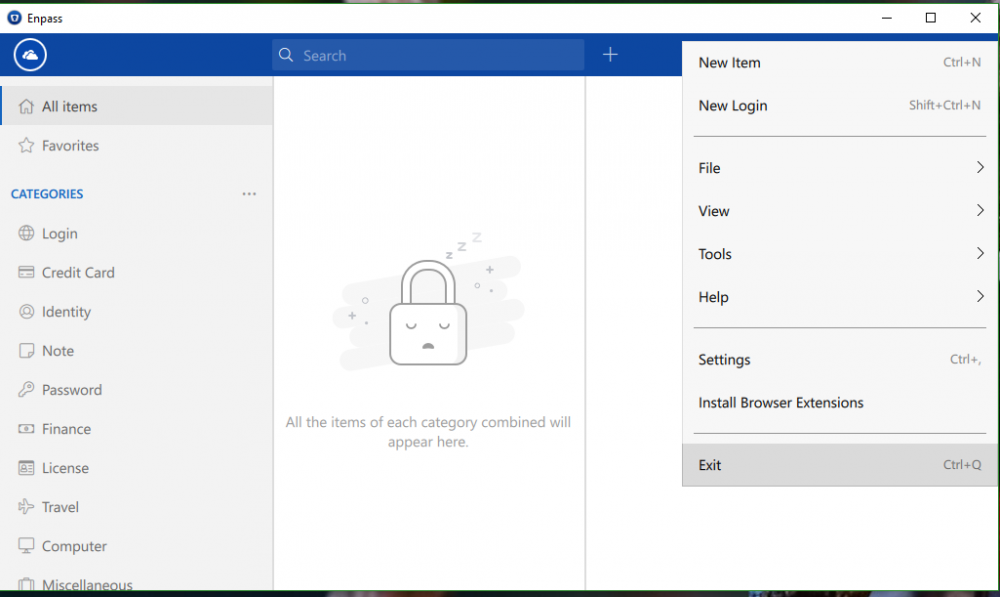
there is prntscreen of it
-
you mean microsoft store? in such case yes, microsoft store
-
I wrote already the instruction which exists in FAQ reffers to the fucnction which do not exists. I browse enpass 6 since an hour and there is no "local storage" or "restore from backup" function in any place of the menu. Could you please write here, the chain of buttons menu I have to click in order to find mysterious "restore from the backup " button ?
-
There is no restore function in that whole 6.0 application. HGow can i try to restore if there is no restore option in the menu ? instruction on FAQ shows screen wchih do nort extst in enpass 6.0!