Skip to content
View in the app

A better way to browse. Learn more.

Enpass Discussion Forum

A full-screen app on your home screen with push notifications, badges and more.

To install this app on iOS and iPadOS
  1. Tap the Share icon in Safari
  2. Scroll the menu and tap Add to Home Screen.
  3. Tap Add in the top-right corner.
To install this app on Android
  1. Tap the 3-dot menu (⋮) in the top-right corner of the browser.
  2. Tap Add to Home screen or Install app.
  3. Confirm by tapping Install.

nduckste

Members
  • Joined

  • Last visited

  1. Thanks. Any ETA on v6.1?
  2. Having the same issues. I've tried completely wiping DropBox from my machine, using different browsers, rebooting, etc.
  3. I'm having the same issue with DropBox on a Windows 10 machine and not getting any support.
  4. Same issue. I got it to work on my widnows laptop but not my windwos workstation. Version 6.0.2 (240)
  5. I had tried that at and at first it appeared to have sync. But after a couple seconds it just spins and it isn't synching at all. I've also tried it with other browsers. Other ideas? Nick
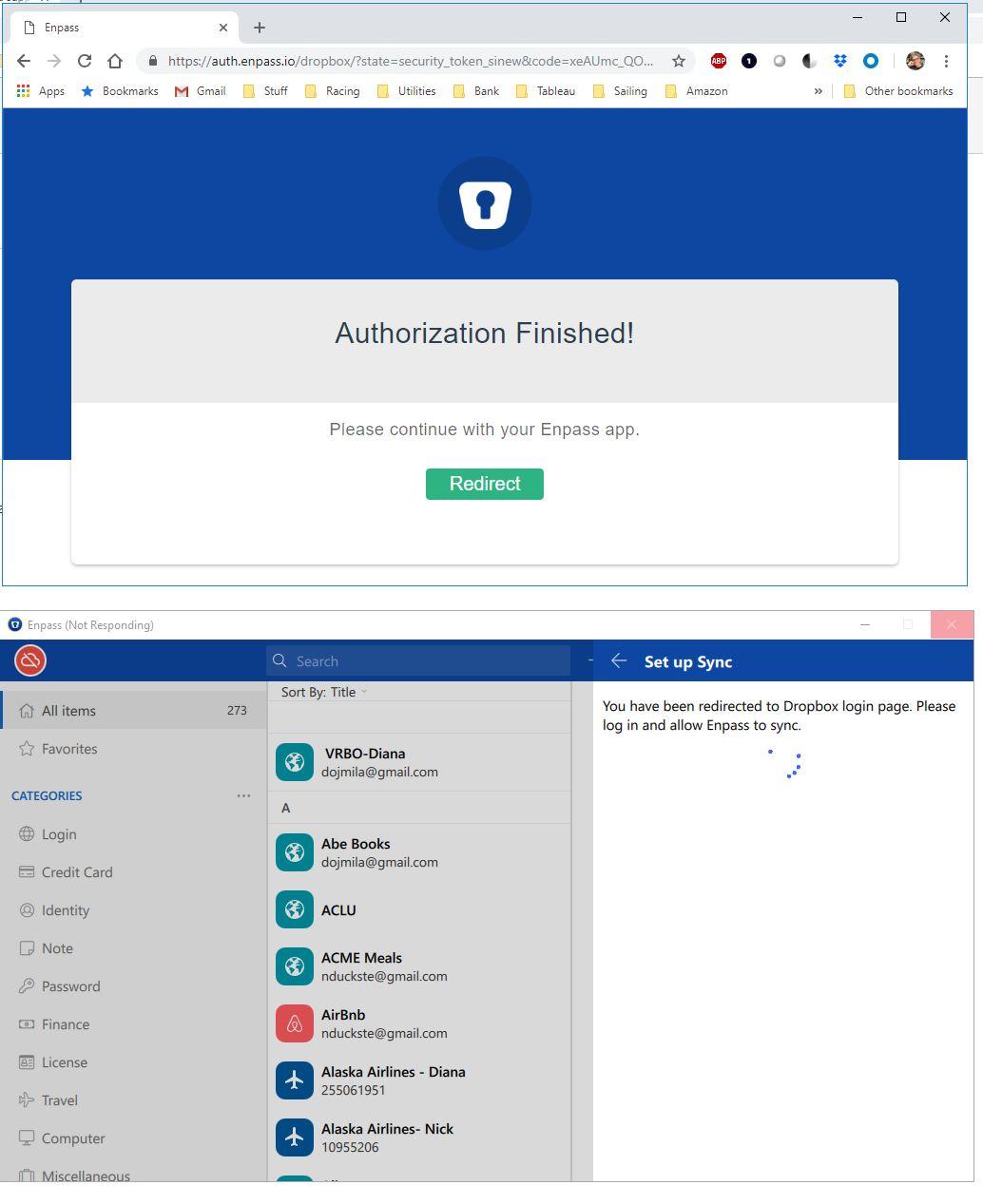
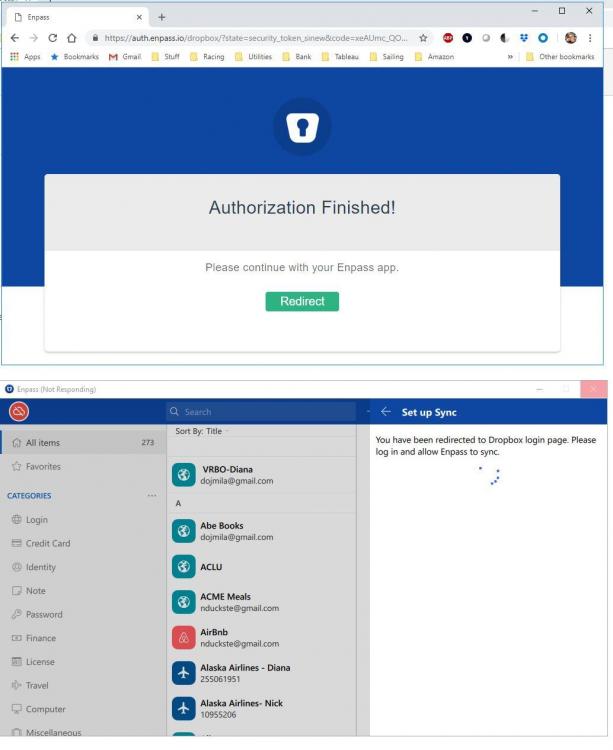
  6. I recently upgraded to enpass 6.0.0 (230). Enpass syncs with DropBox and I have been able to sync it with multiple different devices: iPhone iPad Windows 10 Laptop However, I'm not able to sync with a Windows 10 workstation or new MacBook Air. The login to drop box works on the browser, but then enpass just spins trying to sync. Any ideas? Screen shot attached.
  7. I was having similar issues synching OneDrive with my Windows Desktop (Windows 7). Sync works great with iPhone and iPad. On my desktop I disconnect my account and reconnected it and it synced up great. I hope that helps. Nick

Account

Navigation

Search

Search

Configure browser push notifications

Chrome (Android)
  1. Tap the lock icon next to the address bar.
  2. Tap Permissions → Notifications.
  3. Adjust your preference.
Chrome (Desktop)
  1. Click the padlock icon in the address bar.
  2. Select Site settings.
  3. Find Notifications and adjust your preference.