Vipul
Members
-
Joined
-
Last visited
Everything posted by Vipul
-
I did that, More then twice. Same stuff nothing gets resolved.
-
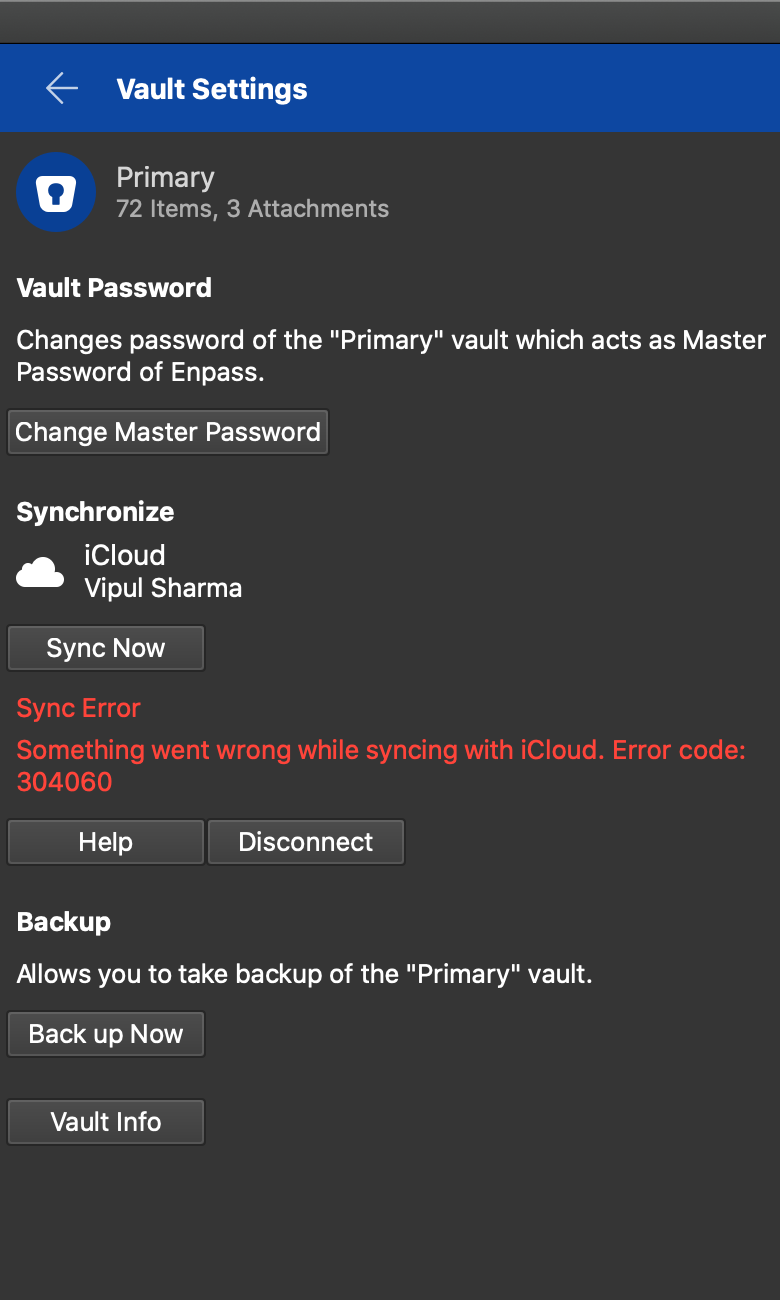
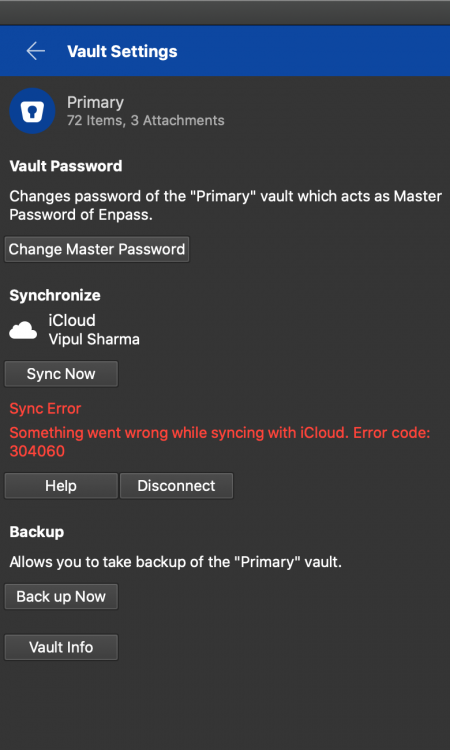
No wonder I should setup my own dev,qa,sta,pre-prod ENV, Before I go ahead and update stuff. I was not able to open the page on Safari, So the latest update ( Before this Version ) came by & It all started working. After release. 6.4.1 (642) - It stopped working again. I changed the browser's & Made Chrome the default, it opens the page on Chrome, But after logging - I have faced error code attached as a screenshot. Can this be resolved, I also advised, A proper testing should be there before these releases go out - A lot of dissatisfied customers from Enpass have moved on.
-
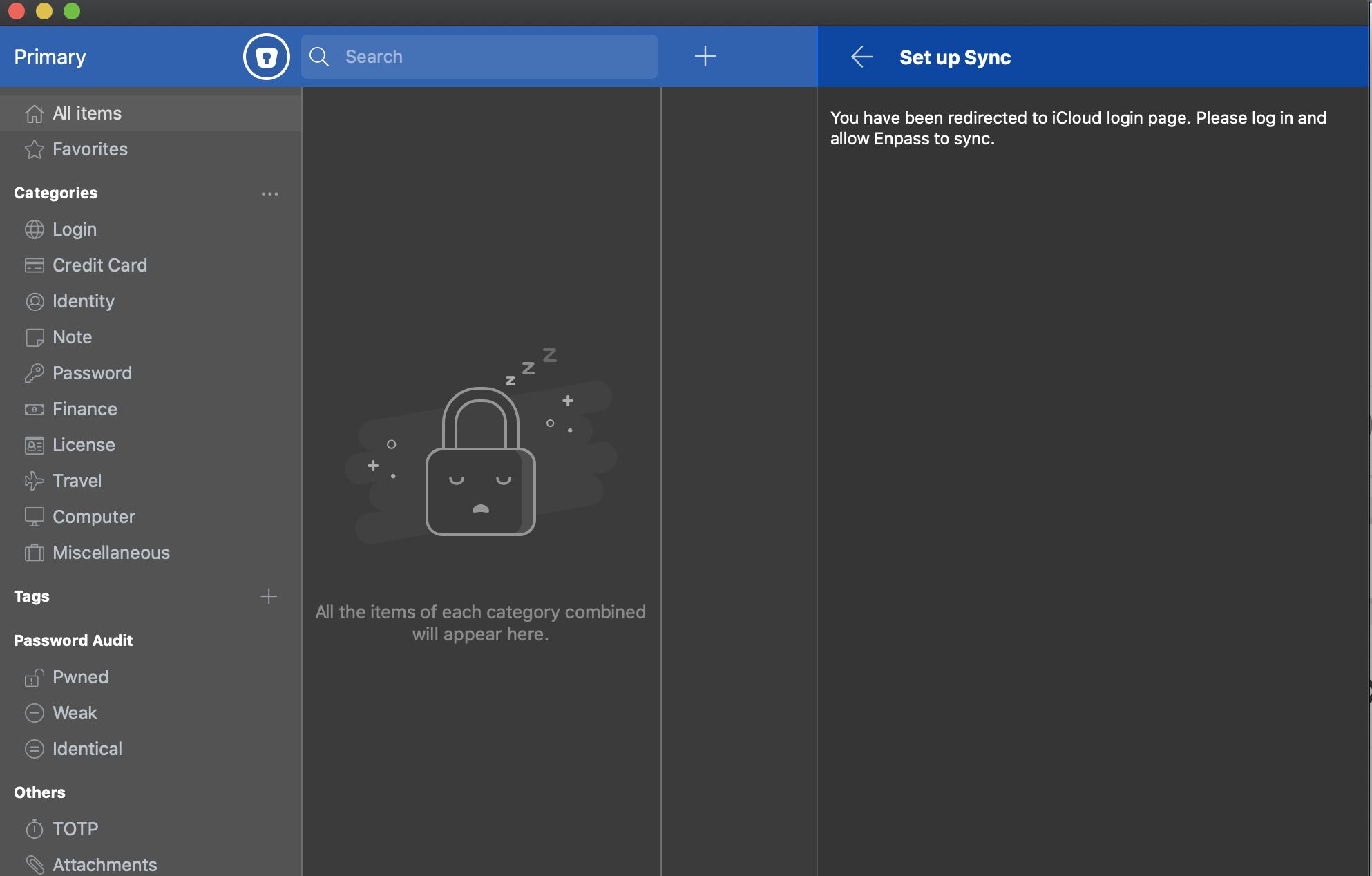
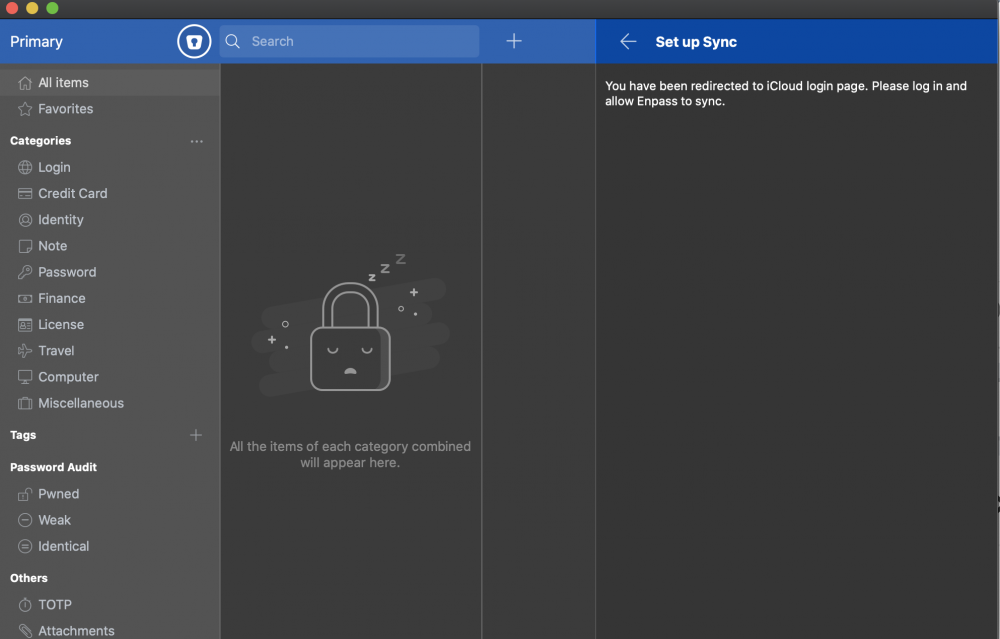
After setting up the new vault - It never opens the icloud login page on clicking 'Setup sync' - Attached is the image Enpass details - Version - 6.3.3 (584) Date & time settings are automatic & set as - time.asia.apple.com OS Version - Catalina MacOs 10.15.2 (19C57)
-
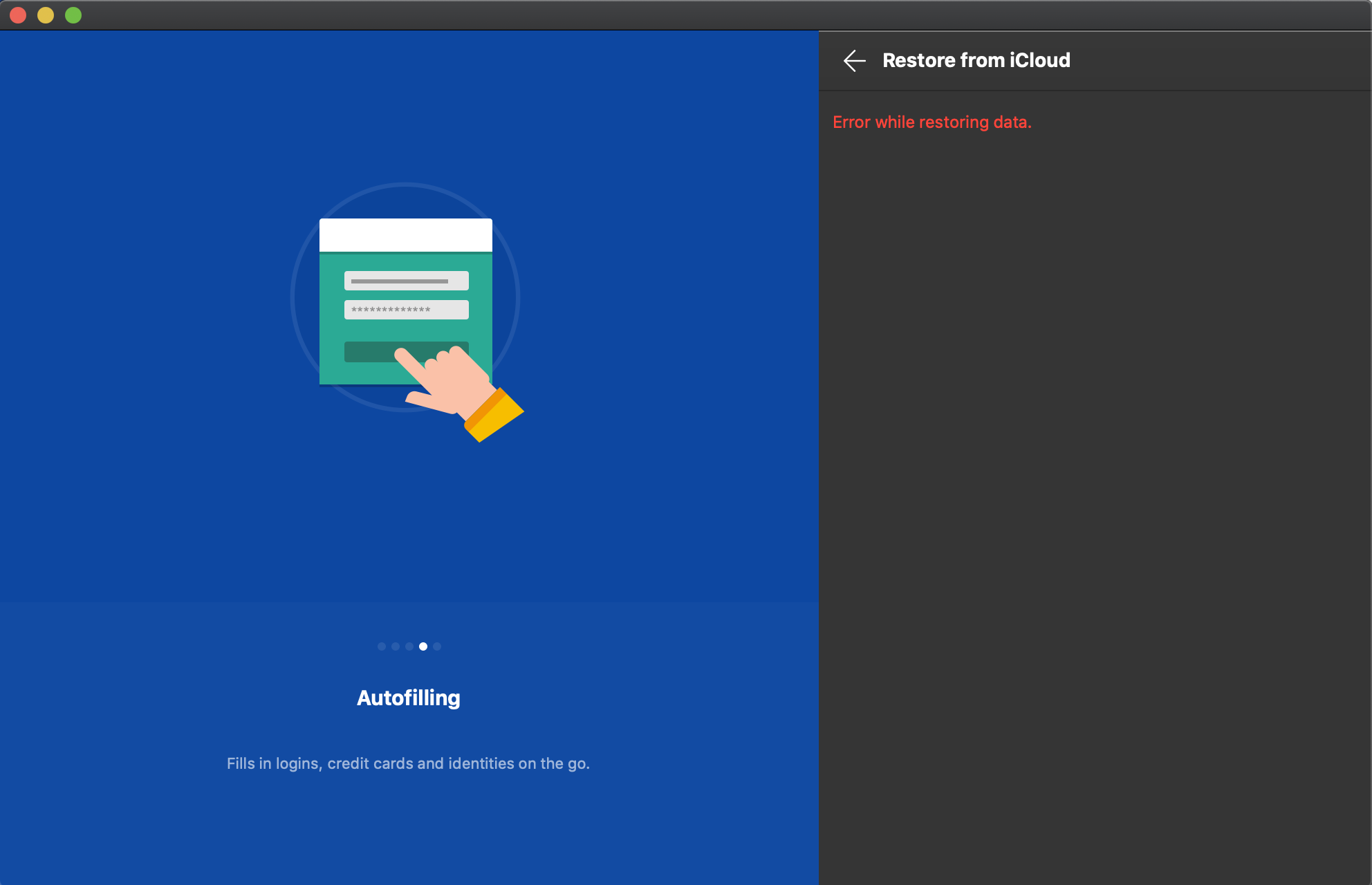
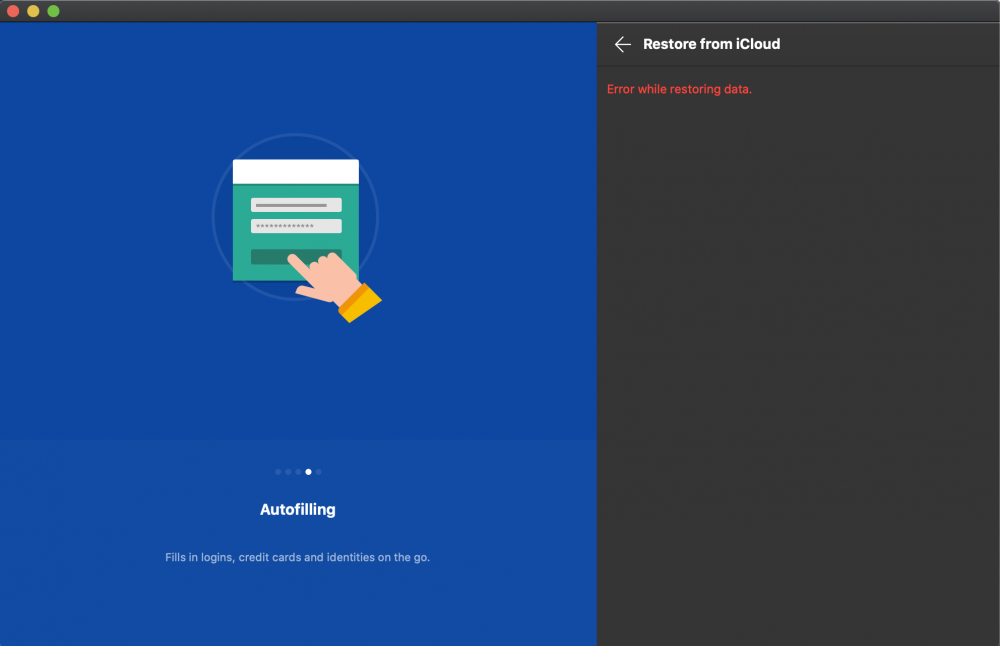
Hi, I am unable to restore anything from Icloud - Whenever i click on "Restore from icloud" - It throws an error. Attached is the screenshot.
-
Hi @Anshu kumar It has been almost 2 months, Problem very much remains the same - Can you kindly reply back ???? Thanks
-
Hi @Anshu kumar Any ETA when this will put in the release cycle ? Thanks
-
I also agree with above Developer comments - I was never a paid user for enpass & recently i decided to become a paid member, I would say, I was tricked as they released a paid feature for MACOS using fingerprinting. Nevertheless, Since the day i actually brought it, I never felt happy how dev's/qa team in enpass does their work. Every version have bugs - Sometimes it messed up browser-auth feature or sometimes the way it syncs. Not to be a promoter of 1P which my org. uses for password management & which never broke at all while using. It is quite advisable to point out, That team enpass needs better QA TEAM and should have awesome Test-Automation Suite & Smoke Tests to eradicate such errors. It's a good product, Don't kill it - Please.
-
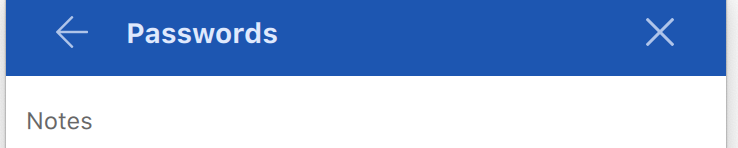
Hi, After the recent release - I'm unable to copy from enpass when opened in 'Windowed Mode' [ alt+command+e ]. This is happening only if you are copying something from NOTES FILE using command+c. In order to copy anything, I have to go ahead and open the complete enpass application and click on the edit to open the NOTES.