MarkMark
Members
-
Joined
-
Last visited
Everything posted by MarkMark
-
It's OK. Thanks
-
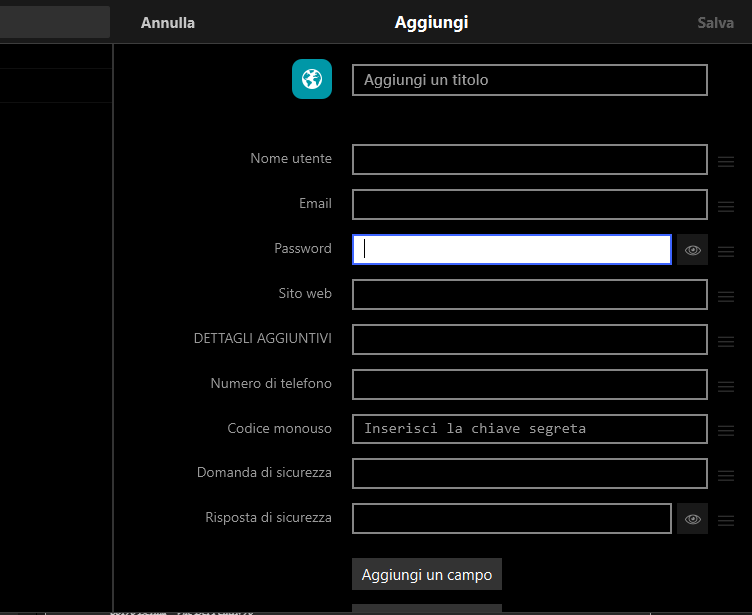
when I create a new element, the password field is not seen as a password field so it does not allow the automatic generation of the password
-
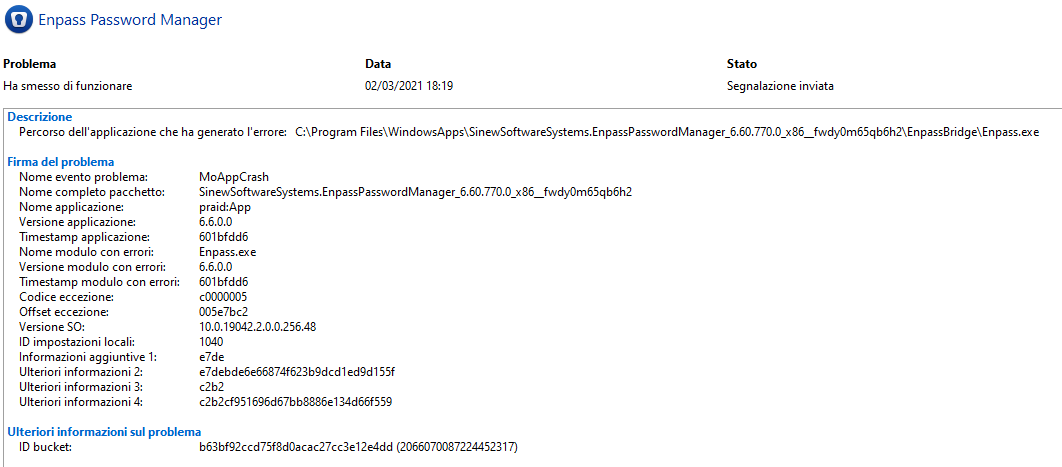
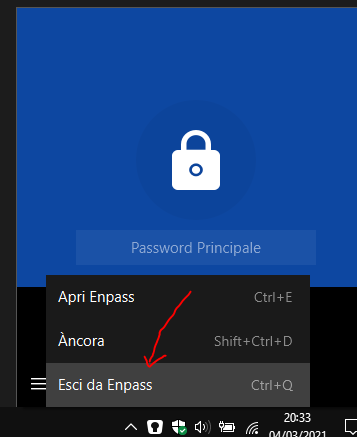
i think when i close enpass in traybar
-
Enpass 6.5.2.404 Microsoft Swiftkey 7.6.6.11I have activated the empty clipboard function. But the passwords remain stored. I use Lg G6 with Android 9why does enpass connect to the remote computer 54.72.59.199?
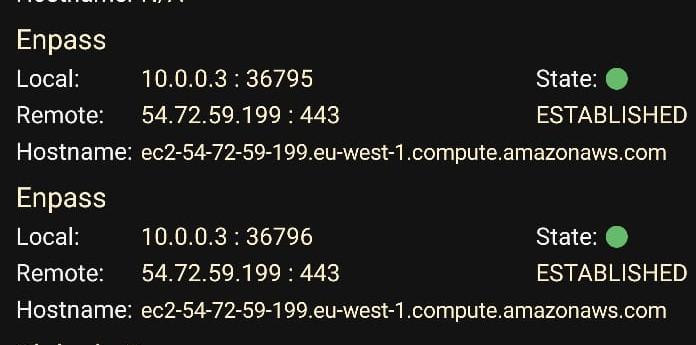 When I copy and paste passwords, these are stored in the clipboard for weeks. This is a very serious bug that makes the application initializable. Any app can read passwords from the clipboard? P.S: I use Enpass 6 on LG G6 with Android 8 and Enpass 6 on LG G4 with Android 6.