PedgE
Members
-
Joined
-
Last visited
-
Fix This fixed the problem. Cheers
-
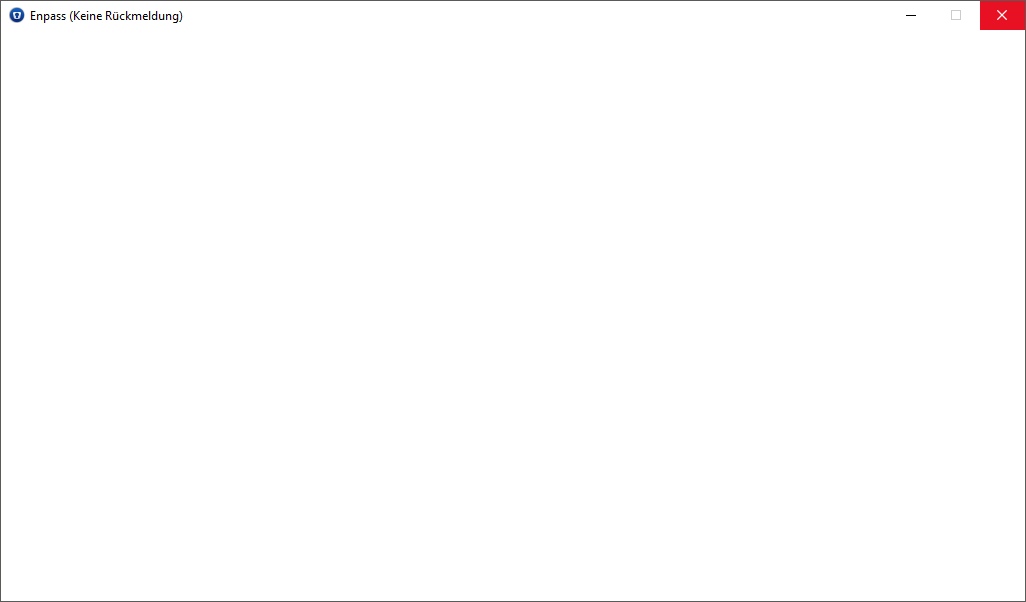
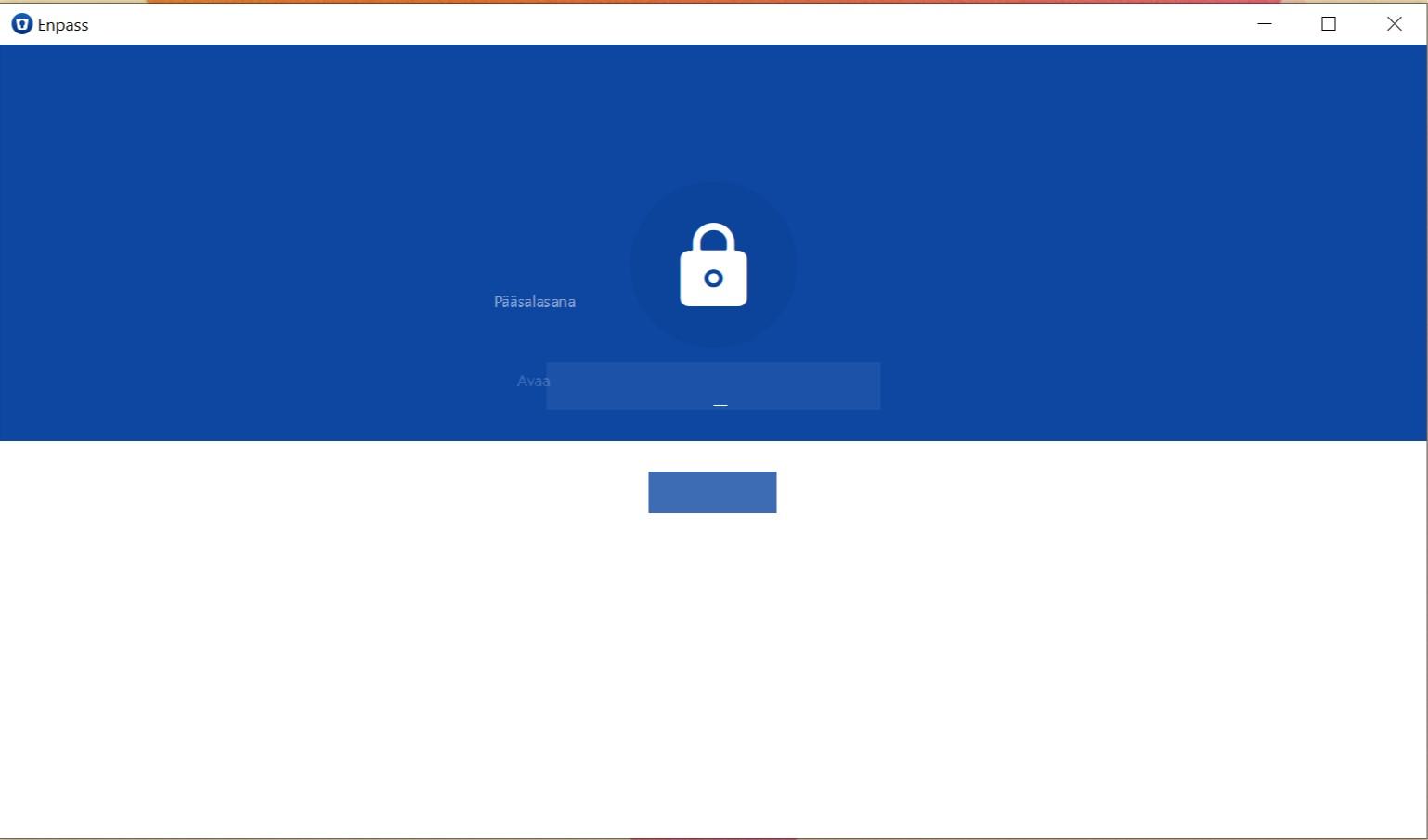
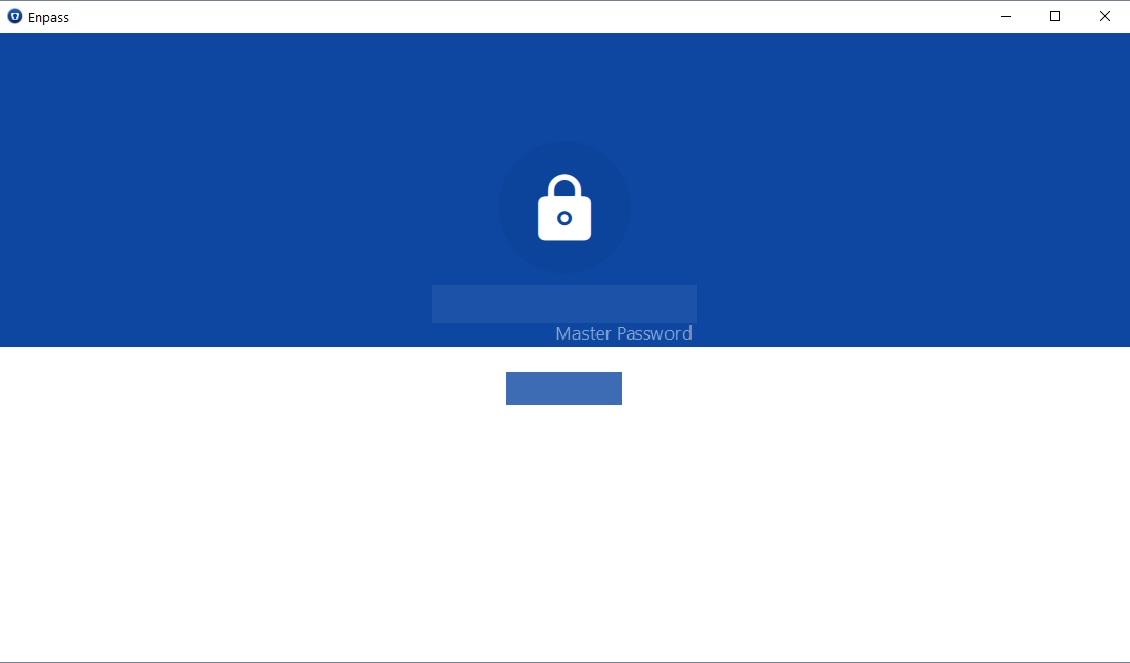
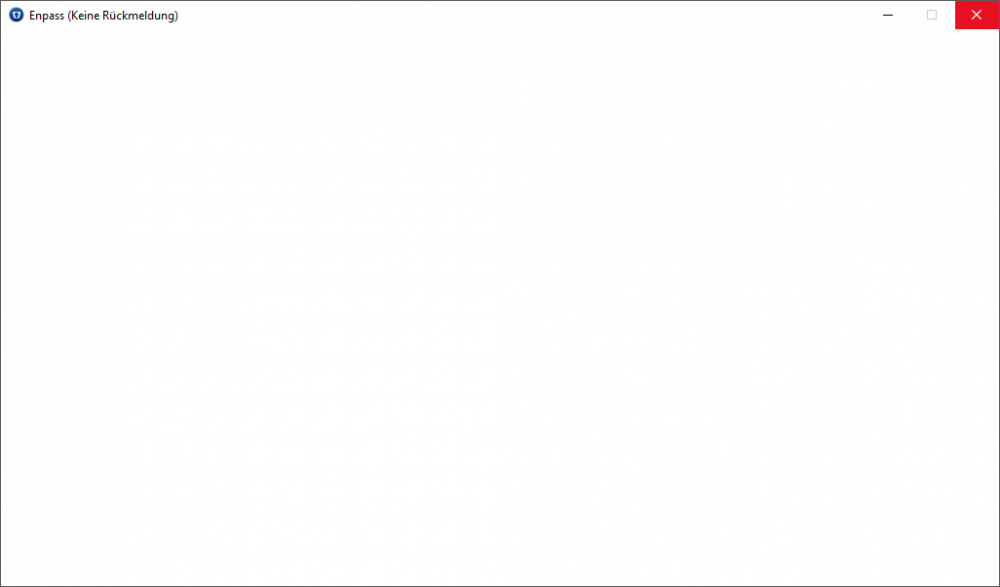
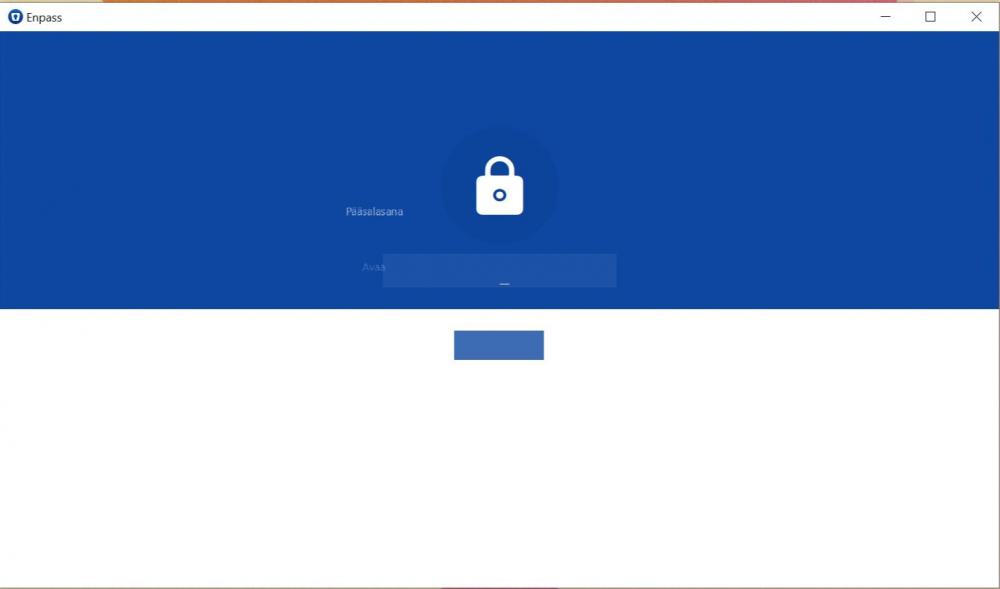
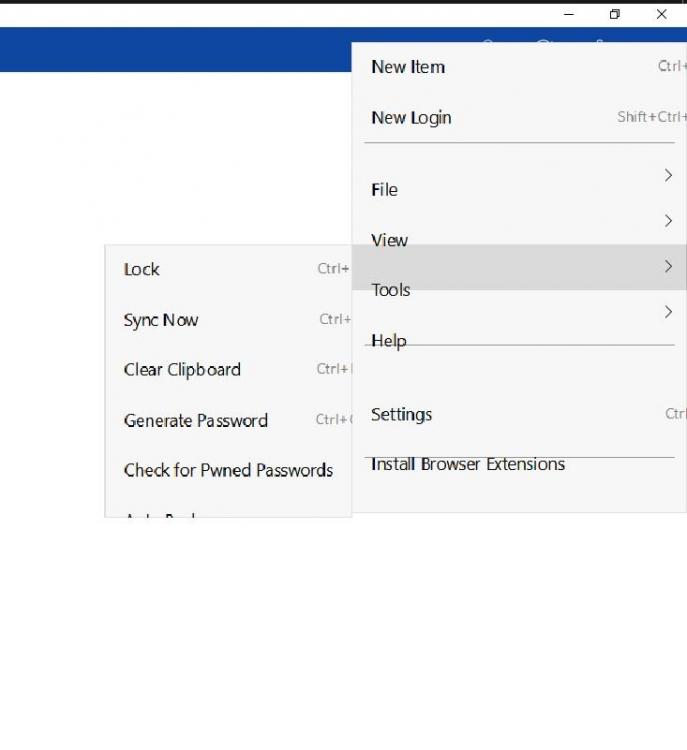
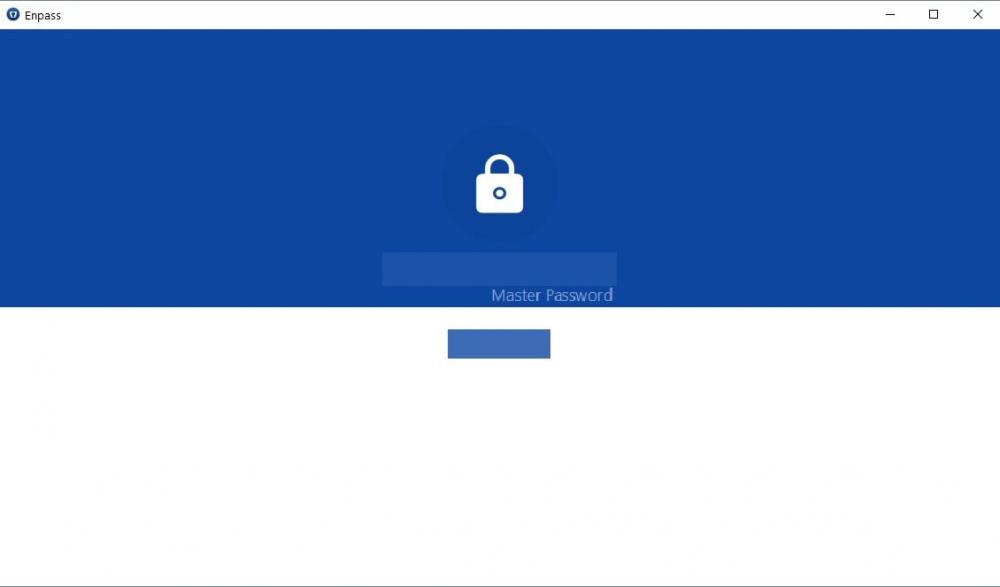
Hi @Vinod Kumar, unfortunatly there is no crash report. The extension looks like this: and after closing the Extension through windows (only possible solution) and starting the Application again it looks like this: This doesn't happen all of the time and a restart of the PC fixes the problem temporarly but it seems to appear again and again due to unkown reasons.

-
Hi @Vinod Kumar thanks for the fast reply! I didn't follow your instructions because I randomly solved the problem. Either time is needed for the registration of the change of the microsoft account (I originally downloaded the app without logging in and did so when it didn't work) or there are some troubles with the old version. These are the additional steps I went through: I had the desktop app (old version) I did an upgrade to the new version I uninstalled it and kept the new version from the windows store Anyway, now the purchase registration worked, so thanks!
-
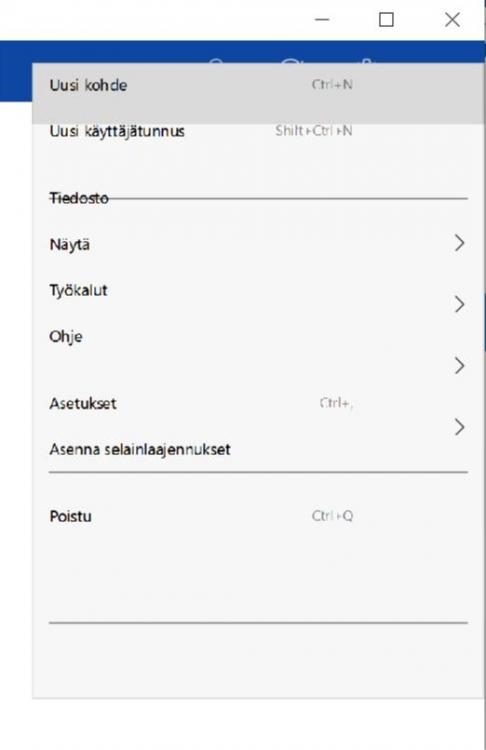
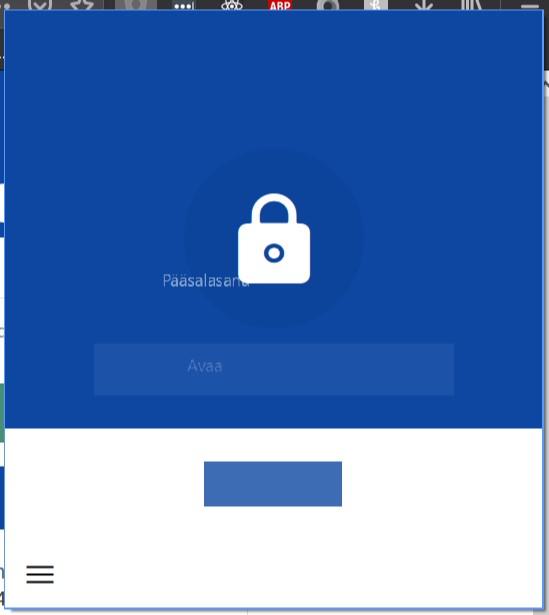
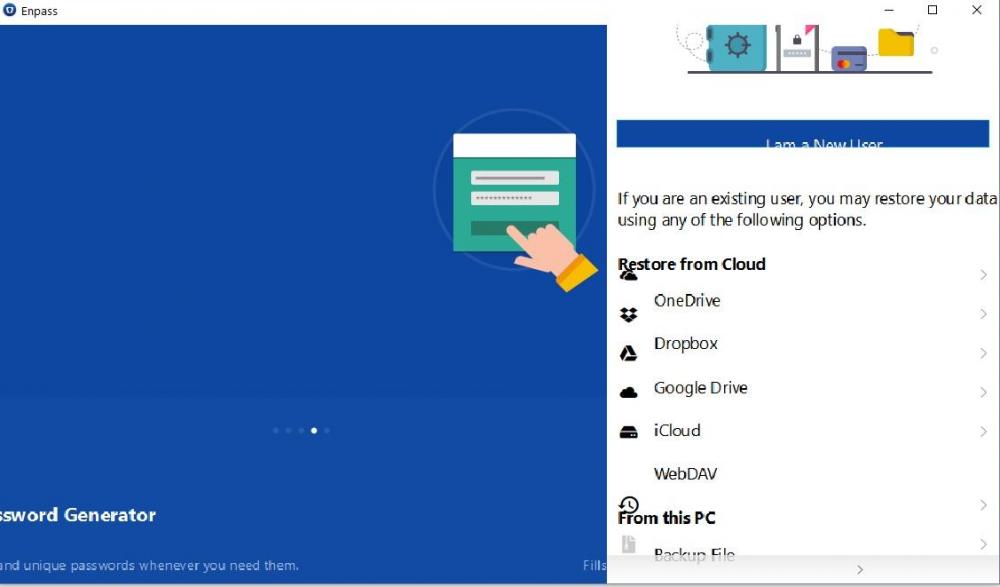
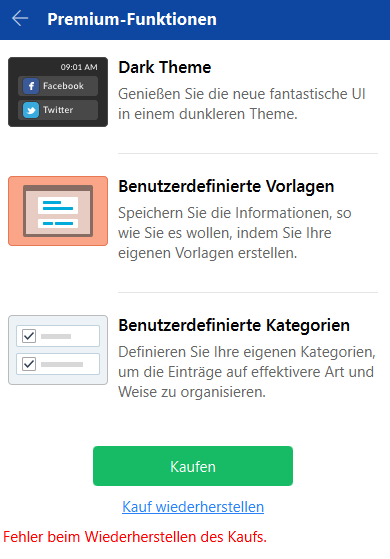
I've bought enpass pro on my other windows machine inside the uwp enpass app and it's working on 2 different machines but when i try to restore it on a third machine, logged in with the same windows user and restored data from the same cloud (dropbox) it cannot restore the purchase. The only notification that pops up is that there is an issue during the restoration of the purchase (see the image below). Any advices?

-
Unfortunately not, it just popups blank and crashes without pressing any button. I will provide an image when the error appears again.
-
Since the newest update (V6) the firefox extension often crashes. There is a blank popup with no further reaction no content etc. When clicking on in Windows 10 tells me that the program doesn't respond. Furthermore the application itself has stopped working sometimes when starting the PC. I've purchased Enpass for Windows 10 to use the convenience of the fingerprint last week and thus I'm very disappointed with the problems. Are these issues known and will be handled soon?