

Skip to content
View in the app

A better way to browse. Learn more.

Enpass Discussion Forum

A full-screen app on your home screen with push notifications, badges and more.

To install this app on iOS and iPadOS
  1. Tap the Share icon in Safari
  2. Scroll the menu and tap Add to Home Screen.
  3. Tap Add in the top-right corner.
To install this app on Android
  1. Tap the 3-dot menu (⋮) in the top-right corner of the browser.
  2. Tap Add to Home screen or Install app.
  3. Confirm by tapping Install.

ChrisakaPES

Members
  • Joined

  • Last visited

Everything posted by ChrisakaPES

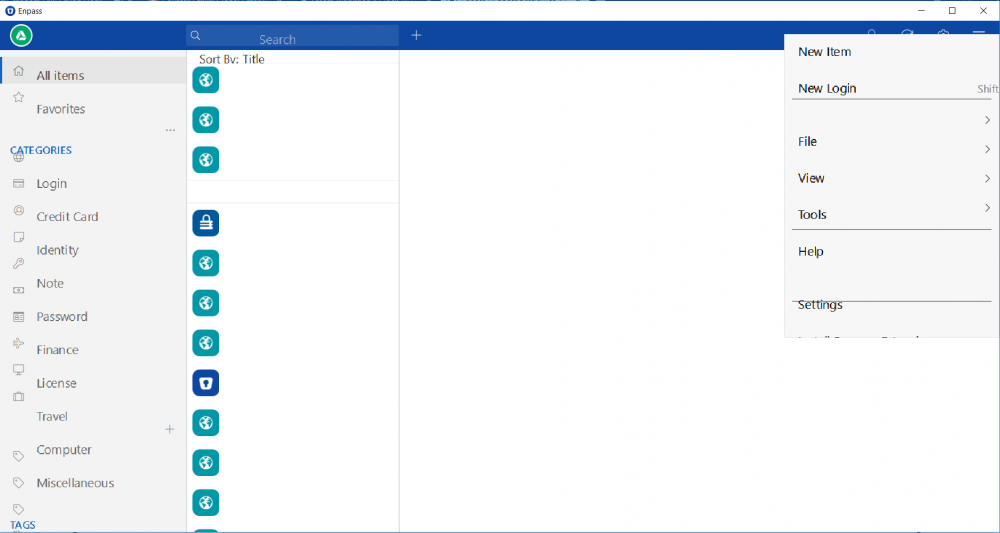
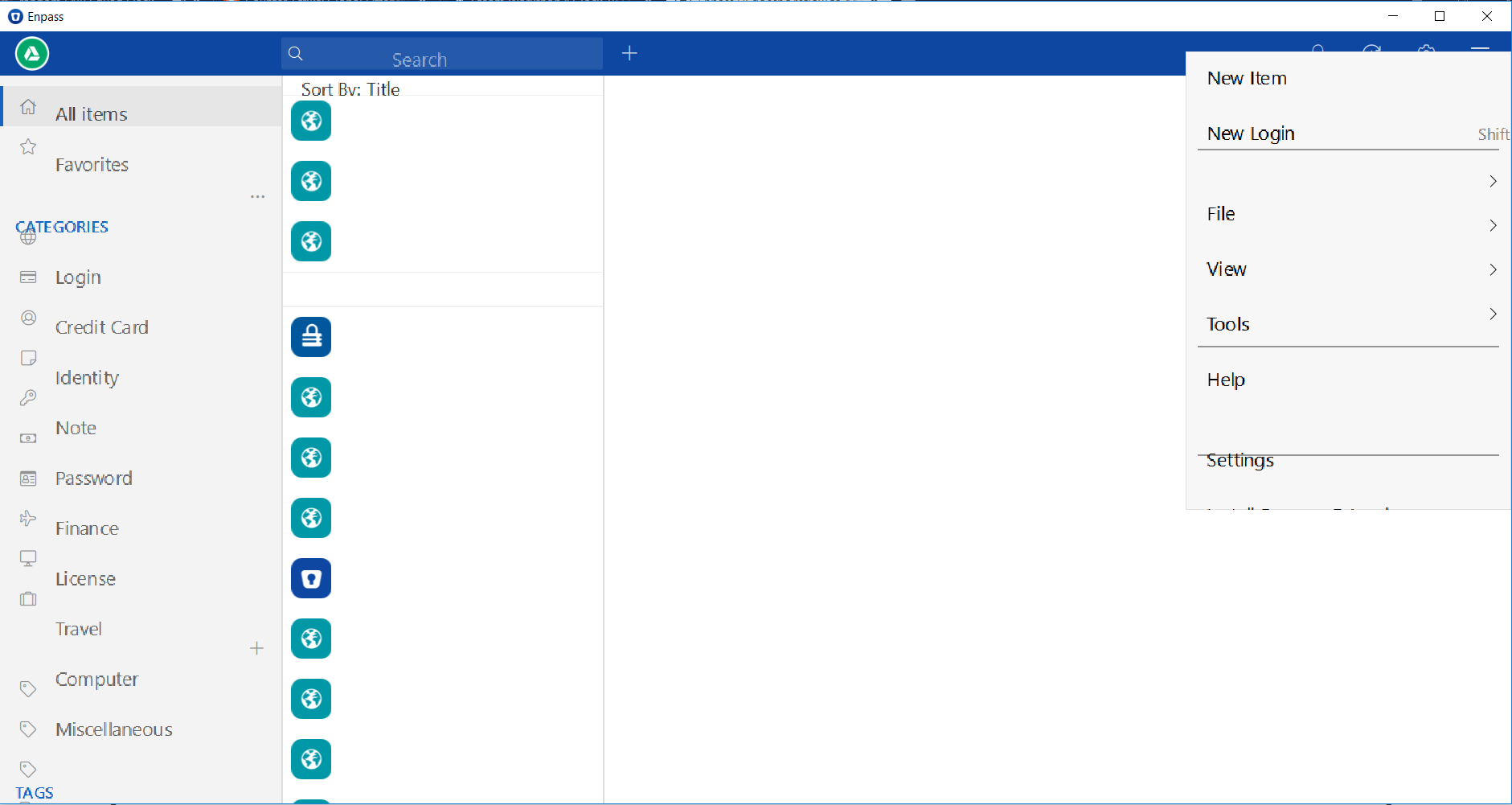
  1. I just want to add on that I'm having similar issues with all parts of the UI being misaligned/misplaced/missing since Enpass 6.0 (which was weird cause my first day with the new UI had zero problems). I have these issues at any window size on my machine which is operating at a standard 1920x1080 resolution. The image I've attached shows that after scrolling a certain amount in my list of accounts the names stop appearing, before reaching this point they are simply misaligned. Edit: Noticed OP wasn't having the same issues as me but it is UI related so i hope it helps the Enpass team.
Account

Navigation

Search

Search

Configure browser push notifications

Chrome (Android)
  1. Tap the lock icon next to the address bar.
  2. Tap Permissions → Notifications.
  3. Adjust your preference.
Chrome (Desktop)
  1. Click the padlock icon in the address bar.
  2. Select Site settings.
  3. Find Notifications and adjust your preference.