Renzo
Members
-
Joined
-
Last visited
-
Fix is online on MS Store. Thanks Enpass team.
-
There is other topic:High DPI broken on v6 I'm sorry for repost...
-
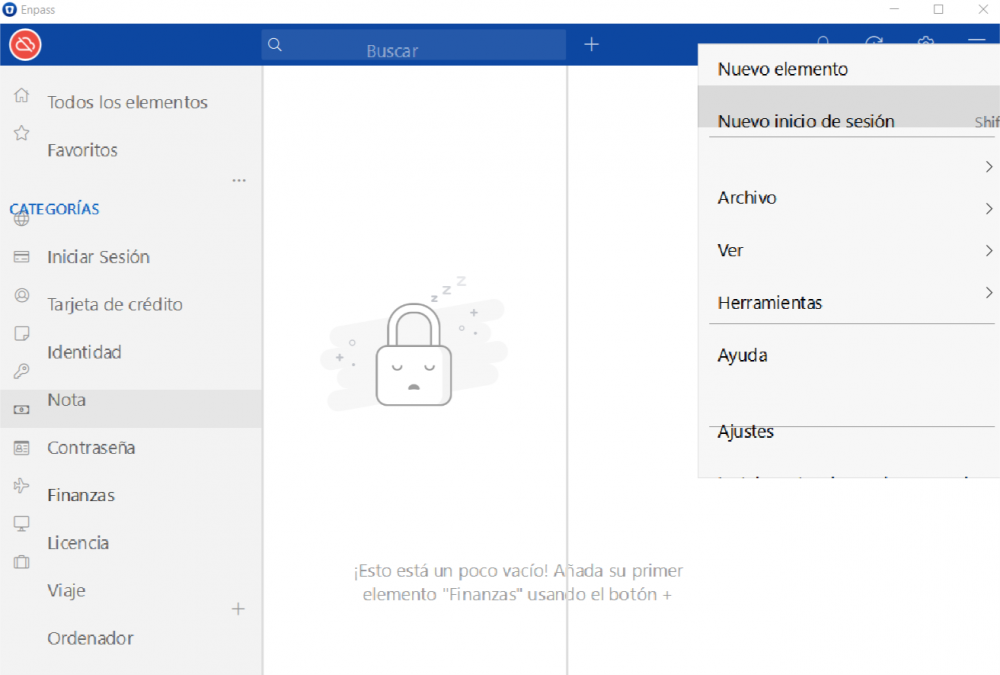
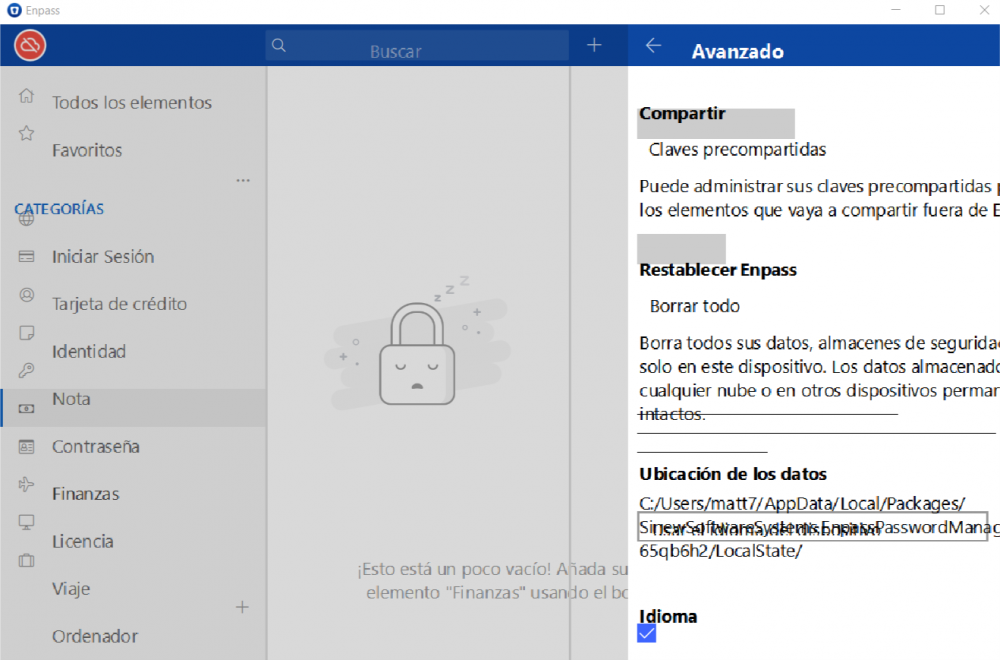
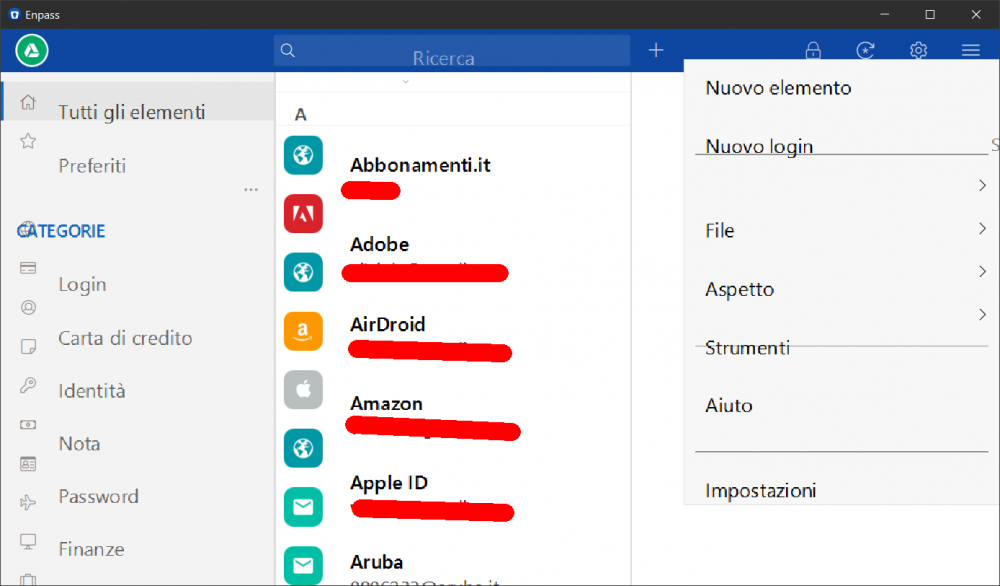
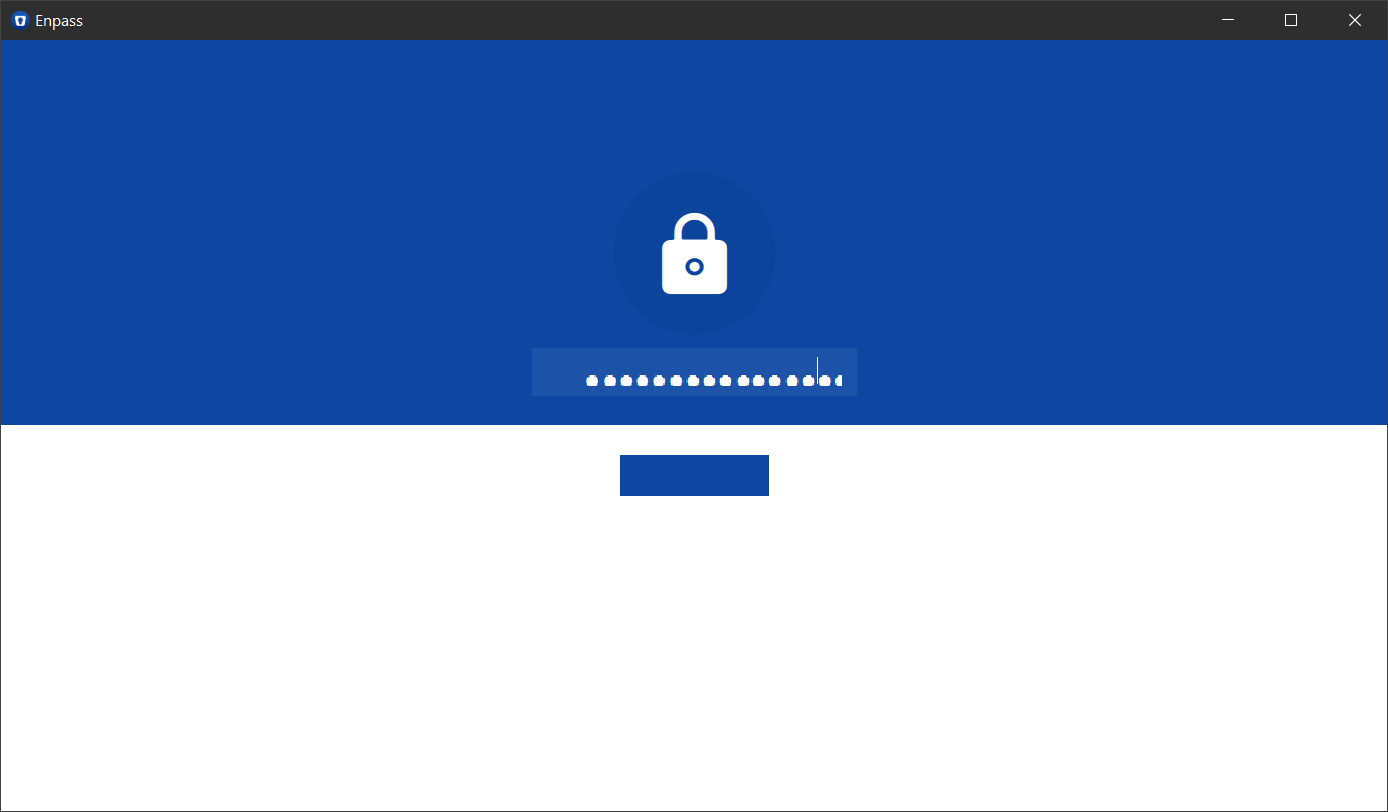
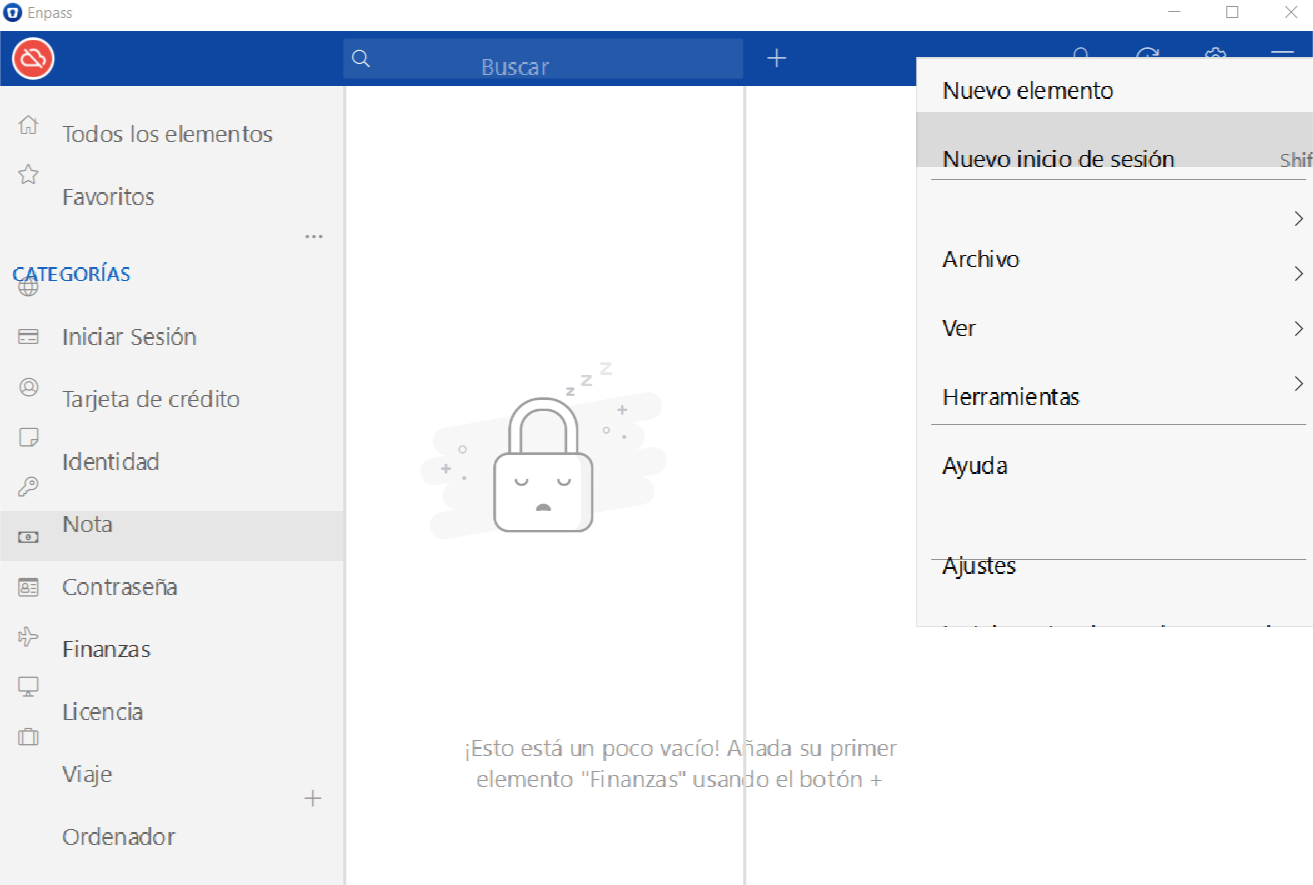
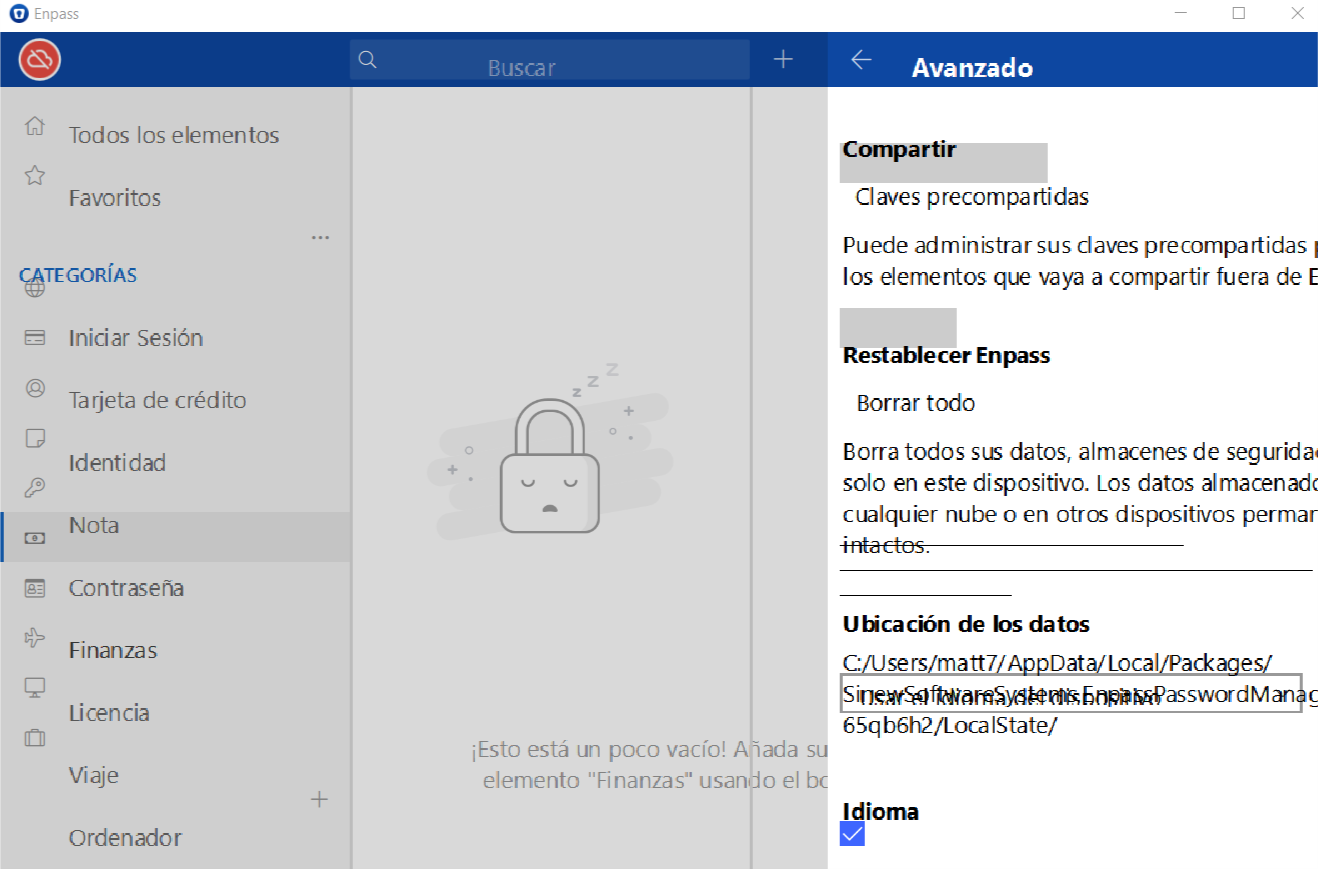
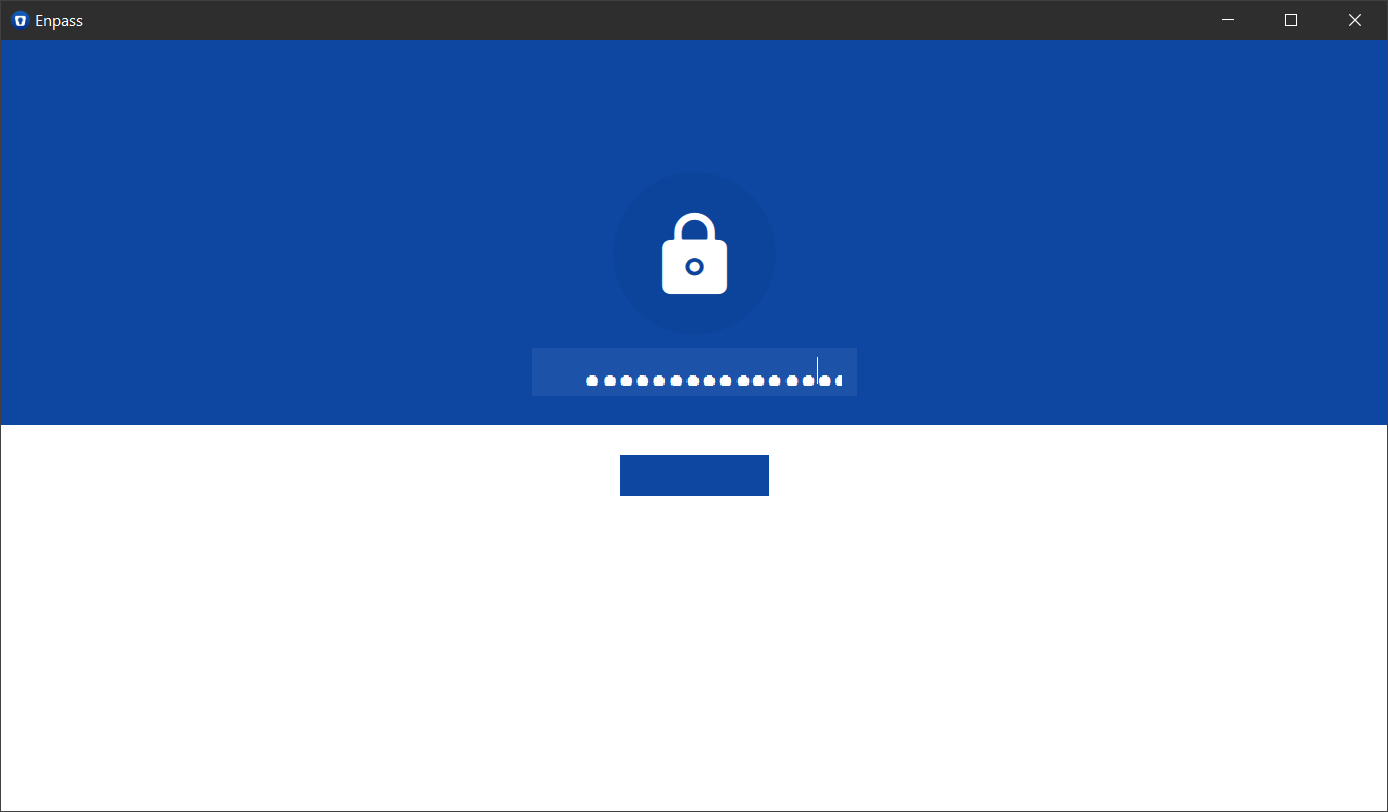
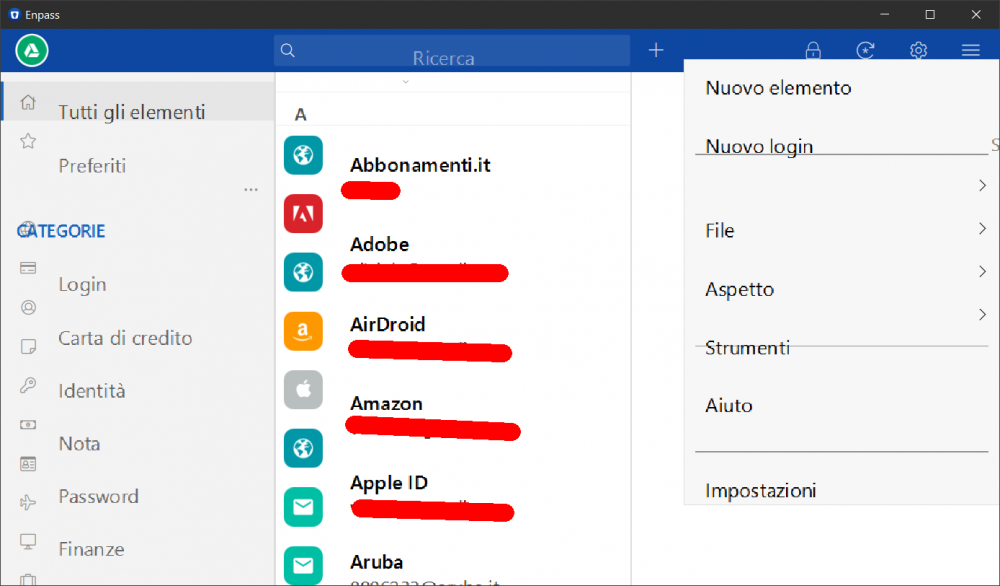
Hi I experienced a very big problem after the last update of Enpass Pro for Windows 10.This visualization problem makes Enpass completely unusable. See attachment file for 2 screenshot that show problem. The graphic is completely messed up. Screen resolution is FullHD. System scale is 135% Please, help me.... Thank in advance Best regard Renzo
-
Hi I experienced a very big problem after the last update of Enpass Pro for Windows 10. This visualization problem makes Enpass completely unusable. See attachment file for 2 screenshot that show problem. The graphic is completely messed up. Screen resolution is FullHD. System scale is 135% Please, help me as far as possible! Thank in advance Best regard Renzo