Skip to content
View in the app

A better way to browse. Learn more.

Enpass Discussion Forum

A full-screen app on your home screen with push notifications, badges and more.

To install this app on iOS and iPadOS
  1. Tap the Share icon in Safari
  2. Scroll the menu and tap Add to Home Screen.
  3. Tap Add in the top-right corner.
To install this app on Android
  1. Tap the 3-dot menu (⋮) in the top-right corner of the browser.
  2. Tap Add to Home screen or Install app.
  3. Confirm by tapping Install.

Randyfieldmouse

Members
  • Joined

  • Last visited

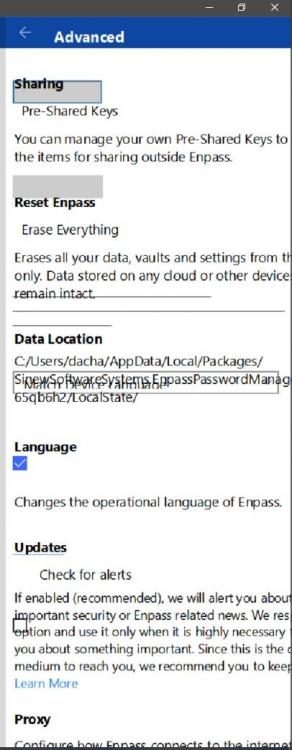
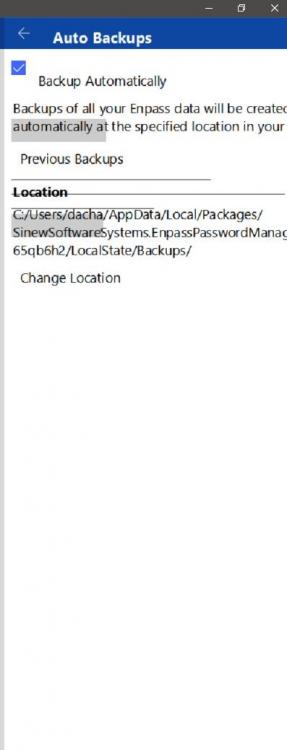
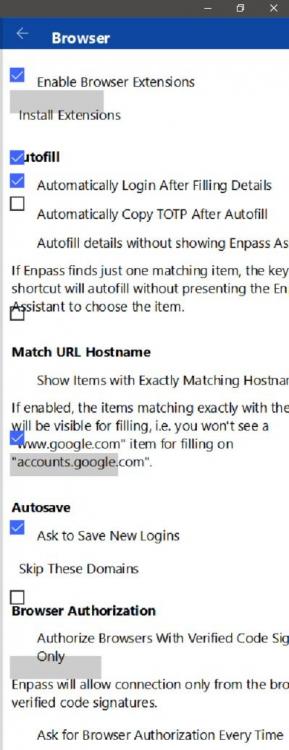
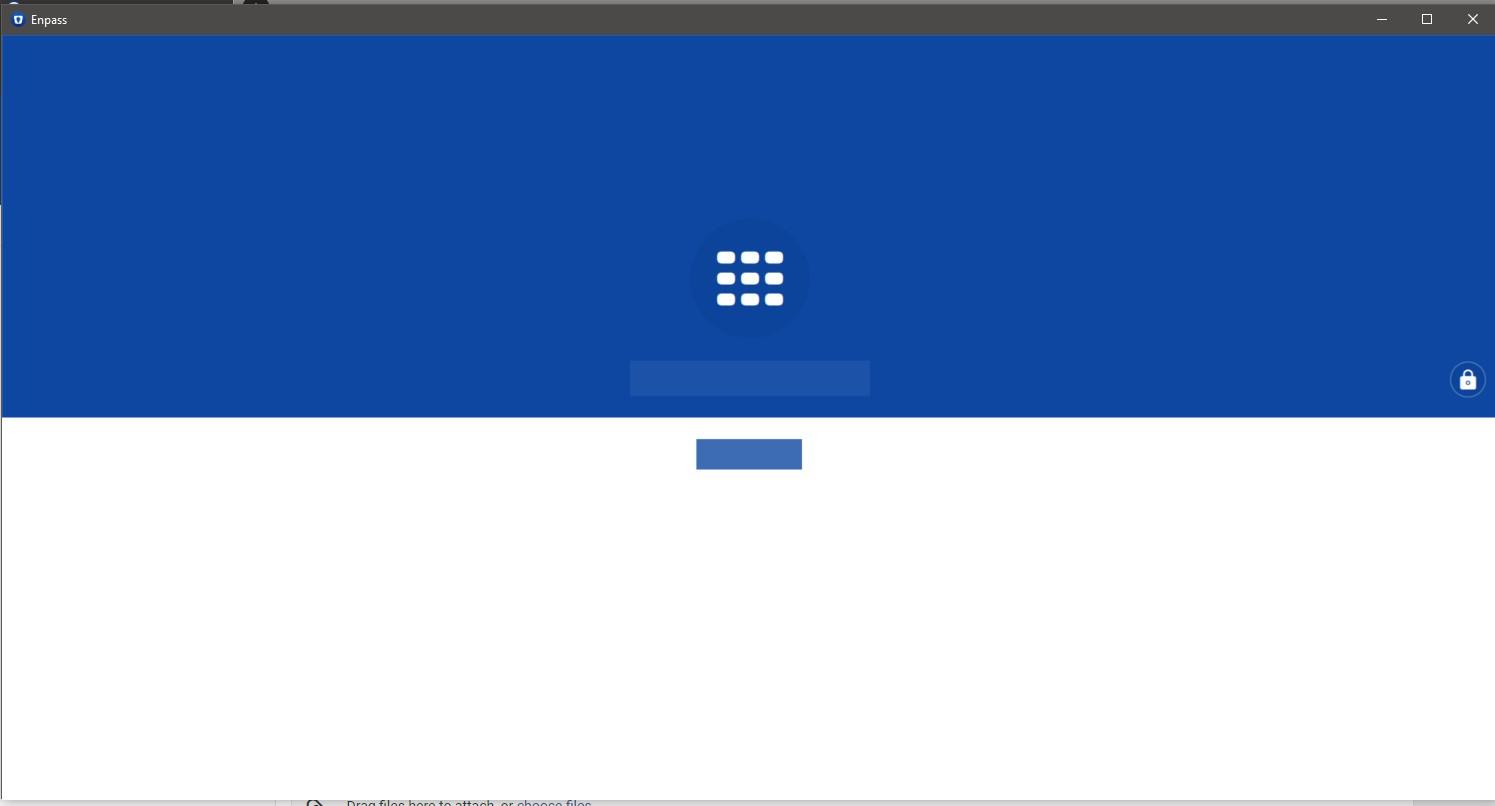
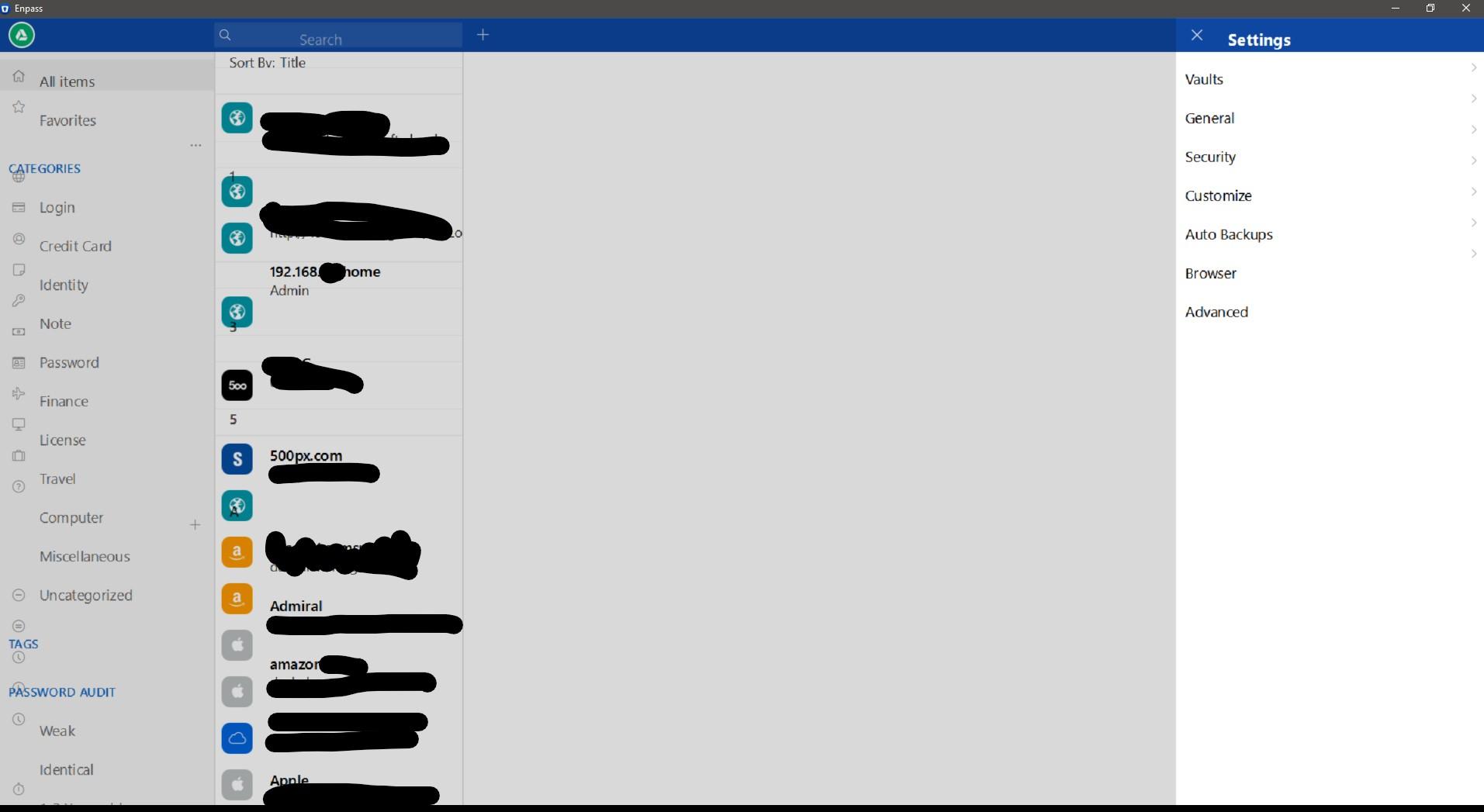
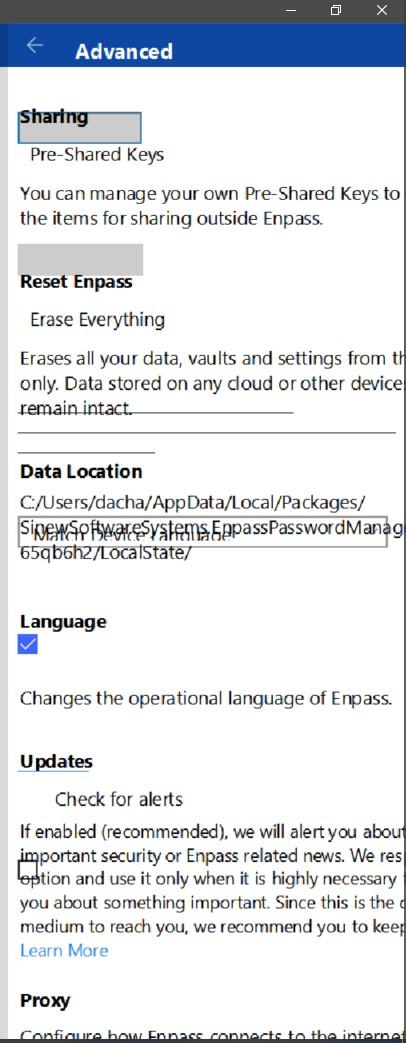
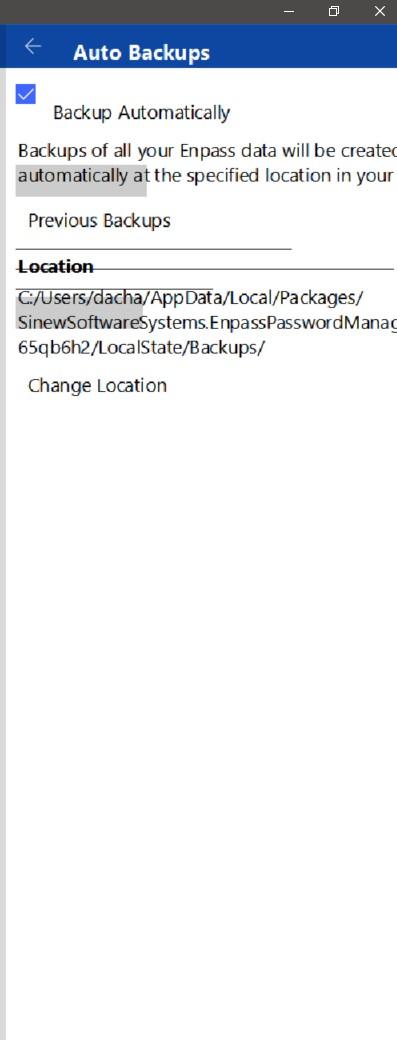
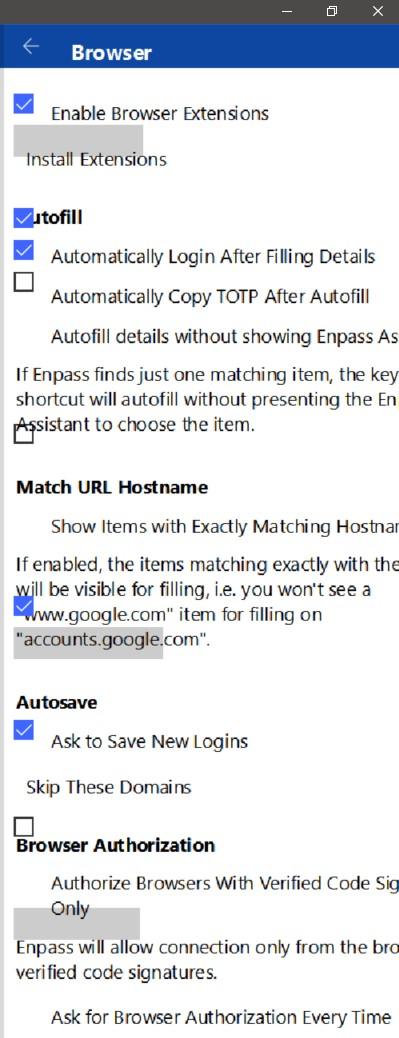
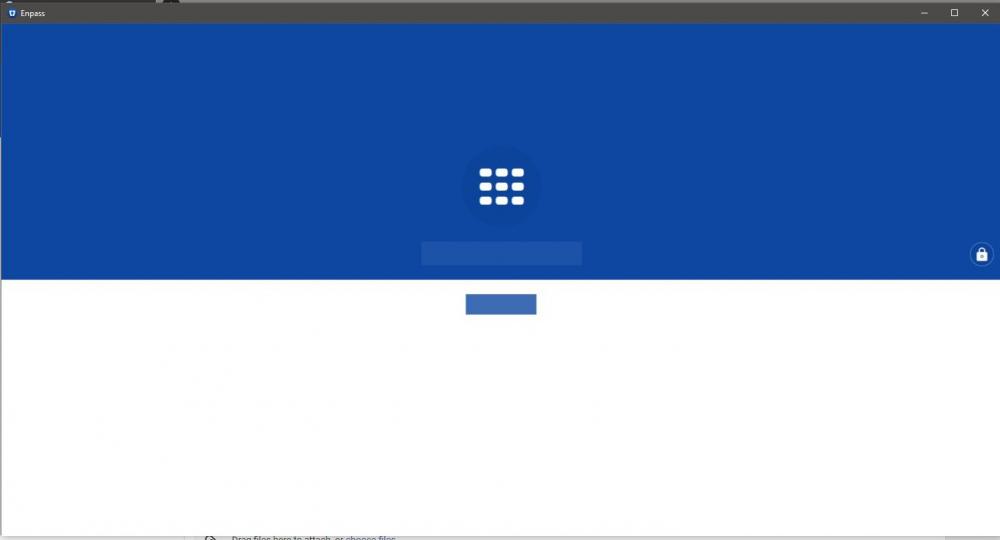
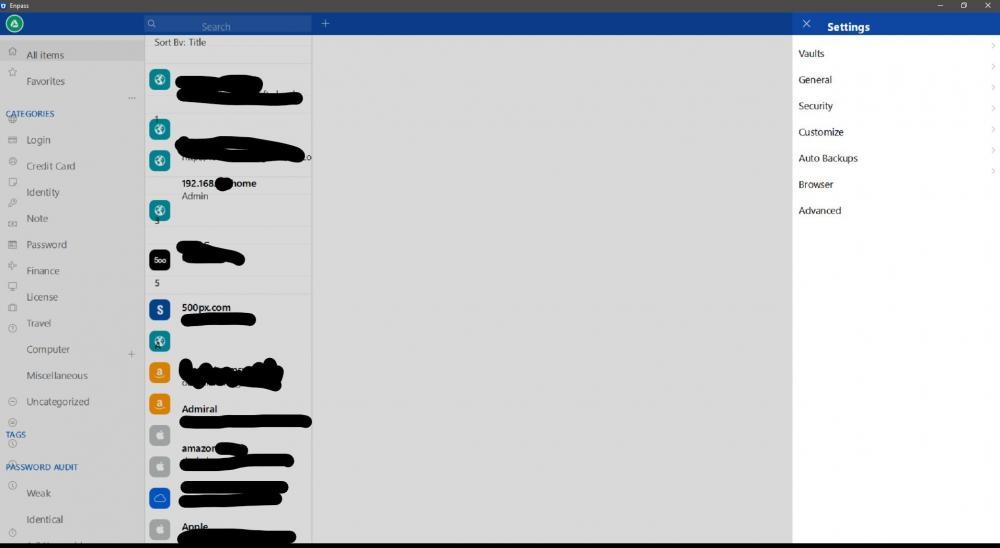
  1. I've reloaded W10 as clean install. Re downloaded latest version of Enpass from windows store. IU is distorted with text in incorrect position to be clicked with the mouse or not at all. The IU look as though its not rendering to the 1920X1080 of the laptop. Laptop ASUS FX553VD. Intel 630 (Latest Driver). Windows 10 1806 17763.195 Any advice
Account

Navigation

Search

Search

Configure browser push notifications

Chrome (Android)
  1. Tap the lock icon next to the address bar.
  2. Tap Permissions → Notifications.
  3. Adjust your preference.
Chrome (Desktop)
  1. Click the padlock icon in the address bar.
  2. Select Site settings.
  3. Find Notifications and adjust your preference.