koskkim
Members
-
Joined
-
Last visited
-
So frustrated that this (major) problem couldn't be fixed after the months of waiting. But we passed the problem by switching the sync from the network folder to Dropbox. Seems to work for now and our workgroup is more than happy...
-
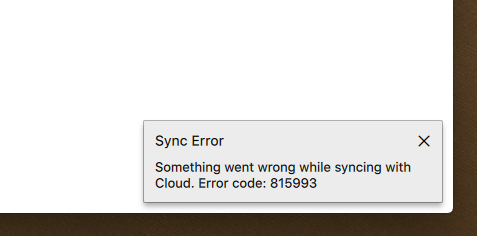
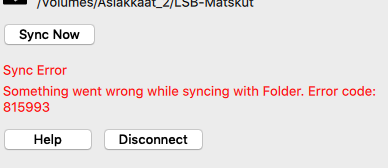
Hi, The error code 815993 has appeared again with Enpass version 6.0.6 (326) when syncing to folder on the network share. When or how this will be fixed?
-
Thank you @Vinod Kumar for the information. Will anxiously wait for the next update on Mac App Store
-
Folder sync causes error code 815993 on version 6.0.2 (292). It works if I disconnect the sync and re-enable it, but after restarting (the app) the sync error pop up appears. Enpass is downloaded from Mac App Store. I'm using macOS Mojave (10.14.2). The sync folder is located on Mac Server (connection via AFP protocol) which is connected all the time. Any idea when will this be fixed? I noticed that there are many topics about sync problems