

Skip to content
View in the app

A better way to browse. Learn more.

Enpass Discussion Forum

A full-screen app on your home screen with push notifications, badges and more.

To install this app on iOS and iPadOS
  1. Tap the Share icon in Safari
  2. Scroll the menu and tap Add to Home Screen.
  3. Tap Add in the top-right corner.
To install this app on Android
  1. Tap the 3-dot menu (⋮) in the top-right corner of the browser.
  2. Tap Add to Home screen or Install app.
  3. Confirm by tapping Install.

eaxs

Members
  • Joined

  • Last visited

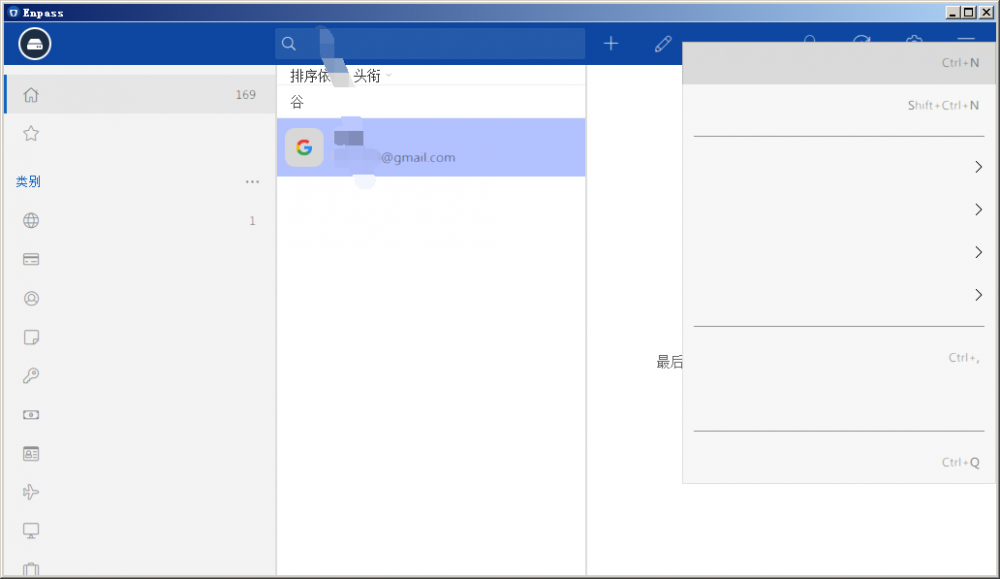
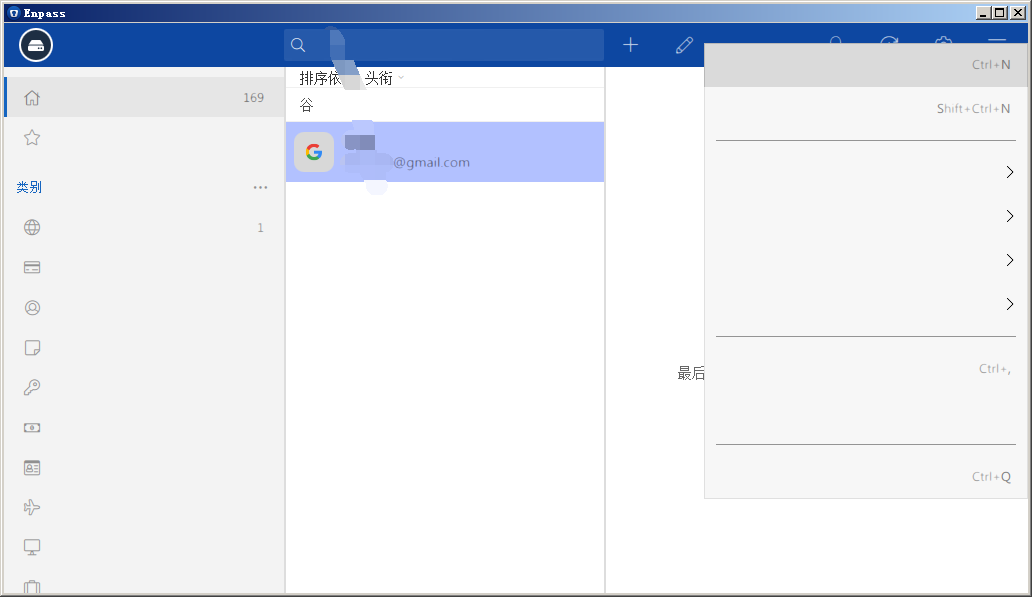
  1. Hey, since the V6 update, Enpass is not very friendly to the Simplified Chinese support of the win7 system. It may be the cause of the font or other reasons. It shows that the screen font often has no content or the content is garbled, then crashes, only exit and then reopen the program. I use the Win7 operating system on my old laptop, Intel(R) Atom(TM) CPU D2550 @ 1.86GHz, 4 Gb Ram, resolution 1360X768, Program-Compatibility - High DPI setting disable display zoom option Is enabled. It is normal on another win10 system, and it is the same on my iPhone. I am sorry that my English is very bad and it has caused you trouble reading. please help!
Account

Navigation

Search

Search

Configure browser push notifications

Chrome (Android)
  1. Tap the lock icon next to the address bar.
  2. Tap Permissions → Notifications.
  3. Adjust your preference.
Chrome (Desktop)
  1. Click the padlock icon in the address bar.
  2. Select Site settings.
  3. Find Notifications and adjust your preference.