frank-de-cologne
Members
-
Joined
-
Last visited
Everything posted by frank-de-cologne
-
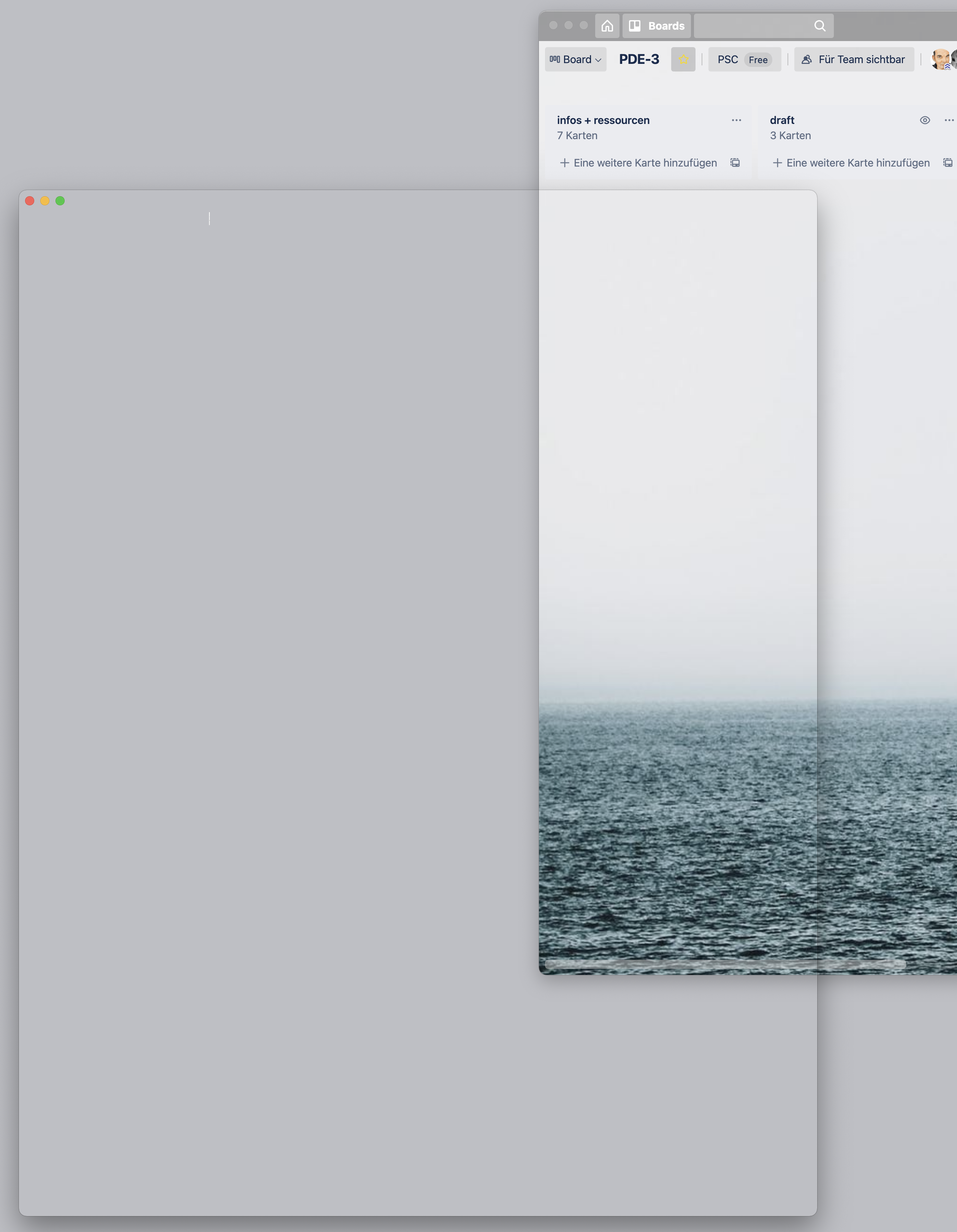
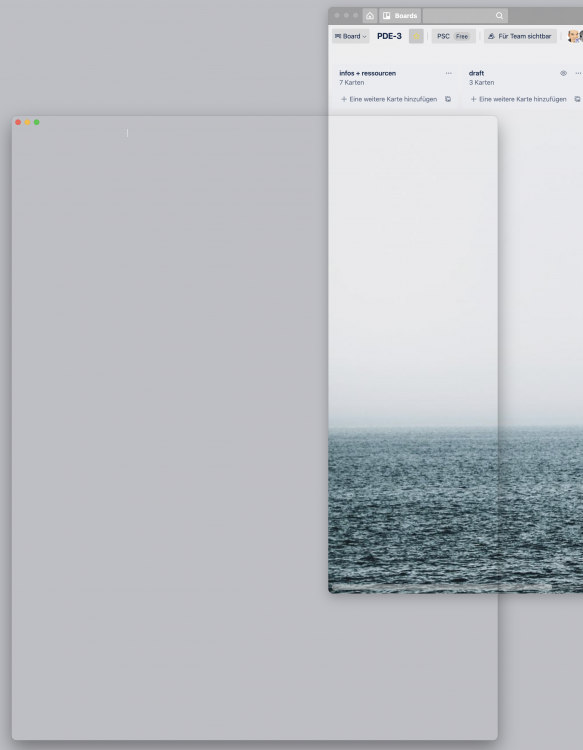
Apple, iMac, Big Sur 11.2.1 For a few days now, I've been noticing that Enpass seems to have a display problem: When I move the Enpass window from one screen to another, the window becomes "transparent". Most of the time it stays like that until I restart Enpass, sometimes it restores itself after a few moves. Does anyone have similar observations? Does anyone know advice? Or does Enpass need a BigSur bugfix? Thanks + greetings Frank
-
Hi Pratyush, thank you for your answer. Of course, it only helps to a very limited extent, with 1400 entries: Find and delete duplicates manually, entry by entry ... But good if you have backups: Delete the vault, create a new vault, import the data again, restore the sync, then delete the vault on all devices + restore the sync. This is probably the reason why so many people here in the forum would like to have the FIND + REMOVE DUPLICATES feature Happy holidays Frank
-
I made a mistake and now have all entries (over 1400) duplicated in my vault. How do I get them out again? Thanks a lot Frank
-
Thank you @Vinod Kumar So I wait for next updates. regards Frank
-
Hello. First of all, praise and appreciation for your great work. What I miss since the update to version 6 is in the browser for new accounts a) the support of enpass to create new passwords and b) to save them afterwards in enpass automatically. Currently I have to manually create an entry in enpass and create a password there, which I then copy/paste back into the browser form, e.g. when registering for this forum. Is this a user error of mine? Thanks and greetings Frank (Mac OS 10.14.2 + Chrome, Opera, Safari)