notgoogle
Members
-
Joined
-
Last visited
-
The problem is not the use of Google Drive but the use of Google Apps in general. The Google services access your data in the background and send it to Google. You can see this very well if you install a firewall and an adblocker. For example, I use "AF-Wall+" and "Blokada". I get dizzy when I look at the protocols of these apps. So the goal is to run a smartphone without Google Apps. This is possible without any problems with FOSS apps. There are free and open software alternatives to any Google App (https://switching.social/). I already sync Enpass through my nextcloud via webdav (DAVX5). Since Enpass cannot be installed without the Playstore I can't install my purchased version on my smartphone without gapps. Unfortunately a reason to look around for an alternative.
-
I have the same problem. Since I'm tired of throwing my data at Google, I use Lineage OS without Google Apps and FLOSS. I bought the Pro version of Enpass and can't use it now. How can it be that a team that helps users keep their passwords safe forces them to use the Google services that spy on them at every opportunity?
-
-
-
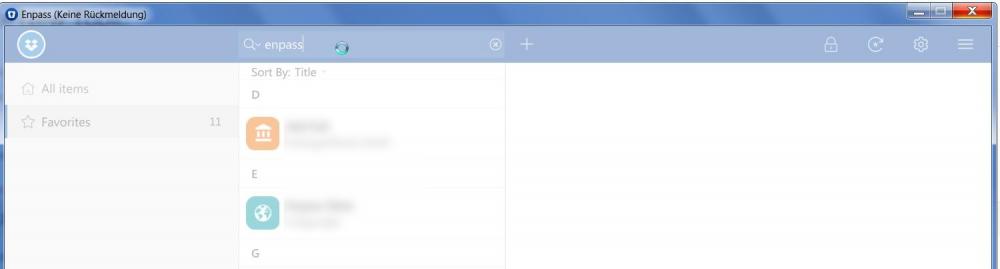
hello there. i am using enpass beta 6.0.3 (261) on a windows 7 (sp1) system. every time i use the search field, it freezes. i manage to enter a maximum of 5-6 letters before this happens. it takes about 1-2 minutes until the program is usable again and then the whole thing starts again from the beginning as soon as i enter another letter into the search field.