

Skip to content
View in the app

A better way to browse. Learn more.

Enpass Discussion Forum

A full-screen app on your home screen with push notifications, badges and more.

To install this app on iOS and iPadOS
  1. Tap the Share icon in Safari
  2. Scroll the menu and tap Add to Home Screen.
  3. Tap Add in the top-right corner.
To install this app on Android
  1. Tap the 3-dot menu (⋮) in the top-right corner of the browser.
  2. Tap Add to Home screen or Install app.
  3. Confirm by tapping Install.

HenkZAR

Members
  • Joined

  • Last visited

Everything posted by HenkZAR

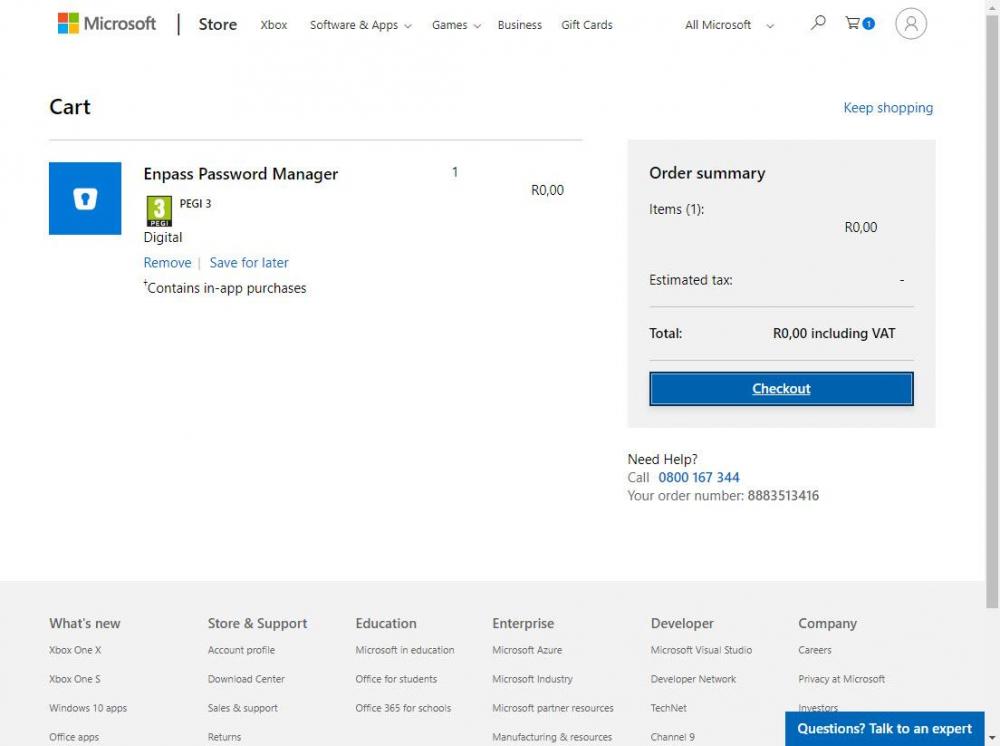
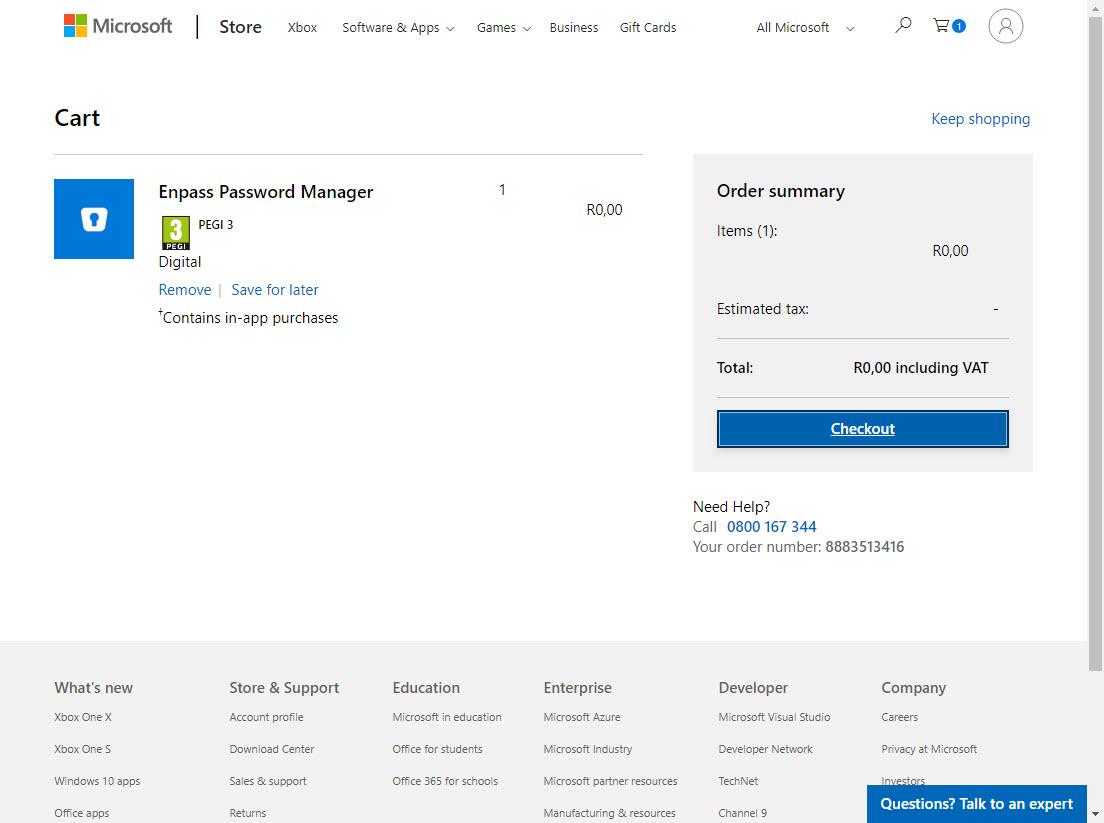
  1. I'm from South Africa and have been trying to purchase a number of premium licenses for windows desktop since the beginning of February without success. Have tied IE, Chrome, Firefox, and Opera - all with the same result as per the attached image. I have also asked the question via the "contact us" page if there is an alternative payment method available - still waiting for a reply. I also fail to understand the current business model - was looking for an alternative to Roboform - but alas....
Account

Navigation

Search

Search

Configure browser push notifications

Chrome (Android)
  1. Tap the lock icon next to the address bar.
  2. Tap Permissions → Notifications.
  3. Adjust your preference.
Chrome (Desktop)
  1. Click the padlock icon in the address bar.
  2. Select Site settings.
  3. Find Notifications and adjust your preference.
