Skip to content
View in the app

A better way to browse. Learn more.

Enpass Discussion Forum

A full-screen app on your home screen with push notifications, badges and more.

To install this app on iOS and iPadOS
  1. Tap the Share icon in Safari
  2. Scroll the menu and tap Add to Home Screen.
  3. Tap Add in the top-right corner.
To install this app on Android
  1. Tap the 3-dot menu (⋮) in the top-right corner of the browser.
  2. Tap Add to Home screen or Install app.
  3. Confirm by tapping Install.

Lukas86

Members
  • Joined

  • Last visited

  1. @Zach Yes, the same here. Before this release I had to fix it by the command line after every reboot. Now the issue seems be fixed.
  2. It works for me. I have a 2nd Mac at home, will try it later today I give a feedback if it's working there also.
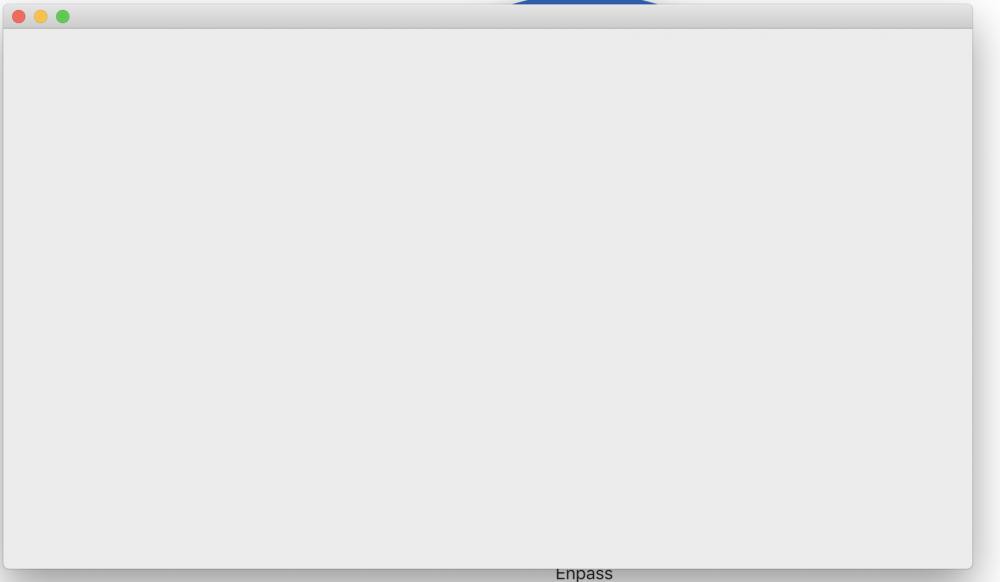
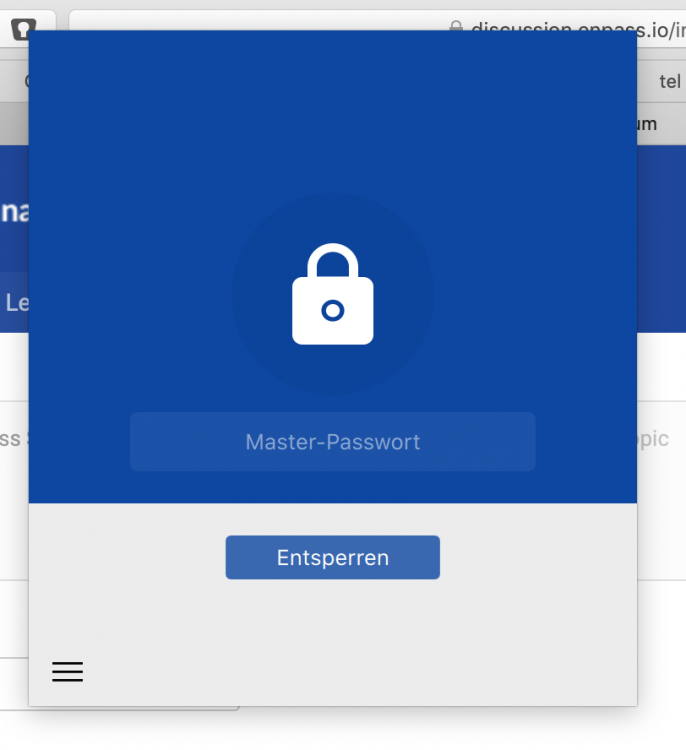
  3. Hi Enpass didn't work on the newest macOS Mojave Public Beta released yesterday (18E215a). I got only an empty window and if i try to start the browser extension I only get a non responding window (no possibility to enter something). I Any solution/idea to fix it? For all: Don't update to the newest public beta if you need Enpass. regards Lukas
Account

Navigation

Search

Search

Configure browser push notifications

Chrome (Android)
  1. Tap the lock icon next to the address bar.
  2. Tap Permissions → Notifications.
  3. Adjust your preference.
Chrome (Desktop)
  1. Click the padlock icon in the address bar.
  2. Select Site settings.
  3. Find Notifications and adjust your preference.