mXm-Jochen
Members
-
Joined
-
Last visited
Everything posted by mXm-Jochen
-
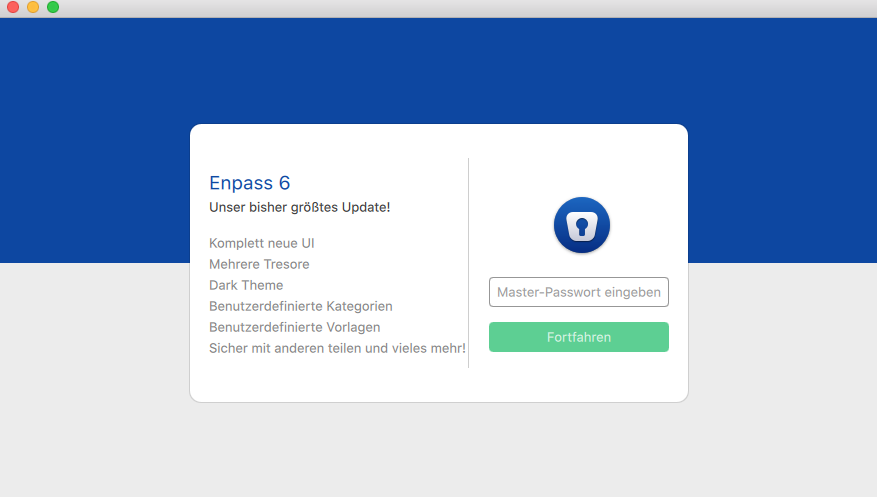
Hello, I'm currently having trouble setting up Enpass 6 on a new device. I want to replace the beta versions that I was using previously. Since there are different personal vaults in the beta version on each of my devices which I want to keep seperated (apart from the main vault), I made a backup, deleted the beta version, installed the full version and chose to set it up by using the backup. then I connected the main vault via OneDrive and everything worked fine. Today, I tried to do the whole process on yet another device and now there is just a welcome screen telling me to enter a master password. No other options, such as setting up using a backup, are visible (Screenshot attached). When I enter the current master password of my Enpass,there is just an error. Deleting the App and installing it again doesn't yield other results. Does anyone know that problem and how to solve it? It would be great if you could help me with this! Thanks in advance!