celavakosa
Members
-
Joined
-
Last visited
Everything posted by celavakosa
-
I was hoping for a fix until now, this bug is really annoying.
-
This is affecting (As well) .exe install, not from Microsoft store. I reported it in the forum.
-
anything?
-
yep, definitely pain in the butt. hopefully somebody decides to look into this.
-
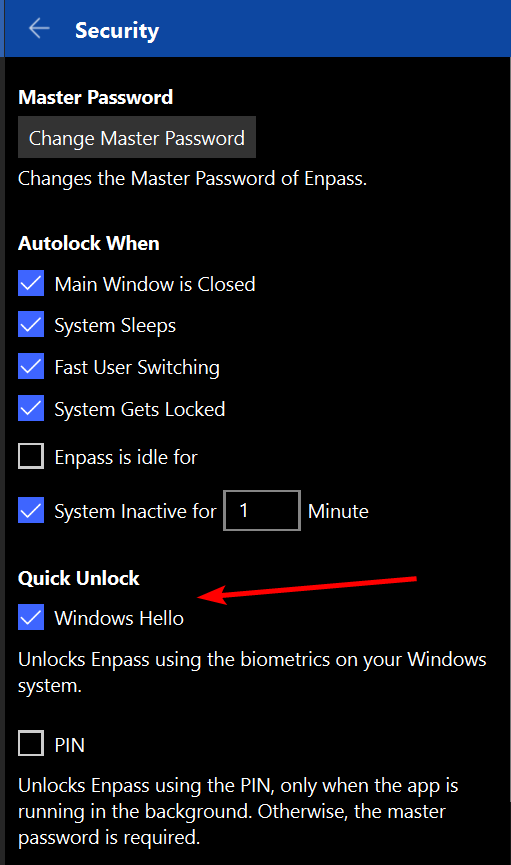
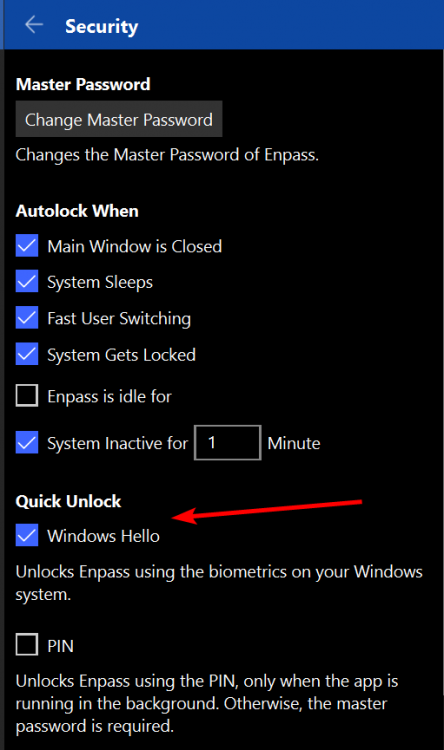
Hello, After updating to latest version i am having issues using Windows Hello, Option doesn't stay enabled after lock out , and i have to enter Master password each time. Every time i need to re-enable it and it only works one time and gets disabled. Option that i am talking about exactly is attached. Please advise
-
Hello, Wondering if there was any progress in this? Thanks
-
Hello, No need to apologize, i do understand that you guys are busy. Thankful to you and your team for looking into this. When you have more information, you will update the thread, or? Please advise.
-
bump
-
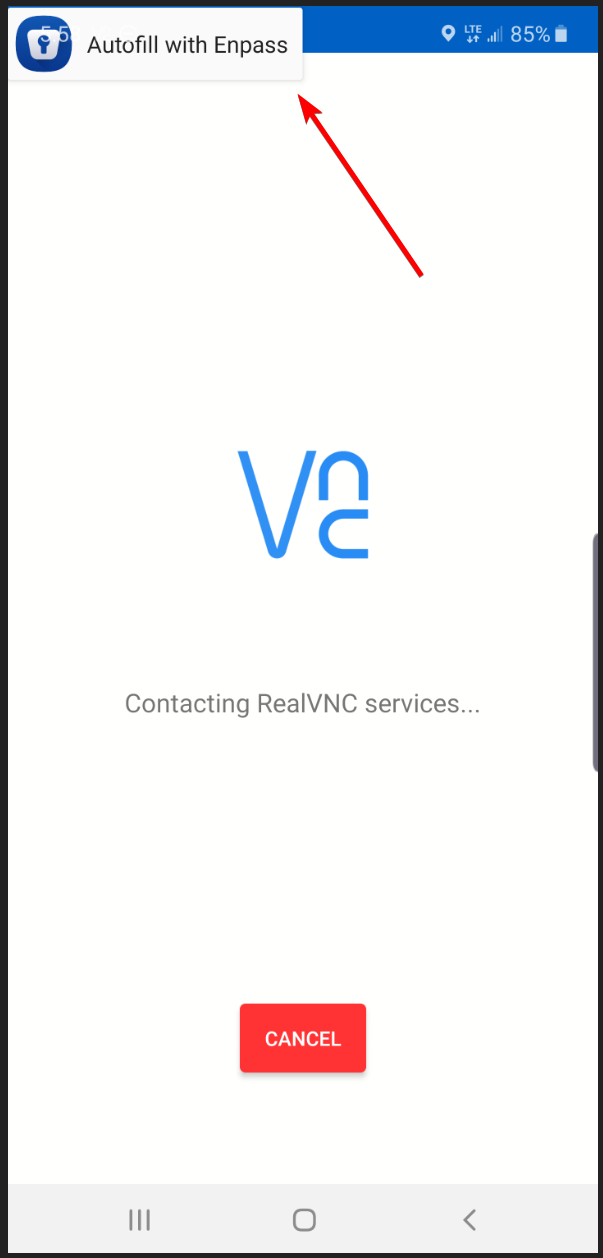
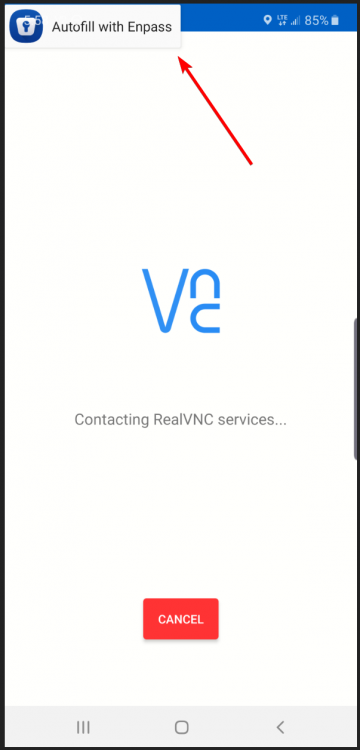
Hello, Recently updated my Enpass version to latest one from Play Store. For some reason every time i start VNC Viewer popup from Enpass shows to use it to autofill user/password. (User/Password) in VNC Viewer is already entered and saved. As you can see in the screenshot (attached), software is already connecting to remote server and yet, popup is there. It disappeared after few seconds, BUT, it comes back, and this keeps happening. Running on Note 10+ (Android 9). Please advise
-
Hello, Having issues with AutoFill (Chrome), for some reason it stopped working. I have tried to re-install both Enpass and Chrome, with no luck, still doesn't work. Any suggestions? This is pain in the butt :) Please advise