Skip to content
View in the app

A better way to browse. Learn more.

Enpass Discussion Forum

A full-screen app on your home screen with push notifications, badges and more.

To install this app on iOS and iPadOS
  1. Tap the Share icon in Safari
  2. Scroll the menu and tap Add to Home Screen.
  3. Tap Add in the top-right corner.
To install this app on Android
  1. Tap the 3-dot menu (⋮) in the top-right corner of the browser.
  2. Tap Add to Home screen or Install app.
  3. Confirm by tapping Install.

Twizzlers

Members
  • Joined

  • Last visited

  1. @Vikram Dabas Tried it, it works. Thank you ! Is there a way to change domain type for all items?
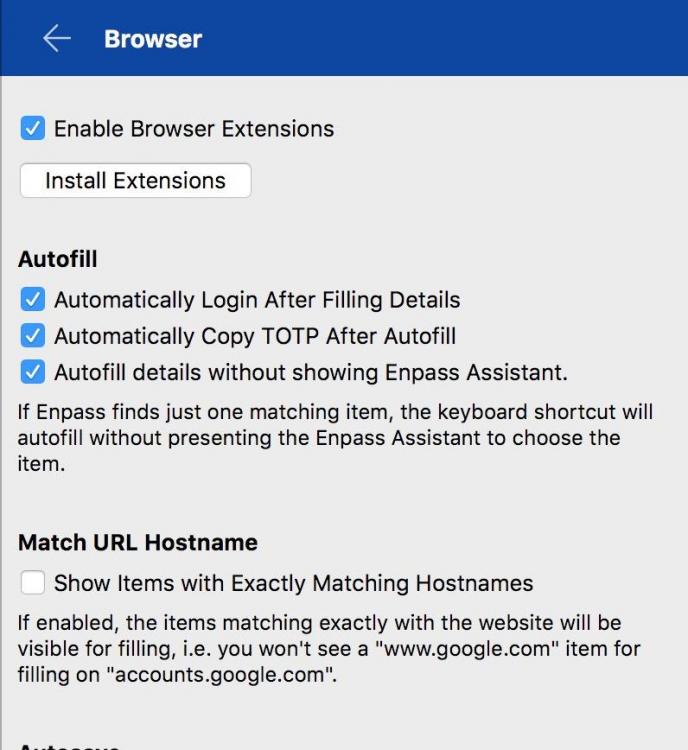
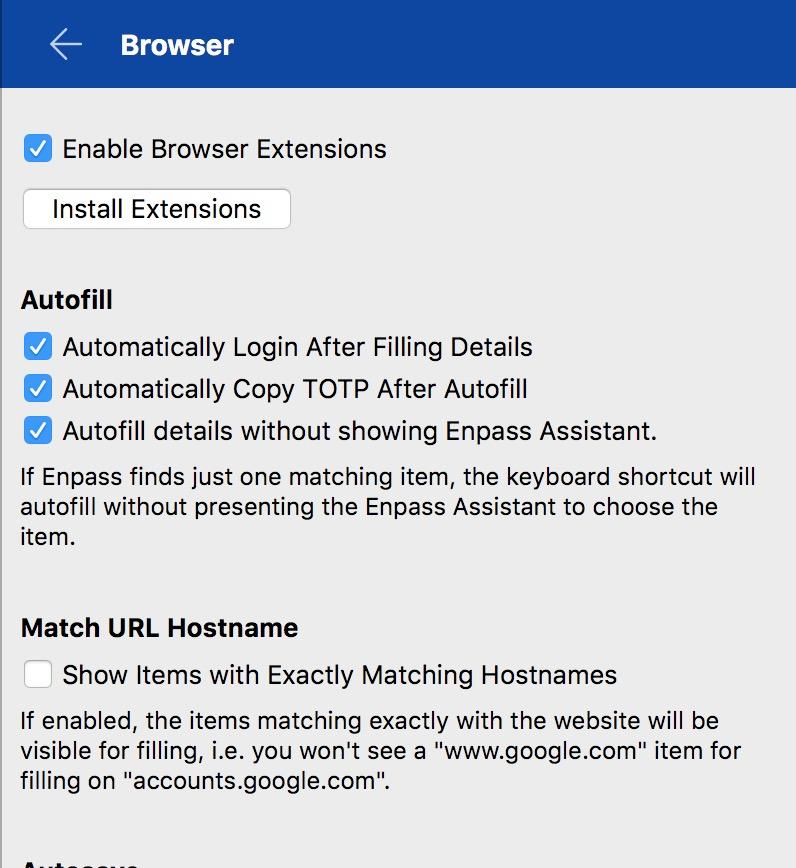
  2. Hi Vikram, Thank you for reaching out. The option is not checked under browser settings. I recently imported passwords from Dashlane, so maybe that could be causing the issue. Here's more details about the URL stored in Enpass.
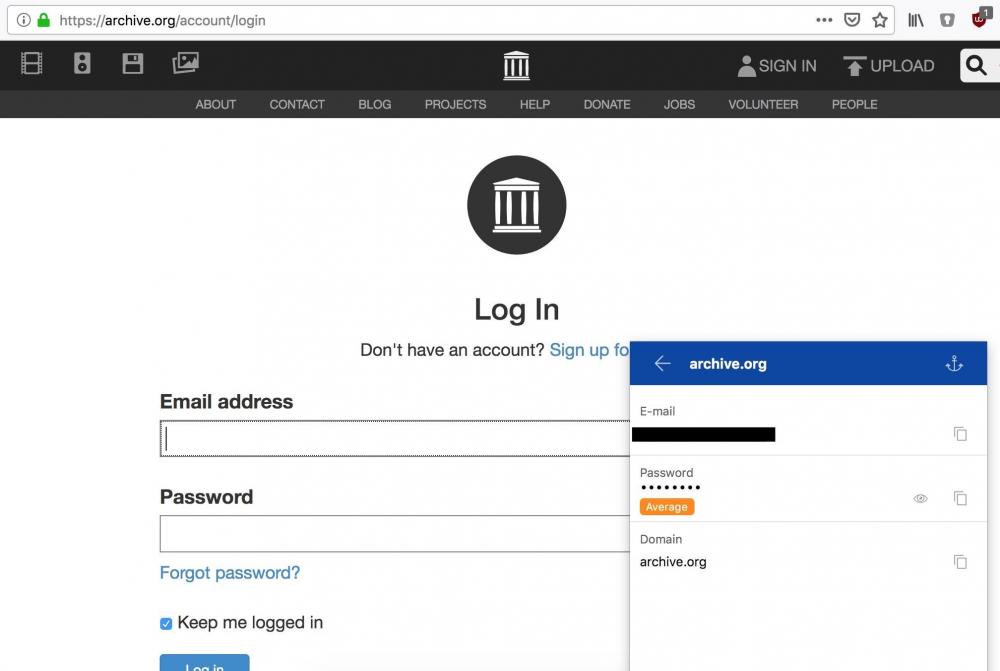
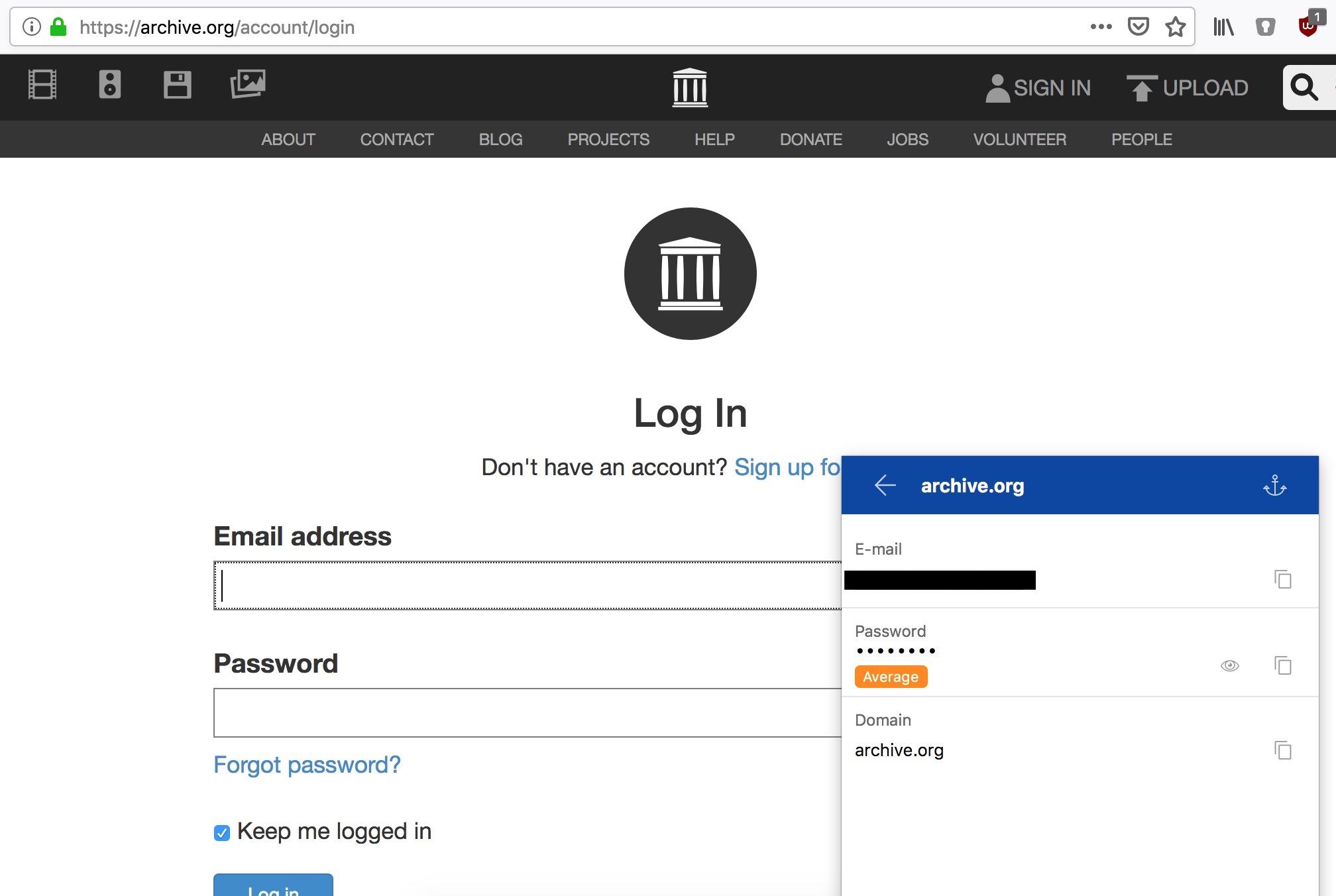
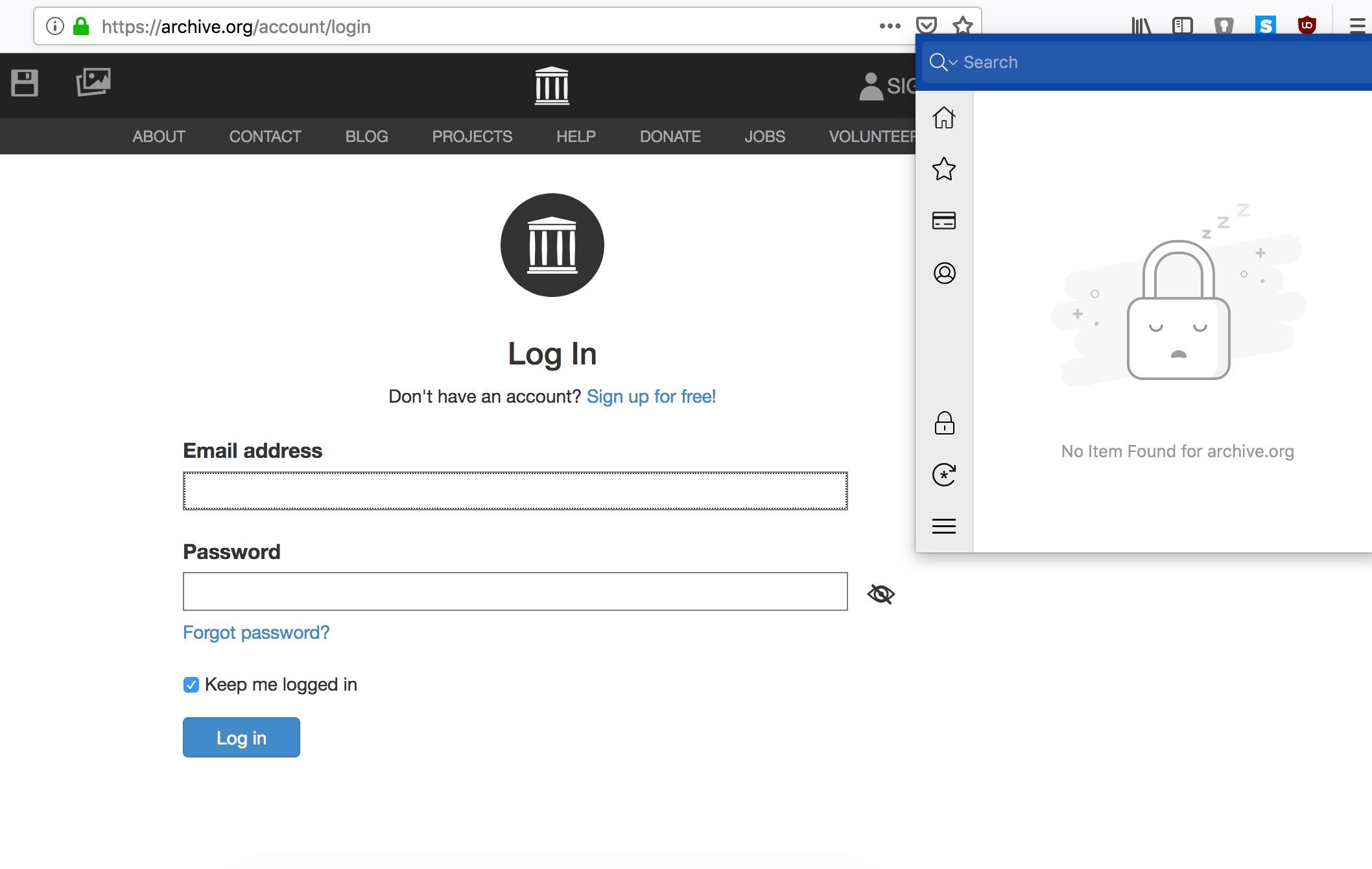
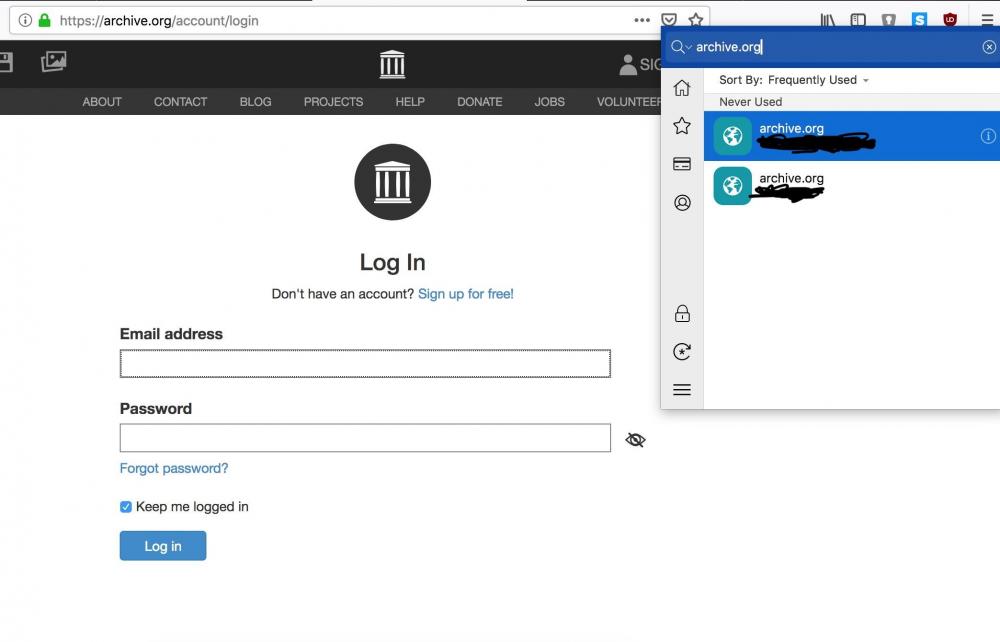
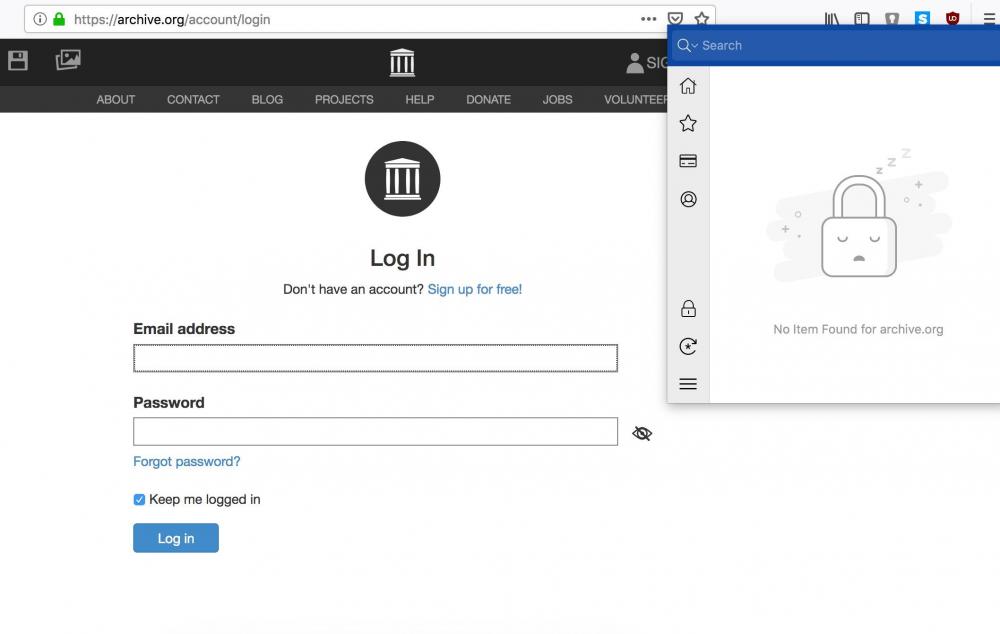
  3. Hello world, I'm running Enpass 6.1.1 on mac OS X High Sierra 10.13.0 and Firefox 68.0 The Enpass extension is unable to find an entry corresponding to the current website, but when I do a manual search it appears. It's a frustrating and time-consuming issue. Is there an obvious setting I should be using to avoid it? Here's 2 screenshots of my experience.
Account

Navigation

Search

Search

Configure browser push notifications

Chrome (Android)
  1. Tap the lock icon next to the address bar.
  2. Tap Permissions → Notifications.
  3. Adjust your preference.
Chrome (Desktop)
  1. Click the padlock icon in the address bar.
  2. Select Site settings.
  3. Find Notifications and adjust your preference.