Skip to content
View in the app

A better way to browse. Learn more.

Enpass Discussion Forum

A full-screen app on your home screen with push notifications, badges and more.

To install this app on iOS and iPadOS
  1. Tap the Share icon in Safari
  2. Scroll the menu and tap Add to Home Screen.
  3. Tap Add in the top-right corner.
To install this app on Android
  1. Tap the 3-dot menu (⋮) in the top-right corner of the browser.
  2. Tap Add to Home screen or Install app.
  3. Confirm by tapping Install.

Jonas EnP

Members
  • Joined

  • Last visited

Everything posted by Jonas EnP

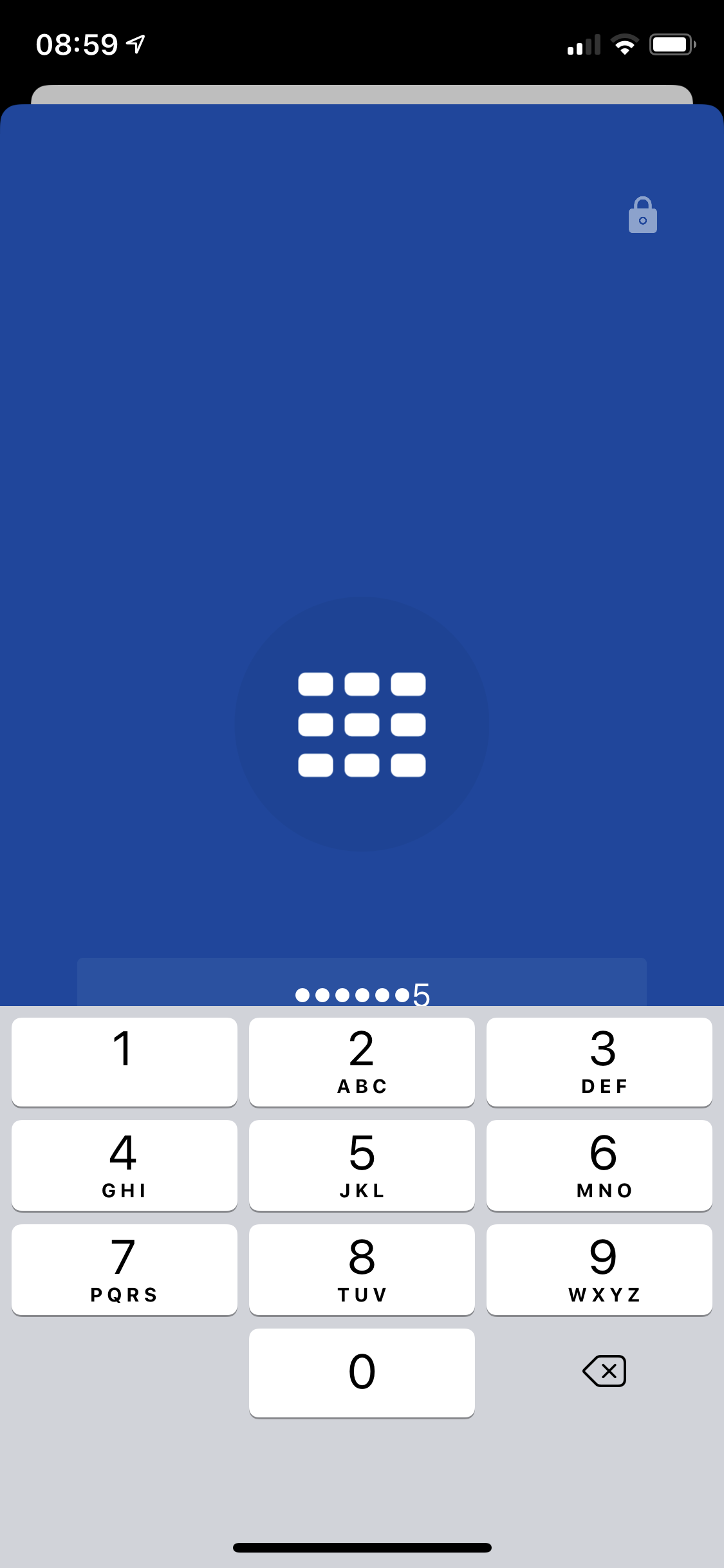
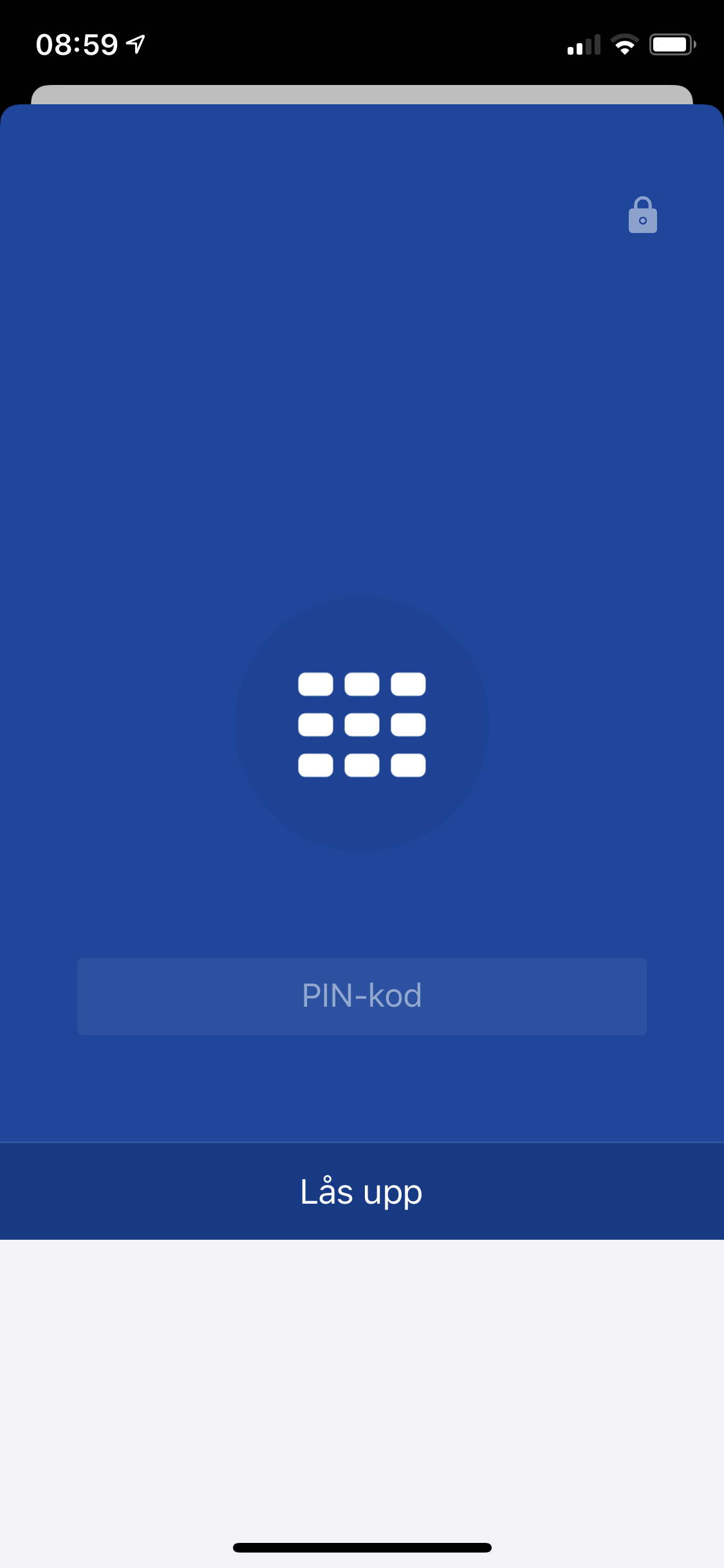
  1. Still can’t “submit” When I wrote in PIN on iPhone Pro. the keyboard are over the submit button. mans Face ID also still not work.
  2. Jonas EnP replied to el_chiefo's topic in iOS
    Same for me on a iPhone 11Pro (not max). But a bit worse here. We don’t see error. All are same but error message are hidden (just blue there)
  3. @Anshu kumar , do you halve any time plan for this new Bugg fix release?
  4. Jonas EnP replied to Krit's topic in iOS
    Same error here. Need a fix for this ASAP. So I can start use my new $1300 phone...
  5. I have a iPhone Pro, with iOS 13. but my Face ID don, work with autofill. have a key-file to my Enpass library, and when I try open with PIN instead, the unlock button are behind the keyboard. why ain’t this working?

Account

Navigation

Search

Search

Configure browser push notifications

Chrome (Android)
  1. Tap the lock icon next to the address bar.
  2. Tap Permissions → Notifications.
  3. Adjust your preference.
Chrome (Desktop)
  1. Click the padlock icon in the address bar.
  2. Select Site settings.
  3. Find Notifications and adjust your preference.