Skip to content
View in the app

A better way to browse. Learn more.

Enpass Discussion Forum

A full-screen app on your home screen with push notifications, badges and more.

To install this app on iOS and iPadOS
  1. Tap the Share icon in Safari
  2. Scroll the menu and tap Add to Home Screen.
  3. Tap Add in the top-right corner.
To install this app on Android
  1. Tap the 3-dot menu (⋮) in the top-right corner of the browser.
  2. Tap Add to Home screen or Install app.
  3. Confirm by tapping Install.

unze

Members
  • Joined

  • Last visited

  1. unze replied to unze's topic in Windows
    It's working again with 6.3.0 (574). Thanks!
  2. unze replied to unze's topic in Windows
    Thanks for your reply! Unfortunately i dont get the dialog box "Share the crash report". It just starts, like a new start after a reboot (without windows hello option). Thanks for the update for Full-time Windows Hello support, im looking forward
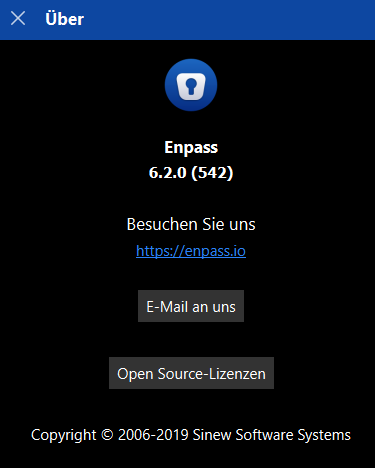
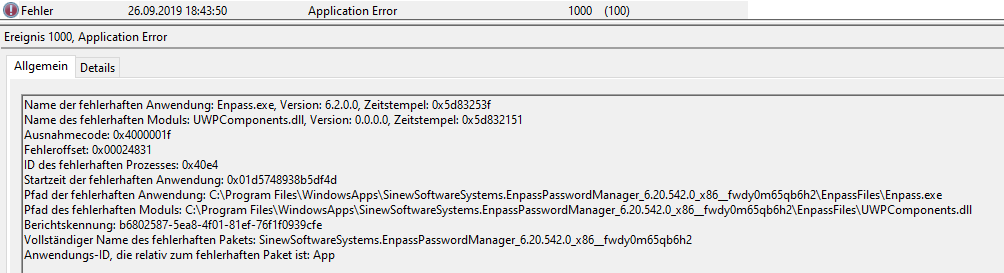
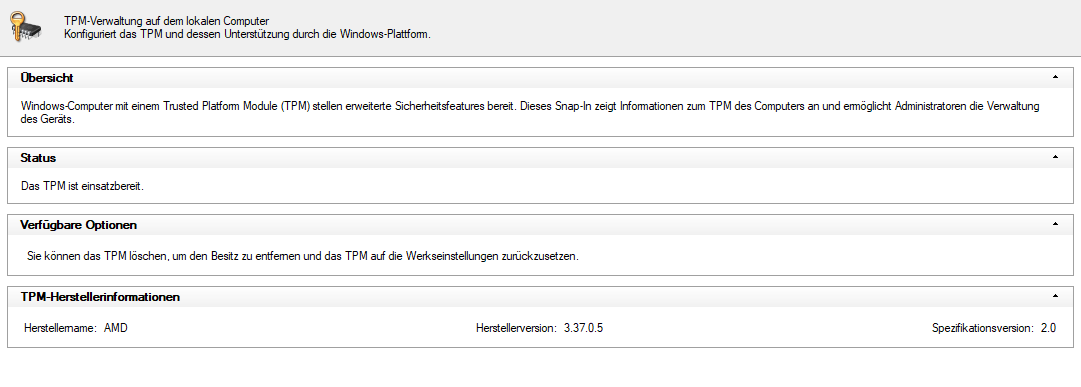
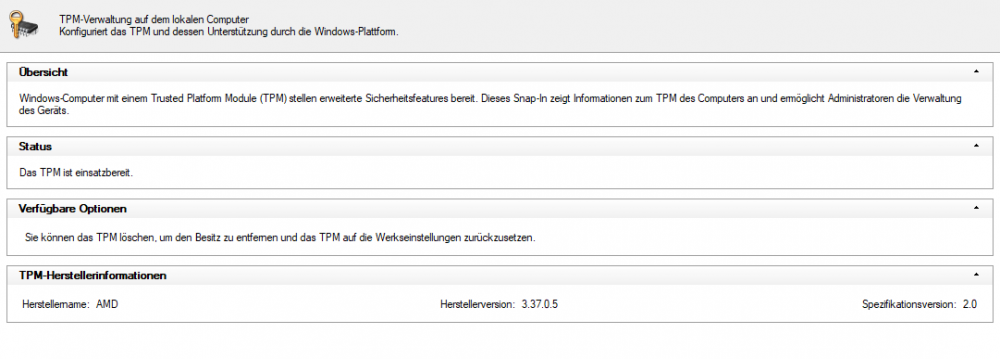
  3. Version: 6.2.0 (542) TPM: AMD 3.37.0.5 Recently i switched to an AMD platform with a Ryzen 3800X on AM4. If i login with password, everything works. Using windows hello crashes the app. Also i have to enter password everytime i restart the computer. Name der fehlerhaften Anwendung: Enpass.exe, Version: 6.2.0.0, Zeitstempel: 0x5d83253f Name des fehlerhaften Moduls: UWPComponents.dll, Version: 0.0.0.0, Zeitstempel: 0x5d832151 Ausnahmecode: 0x4000001f Fehleroffset: 0x00024831 ID des fehlerhaften Prozesses: 0x40e4 Startzeit der fehlerhaften Anwendung: 0x01d5748938b5df4d Pfad der fehlerhaften Anwendung: C:\Program Files\WindowsApps\SinewSoftwareSystems.EnpassPasswordManager_6.20.542.0_x86__fwdy0m65qb6h2\EnpassFiles\Enpass.exe Pfad des fehlerhaften Moduls: C:\Program Files\WindowsApps\SinewSoftwareSystems.EnpassPasswordManager_6.20.542.0_x86__fwdy0m65qb6h2\EnpassFiles\UWPComponents.dll Berichtskennung: b6802587-5ea8-4f01-81ef-76f1f0939cfe Vollständiger Name des fehlerhaften Pakets: SinewSoftwareSystems.EnpassPasswordManager_6.20.542.0_x86__fwdy0m65qb6h2 Anwendungs-ID, die relativ zum fehlerhaften Paket ist: App
Account

Navigation

Search

Search

Configure browser push notifications

Chrome (Android)
  1. Tap the lock icon next to the address bar.
  2. Tap Permissions → Notifications.
  3. Adjust your preference.
Chrome (Desktop)
  1. Click the padlock icon in the address bar.
  2. Select Site settings.
  3. Find Notifications and adjust your preference.