Galaxy
Members
-
Joined
-
Last visited
-
Thank you very much! That worked well. I'm interested in the special $39.99 pricing for the "Premium One-Time Purchase"version that I see on the Enpass website. Can I upgrade from the Free Lite version to the "Premium One-Time Purchase" version without downloading the app again and thus losing my data? When I click on that download link it appears I'll have to start over from scratch. Thanks!
-
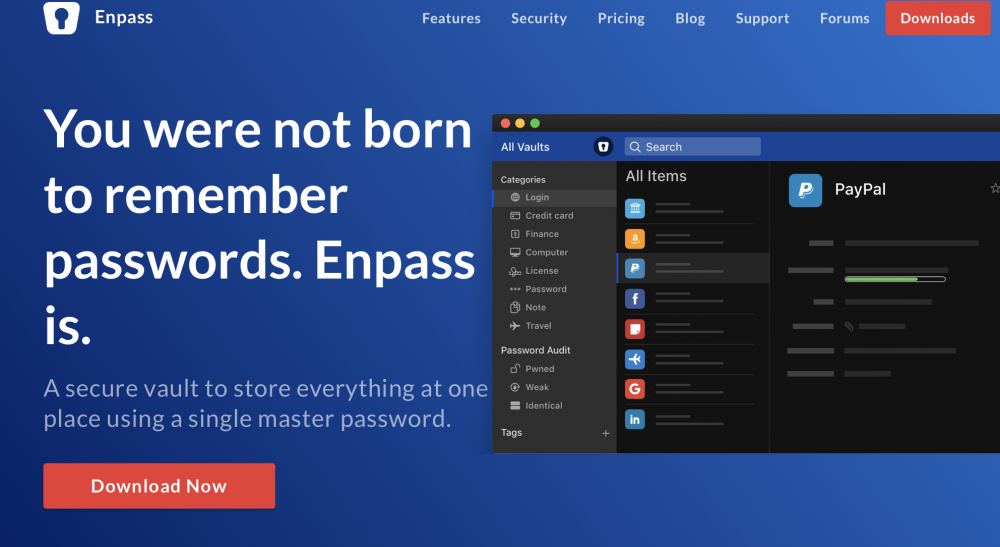
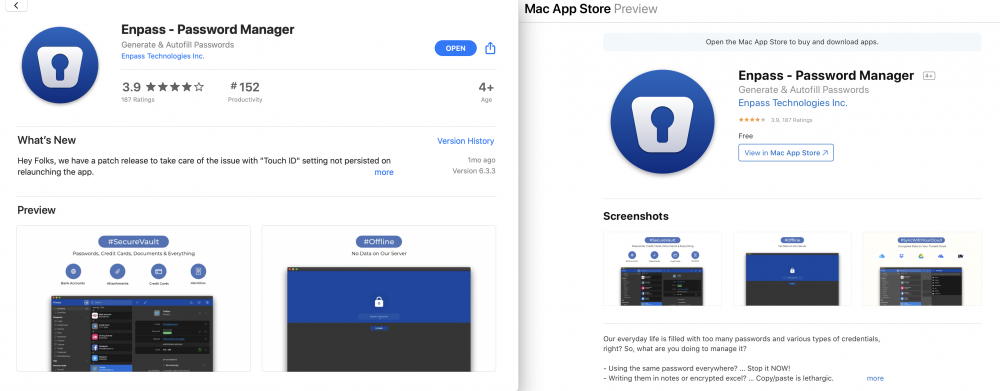
I installed the app on my MAC from your website Enpass.io. I opened Enpass, Settings, Advanced, and did not see any ability to change the data location. Am I missing anything? I am not sure that I downloaded it from the correct location. This is the download link I used. The download link in the image redirected me to the Mac App Store. Can you send me the link where I can download the instance that has the ability to change the data location? Thanks again!
-
When I installed Enpass on my MAC it did not ask me where I wanted to install the primary vault. Since I would prefer to put it in a location of my choice, is it possible to change the physical location of the primary vault? Thanks!