hans peter
Members
-
Joined
-
Last visited
Everything posted by hans peter
-
Thank you. Pratyush Sharma! Kind regards /hans peter
-
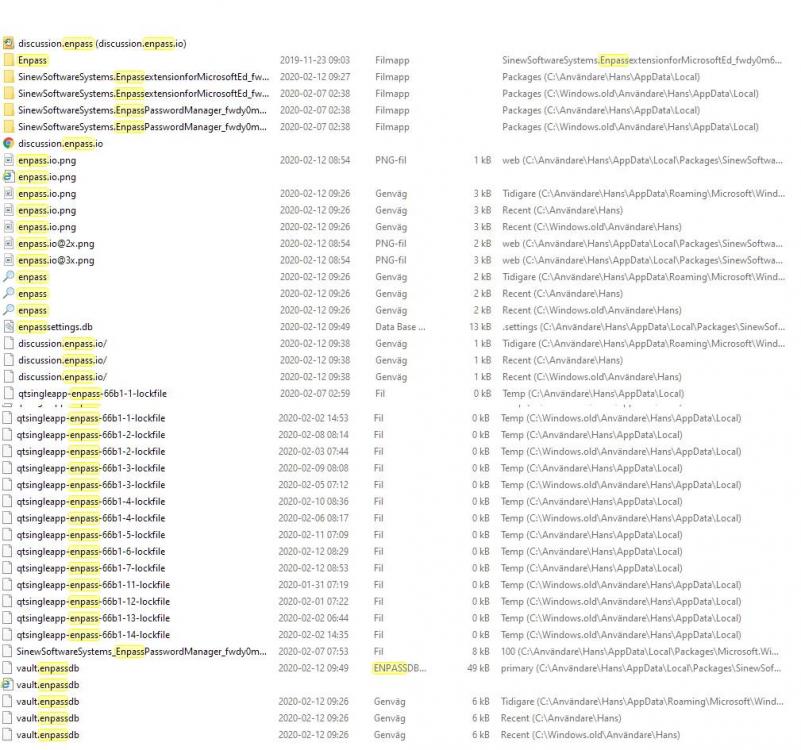
Hi Garima Singh Thanks for Your try! However, the animation was of no help. It passed by too fast. Instead, I was thinking about what you were trying to say. I found a button on the desktop with which I could start Enpass, but not open it. I thought you were trying to show me something inside Enpass. I therefore took the opportunity to register and with the help of the code I entered the program. But the window that opened didn't look like what you had sent to me. What next? I looked at the magnifying glass and searched for Enpass. I then got the page you had sent to me (which, by the way, was very blurry and barely readable). I used the Uninstall function and now much of Enpass disappeared. However 36 of the 42 files I sent you in the picture remains. (What is left in the register you may wonder? ) Can't you remove the entire Enpass? K.r./hans peter
-
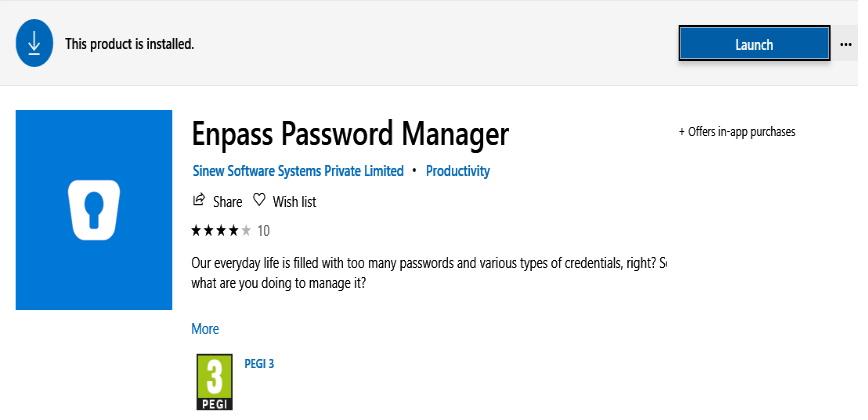
I can't find ENPASS under Programs and Features in Windows 10 and just this in the Microsoft Store. On the other hand, I have all those other things on my computer. How do I get rid of them? K.r. /hans peter
-
How do I uninstall Enpass from my Windows 10 desktop completely? /hans peter