

Skip to content
View in the app

A better way to browse. Learn more.

Enpass Discussion Forum

A full-screen app on your home screen with push notifications, badges and more.

To install this app on iOS and iPadOS
  1. Tap the Share icon in Safari
  2. Scroll the menu and tap Add to Home Screen.
  3. Tap Add in the top-right corner.
To install this app on Android
  1. Tap the 3-dot menu (⋮) in the top-right corner of the browser.
  2. Tap Add to Home screen or Install app.
  3. Confirm by tapping Install.

Wolf6660

Members
  • Joined

  • Last visited

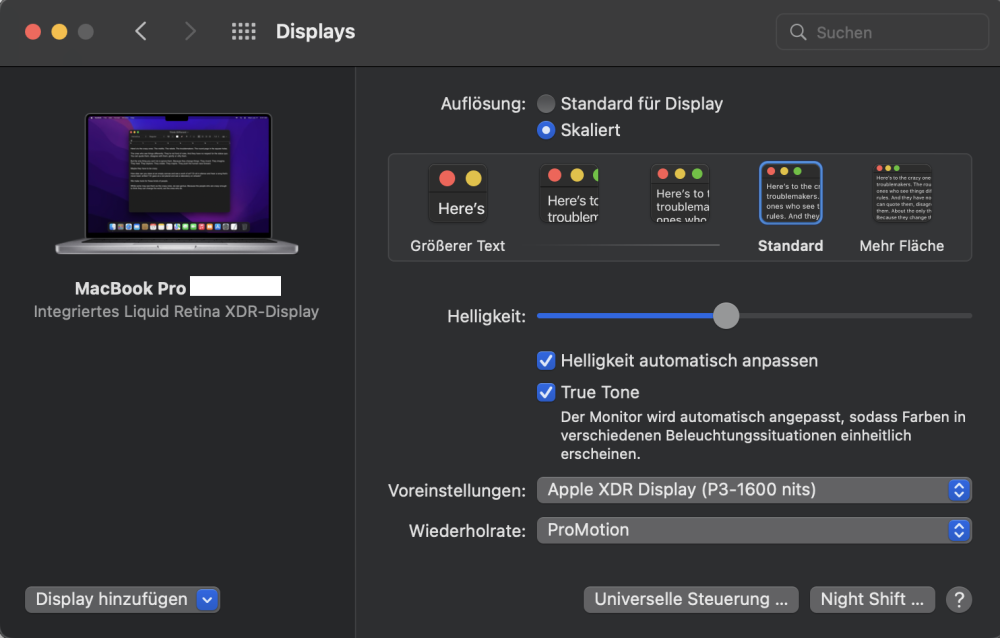
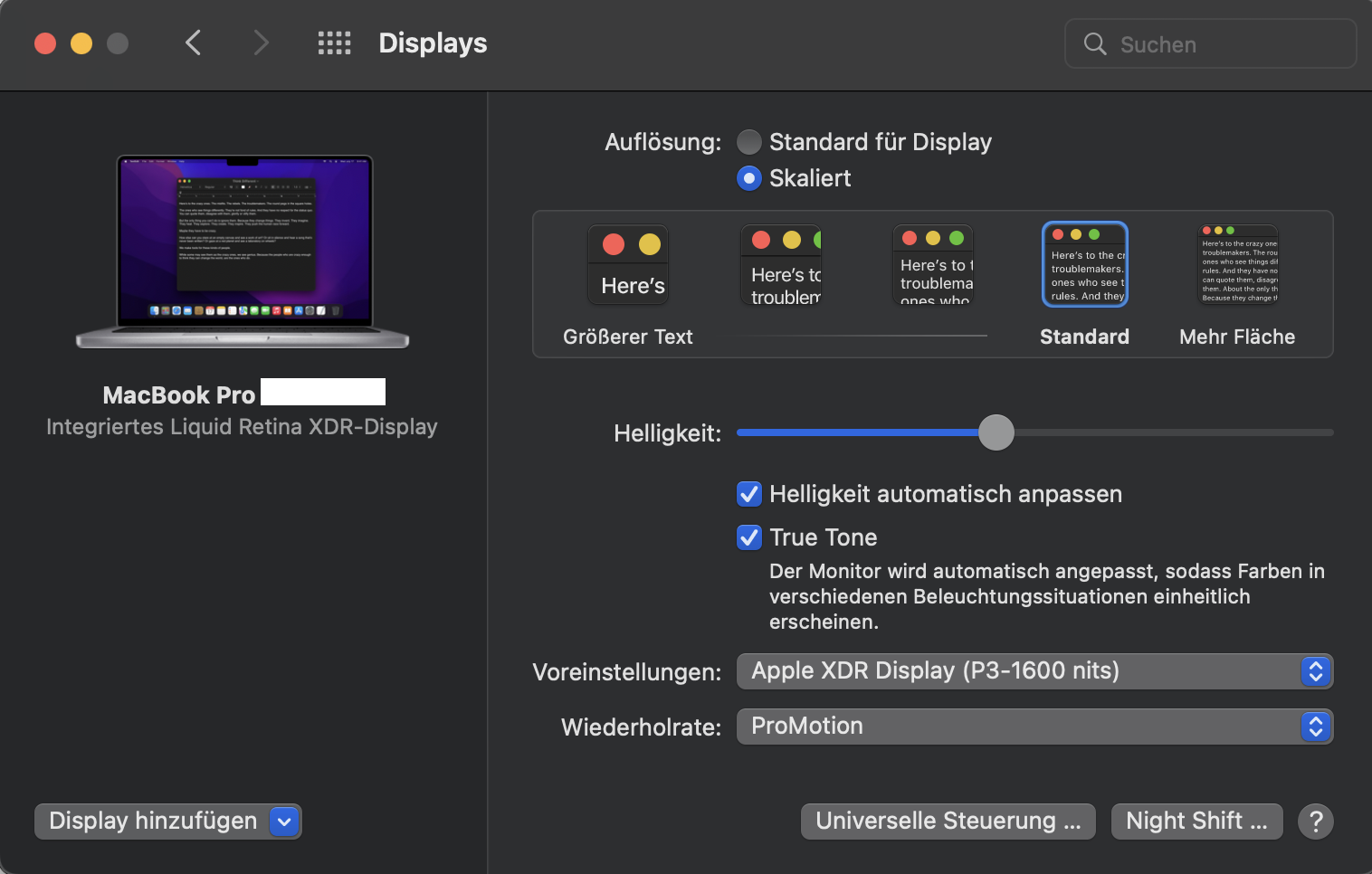
  1. 1. MacBook Pro M1pro / OS version 12.4 2. Website version 3. no 4. Yes, I am using a multi-monitor system, but the error only occurs on the internal MacBook XDR screen without the multi-screens
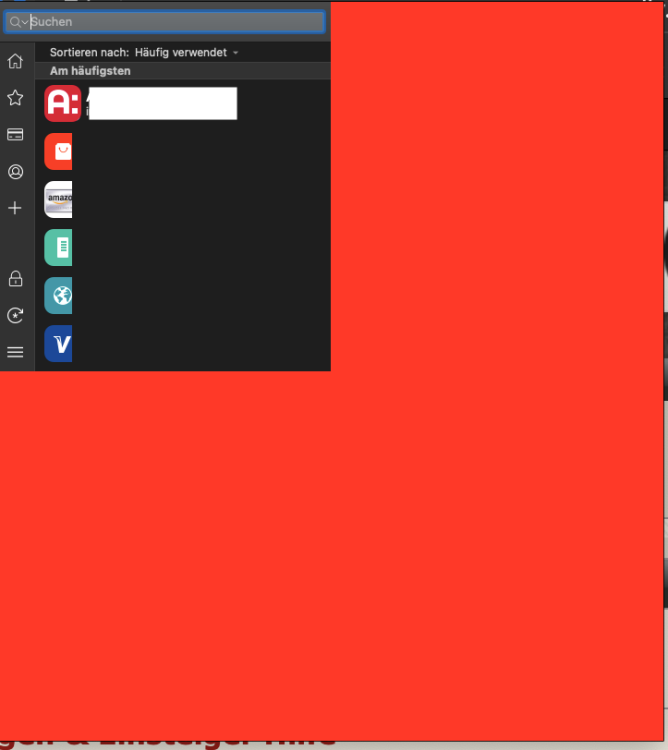
  2. Hi, I have a MacBook Pro M1pro 14` - Enpass displays the windows incorrectly and I often have the problem that the windows do not close. is this problem known? here is a screenshot - the white square is from me, but the rest is normal! Many Thanks
  3. Wolf6660 joined the community
  4. Wolf6660 posted a topic in Mac
    It happens from time to time that I can't click anything in Enpass. Ending the App with cmd + q is unsuccessful. Enpass usually only works again after a restart. I installed Mojave someone an idea? Thank you
Account

Navigation

Search

Search

Configure browser push notifications

Chrome (Android)
  1. Tap the lock icon next to the address bar.
  2. Tap Permissions → Notifications.
  3. Adjust your preference.
Chrome (Desktop)
  1. Click the padlock icon in the address bar.
  2. Select Site settings.
  3. Find Notifications and adjust your preference.