electrolund
Members
-
Joined
-
Last visited
-
Huh, after a reboot last night, it's working again. I didn't need to do the above. Will keep you posted!
-
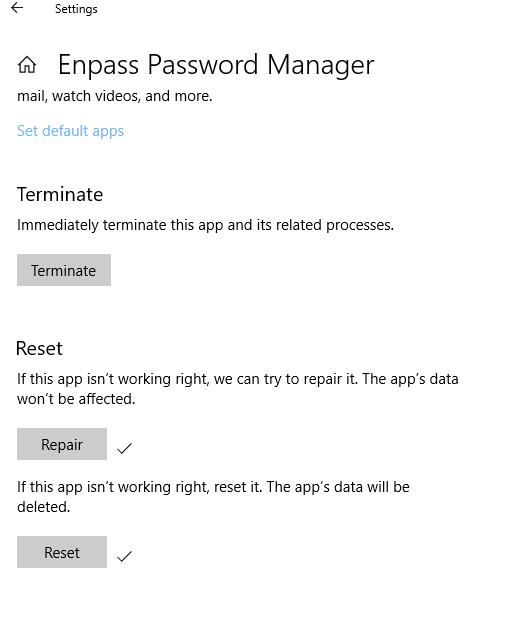
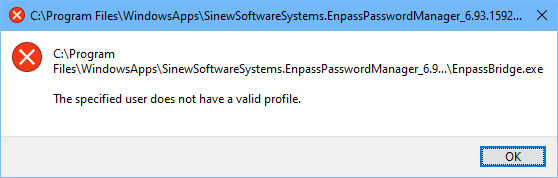
Shoot, it's back. This time, a different error but same results. This morning, after holiday, booted up this same computer and got the following from Enpass: "The specified user does not have a valid profile."
-
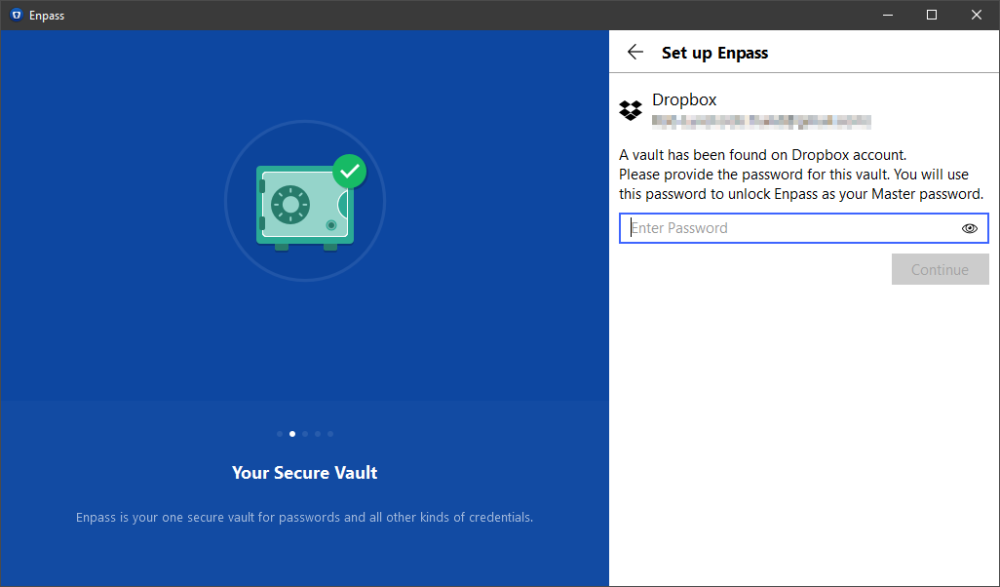
Eureka! I never thought to try the Windows Store version, but that worked! Finally. To answer your question, this machine is a company computer. Biggest difference is that it is also running corporate Symantec antivirus, and my hunch is that they recently tightened policies on third party software. That would explain why the Windows Store version works for me -- perhaps some better app signing?
-
other suggestions? Is Enpass just bricked on this machine?
-
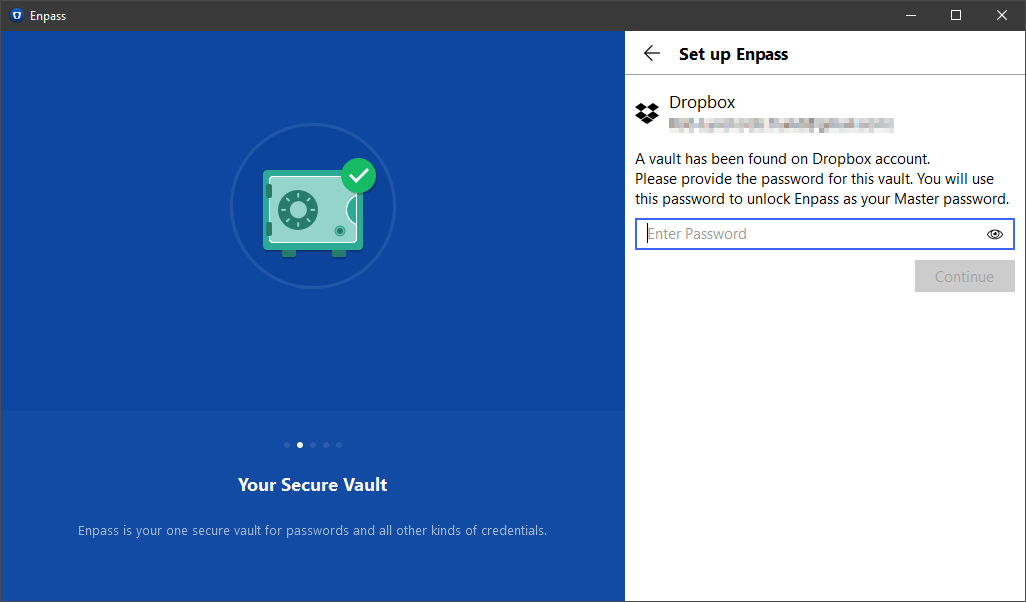
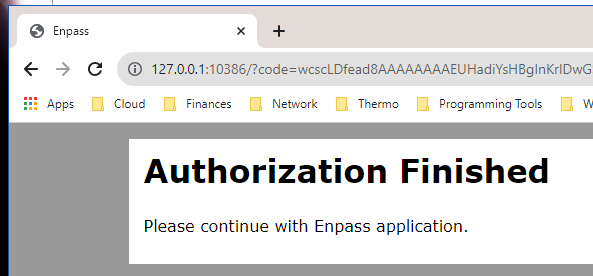
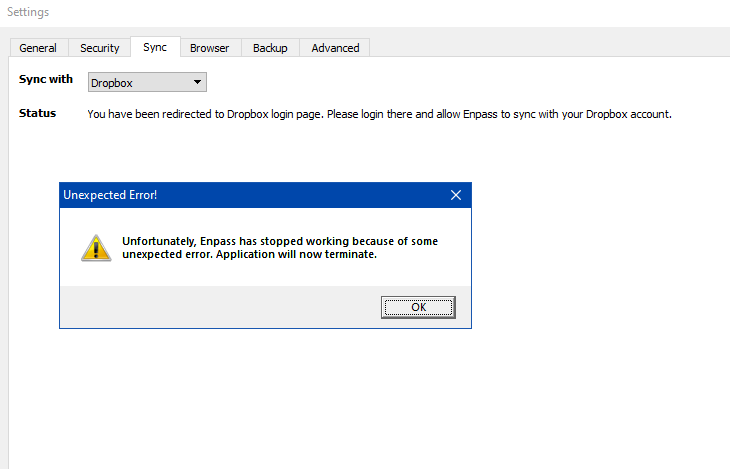
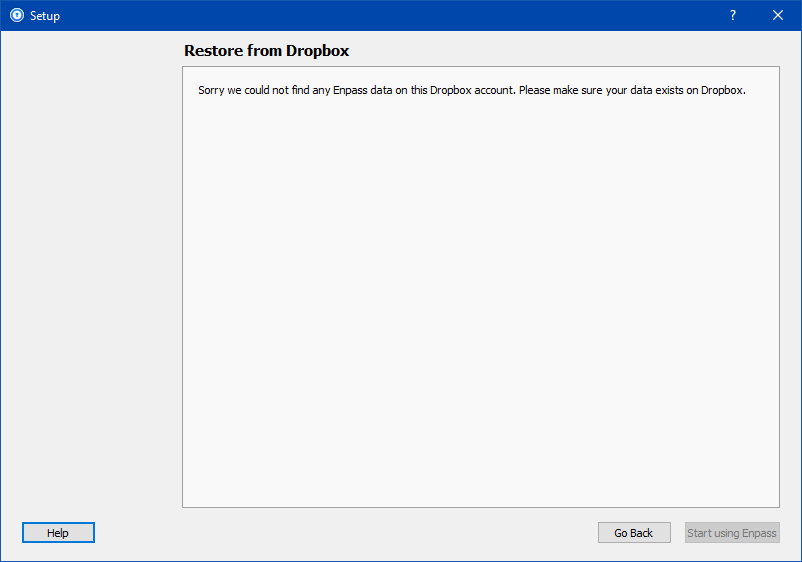
Perhaps this will help. I reinstalled 5.6.10, downloaded from your site. 5.x will open after install. The initial setup of the vault from my Dropbox failed (I'm assuming because of recent 6.x changes to format?). So I simply created a new vault and then went the route of importing the cloud vault then. Here's what I found. Is there some corruption in my Dropbox and Enpass 6.0? I don't believe that's the case, as I continue to use Enpass 6.x on another Windows computer, syncing to the same Dropbox vault. I also sync that to Enpass on Android and a Mac.
-
I don't feel you're fully following my symptoms. Your list of actions: Open the Enpass Application. Can't! As I mentioned in the very first post, when opening it, it shuts down immediately from the Task Manager. Quit the Application using the ctrl+Q. First, I'm on Windows, not Mac. Second, I don't have to quit! It crashes immediately. Open the Documents folder in the File Explorer. Now Rename the Enpass folder created in it. I've deleted my Enpass folder to have it recreated. Again open the Enpass and observe that should be on the welcome screen. Can't! See above. No welcome screen, no app opens. Now Choose the Cloud account on which Enpass data is stored. Can't! Complete the Authorization process. Can't! Enter the data password and continue. Can't!
-
Yeah, I basically have already done those steps, minus the deletion of the Documents\Enpass folder. Re-installing now yields same results. Anything else I can try? This is such a mystery.
-
Ok, thanks. I wonder if there's some deeper uninstall I can do. As a reminder, the very old 5.x versions install and the app opens as expected afterward. It's only 6.x that then dies.
-
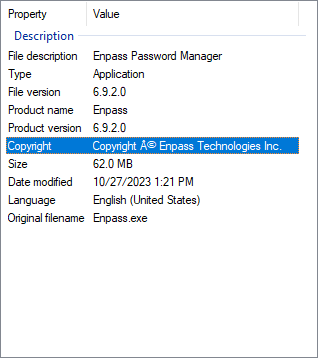
I uninstalled and reinstalled 6.9.2. Same results after reboot.
-
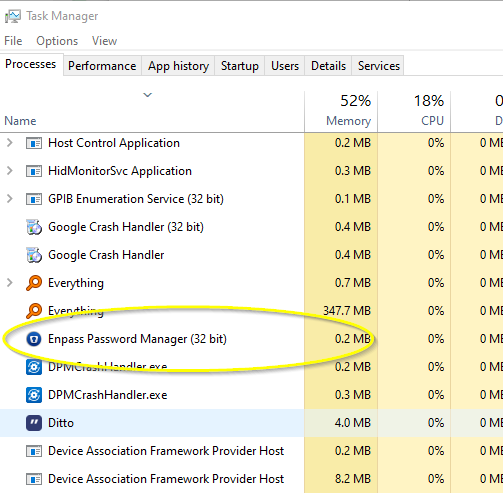
It does not. I've also looked in Windows Event Viewer, but can't seem to find any instances of Enpass there either. When opening Enpass, no window spawns. Looking at Task Manager, and clicking screenshot immediately after launching(!), I can indeed see it very briefly in the Task Manager. But then it disappears immediately after. As of now, Enpass is unusable on this particular Win10 machine.
-
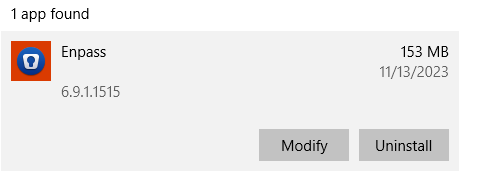
Thanks for the reply. I have downloaded the latest version directly from your site (non-Store version), 6.9.1.1515. Opening the app results in immediate crash. I follow along in the Task Manager, see it briefly list there, but then go away. The app panel doesn't open at all. Immediate crash. I have uninstalled it fully, then reinstalled, rebooted, etc. All same behavior now. Only the really old version, 5.x, results in a panel that will actually open and ask me for vault setup. Your question #3 is hard because the app won't even load for me to have a chance to disconnect from my vault. Where can I find the crash report?
-
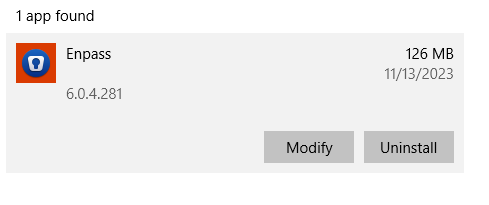
Just started yesterday on my Win 10 laptop. The app no longer opens at all, crashes immediately. I rebooted the PC. I did a repair of the installation. I uninstalled and reinstalled (6.0.4). I then uninstalled and installed 5.x. This got further and opened but would not sync to my cloud backup. Help! I'm stuck. Can' log into any sites until I get my Enpass back.
-
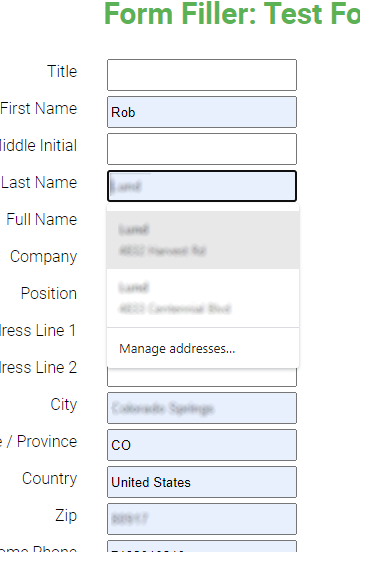
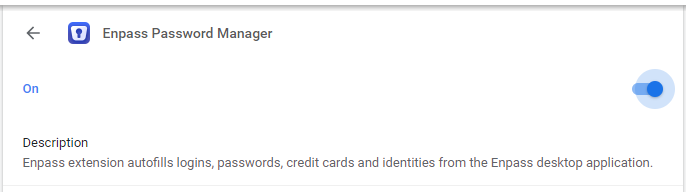
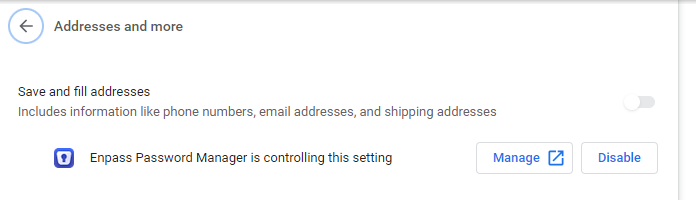
This is a significant weakness on desktop for me. In order to autofill addresses, I have to disable Enpass autofilling. Then re-enable Enpass to handle passwords. I don't get whey Enpass can't share this with Chrome.
-
Thanks for the help! Ok, this webform feature is new to me. I filled in several of the fields on both of my examples above. I right-clicked on the page and went to the Enpass option, then the hamburger, and "Save as webform". But nothing shows up in my Enpass as an item. Where do I find the saved webform?
-
Long time Enpass paid user here. Love it. Converted my wife to using password managers with it. It's mostly great. I love the decentralized vault scheme. I just wish it supported form filling. Chrome natively will auto-fill a form like the ones below, as you start to type any credentials into fields. You can then choose which identity to use, it's beautiful. When Enpass is set to be in control of this, I don't know how to autofill the form. I try by clicking the assistant and going to identities, but nothing happens. Here are two example form pages (be careful what you auto-fill here!) https://rsolomakhin.github.io/autofill/ https://www.roboform.com/filling-test-all-fields What's worse is that it appears that I can't let Chrome do the form filling, but let Enpass do the password login filling.