BleenPaper
Members
-
Joined
-
Last visited
Everything posted by BleenPaper
-
Thank you for the tip, I didn't thought of this possibility and would not have found a solution without it. It was not a bubble that could be deactivated in the apps menu but an option in "Accessibility > Installed Apps > Enpass" where you have to turn off the "Enpass Shortcut".
-
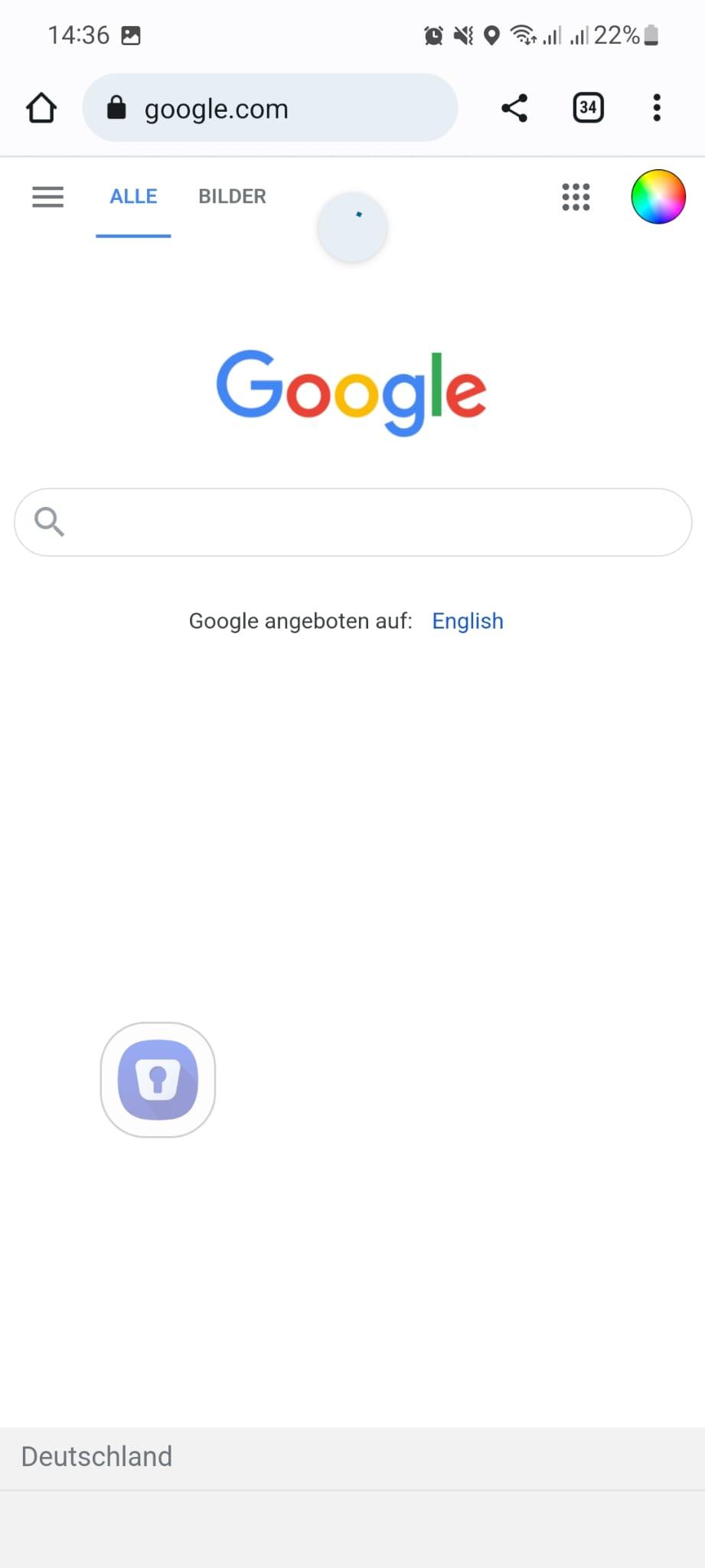
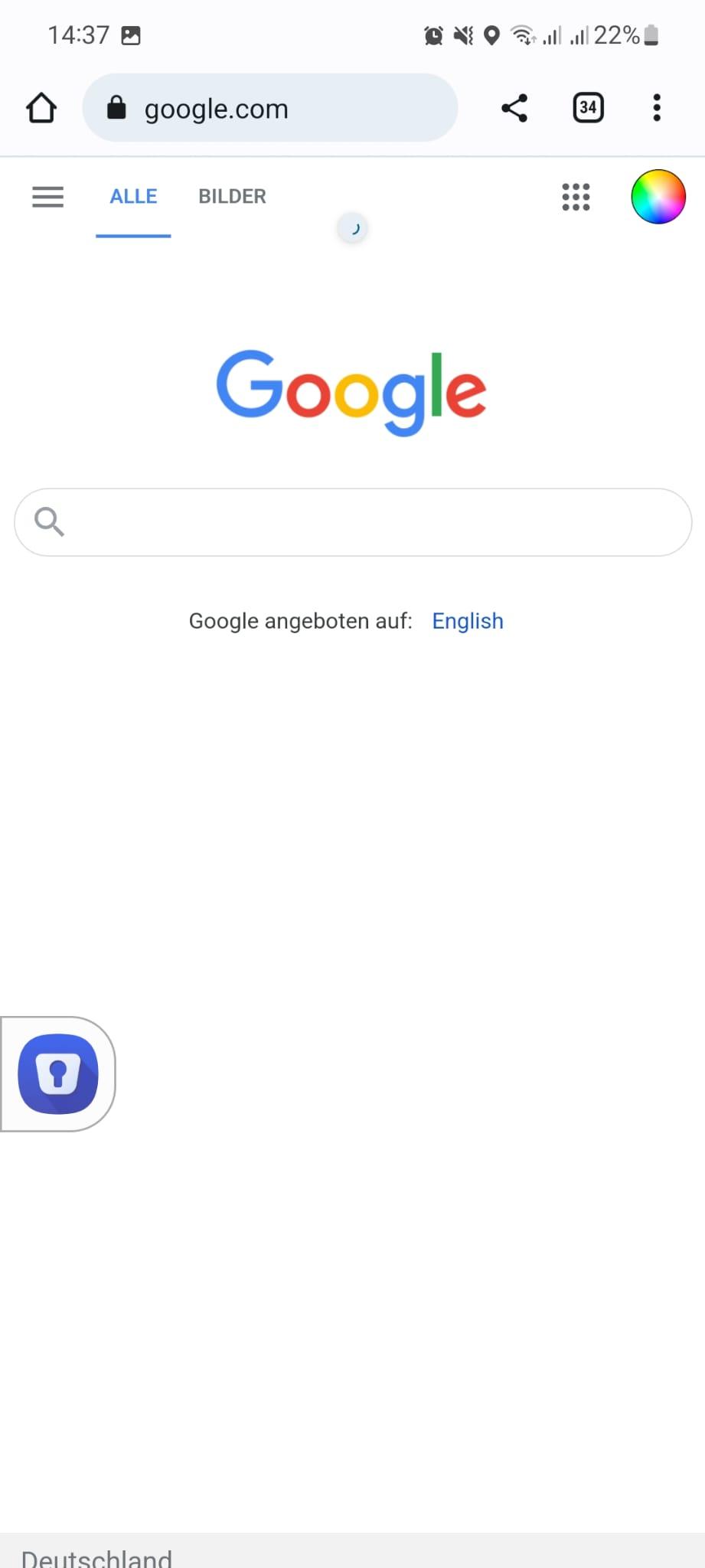
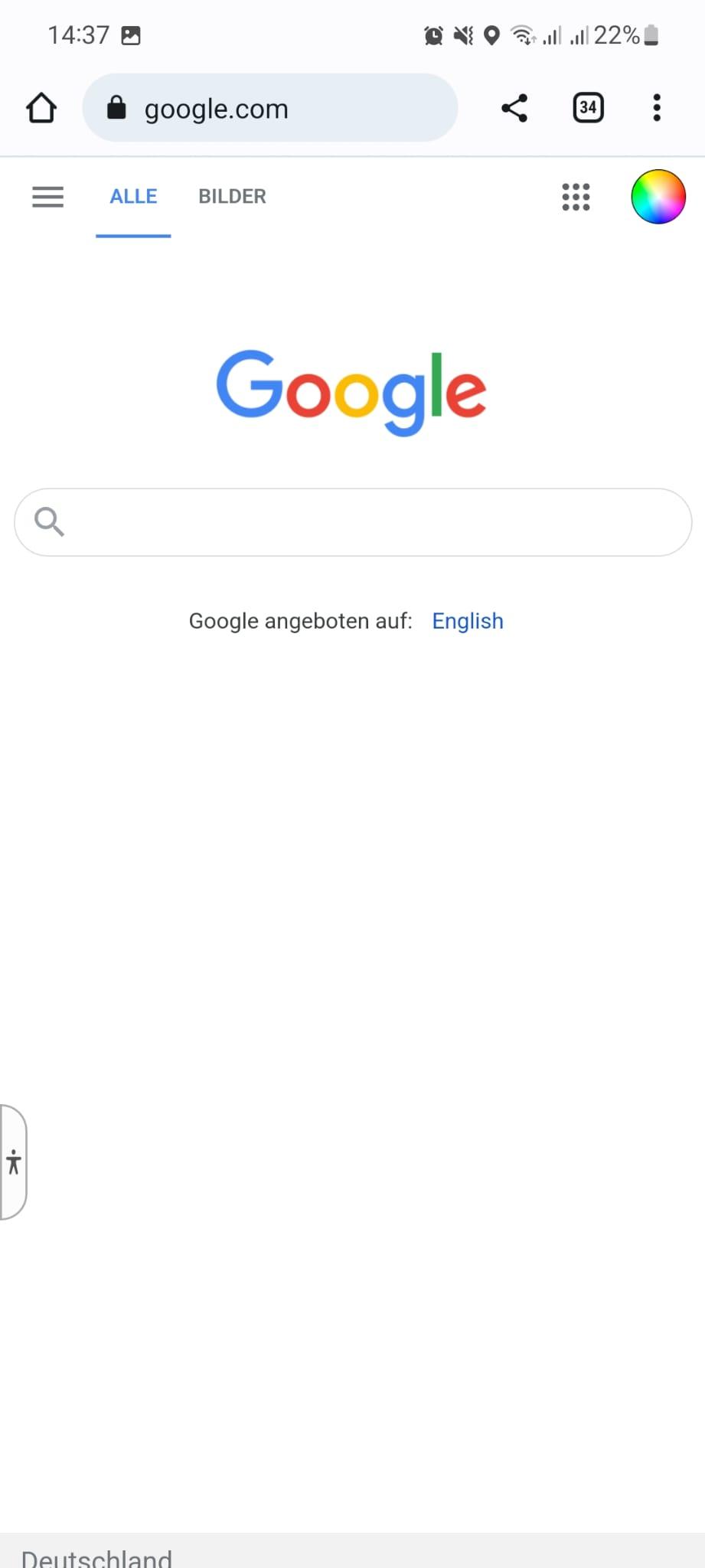
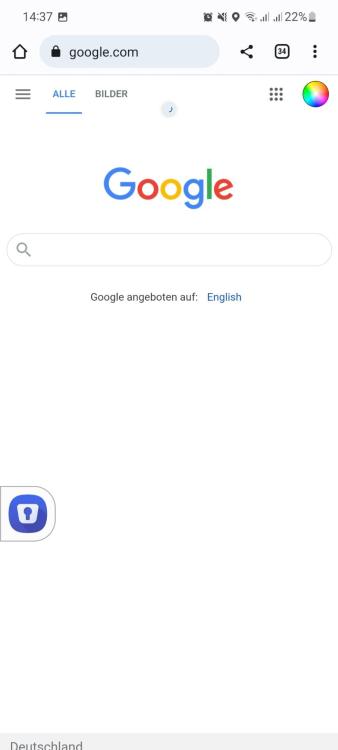
A couple of weeks I had to confirm a dialogue on android that enpass may display stuff in front of other apps - then this weird button (photos) with the enpass logo appeared and I have no clue where I can turn it off. It seems kinda useless, does nothing, not even on a Website with a form to fill. It can either float in the middle of the screen, can be docked to the left or right side of the screen and can also be minimized by swiping to the corresponding side. Does anybody know, how this element is called and where you can turn it of in the enpass / android settings? Thanks!
-
Addition: As I read in another request, it would already help, if you could search for tags - for example with "tag:banking" in the normal search bar for the tag "banking" :). Thanks!
-
It would be awesome if you could select / show all entries with a specific tag in the browser extension (in chrome), as they enable an easy way to organize and group elements without messing with categories.
-
It would be great if you can also create custom templates not only for new entries but for sections in an existing entry. For example, when I get a new banking card, I want to save the new card number, expiring date and pin in one new section. Currently, I have to insert every new line manually instead of saving a template for banking cards and inserting it as a whole. Thus, it would also be helpful, if you could move whole, grouped sections and not just single lines. In general, a reworked editing interface with subsections etc. would be great. Thanks!