DELABRIERE
Members
-
Joined
-
Last visited
-
Hi, Do you mean my internet browser (Safari) ? I don't use it, or any other, during install of your app...
-
Hi, I am using Enpass and Enpass Portable on a MacBook Air, OS 10.14.6. Unfortunately, I cannot sync the Portable version with the cloud, because I am using iCloud, which is not available... Thanks
-
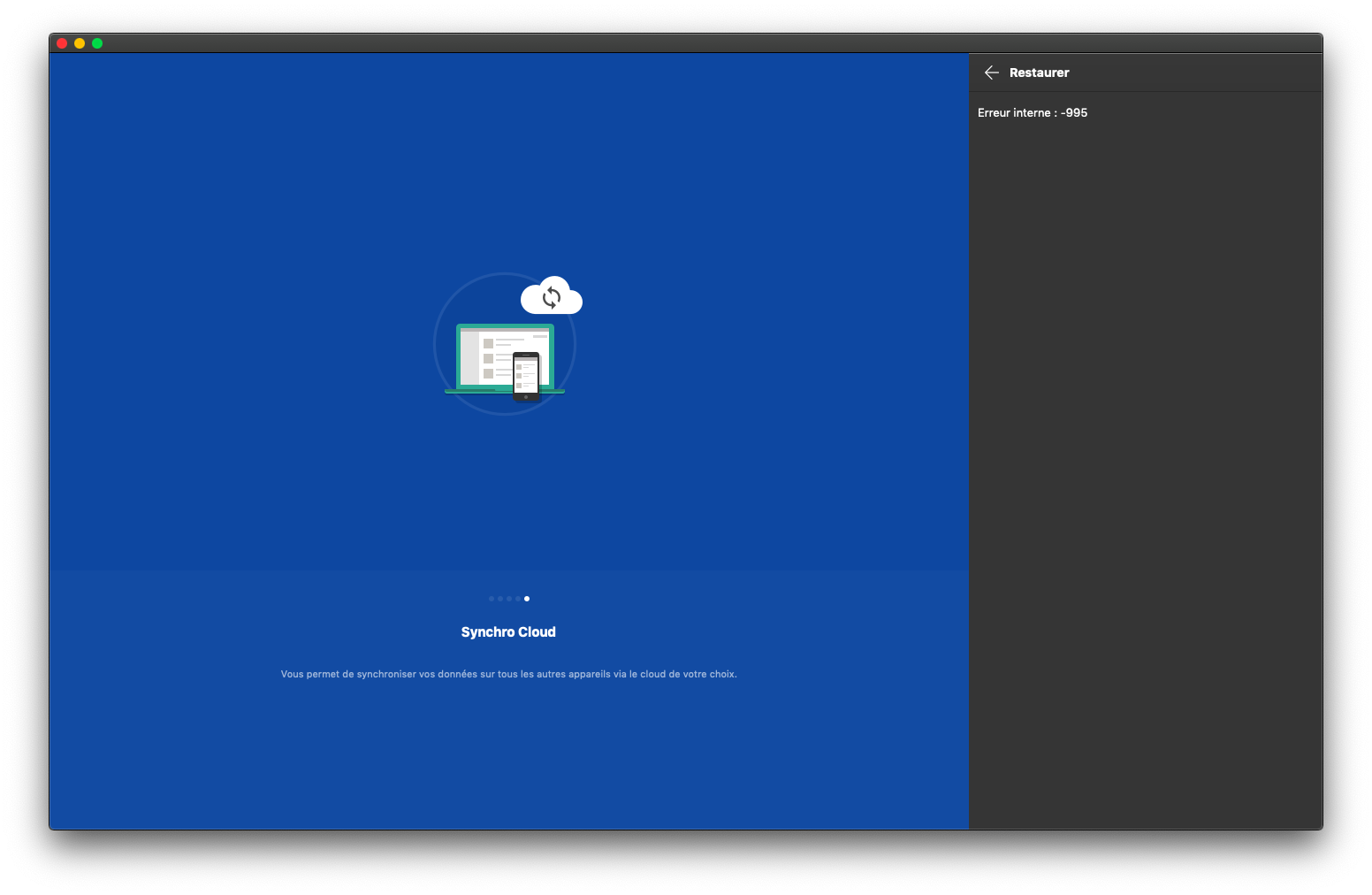
Hi, Sorry, but I did, again, what you advised to me, I still get this message: "Internal error -995"...
-
Hi, I am using the last version of Enpass Portable 6.4 (the user guide has not been updated to this version). What kind of backup should I use ? Backup of the vaults ? Any other ? Thanks
-
I see. How to fix my Portable problem ?
-
And: Pratyush Sharma said: "Enpass version 6 doesn't have the file extension walletx.db instead it is vault.enpassdb". How can I get such a file ? My backup name is "2020-05-18-1589793508-4_vaults-165_items.enpassbackup" Thanks
-
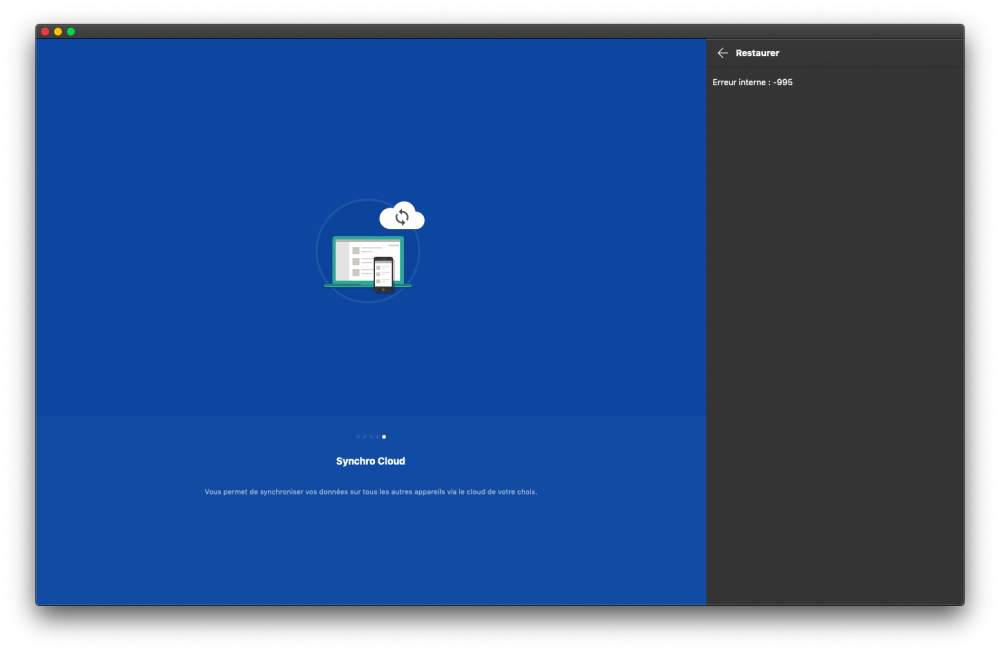
Hi, - The size of the backup 21 Mo. Is there a limit to use a backup on the Portable app ? - Yes, that's what I did. Copy of the error screen. - "walletx.db" is mentioned in the Enpass Portable user guide. See copy of the screen.

-
Hi, Thank you for your answer. When I try to restore data from the saved backup, I get this message: "Internal error: -995" What should I do ? Thanks again.
-
DELABRIERE joined the community
-
Hi, I cannot make the Portable app working on Mac. How can I get the data from Enpass Desktop 6.4 to Portable app ? I am looking for a "walletx.db" file, as said in the user guide, but where is it ? When the USB key is plugged on my own laptop, will Desktop and Portable datas sync together, and how ? Thanks.