

HansiBindi
-
Posts
4 -
Joined
-
Last visited
HansiBindi's Achievements

Newbie (1/14)
0
Reputation
-
I found out that every time i "close the program" i have to reenter the master password. After entering it i have to option to use touch id... thats not normal i guess? On my other Mac where i dont have installed Big Sur this problem is NOT accuring!
-
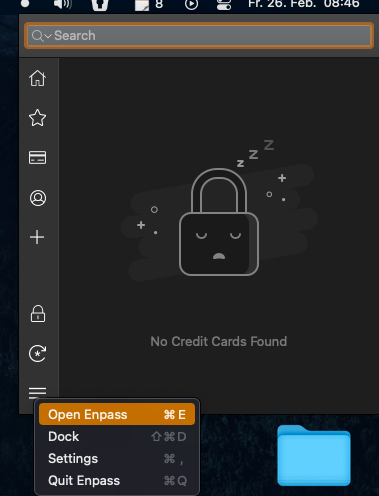
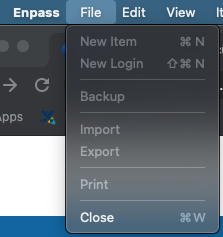
Hey there, im on big sur with the latest version from the appstore and i cant open enpass main window. If i go to "Open enpass" nothing happens. And also in the status bar the options to create a new entry are not clickable.
-
Hey guys, is it normal that when u restart the MAC u have to enter the masterpassword instead using Touch ID? I have the option to login with touch id AFTER entering the masterpassword once. Thanks
-
HansiBindi joined the community
-
Yeah its still not working on BigSur (Intel) its locked and cannot be activated. When i uncheck the "start with system" in the settings its working. Please fix this its annoying. Thanks!