
Jump to content
View in the app

A better way to browse. Learn more.

Enpass Discussion Forum

A full-screen app on your home screen with push notifications, badges and more.

To install this app on iOS and iPadOS
  1. Tap the Share icon in Safari
  2. Scroll the menu and tap Add to Home Screen.
  3. Tap Add in the top-right corner.
To install this app on Android
  1. Tap the 3-dot menu (⋮) in the top-right corner of the browser.
  2. Tap Add to Home screen or Install app.
  3. Confirm by tapping Install.

FabriZ

Members
  • Joined

  • Last visited

  1. Hi, thank you, I sent now email with report crash in attach to support@enpass.io . Have a nice day! Fabrizio
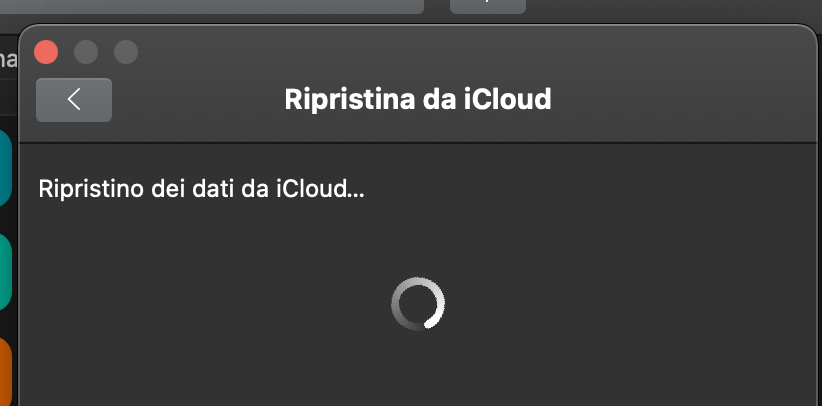
  2. Hi, I have a similar issue: - my first vault synced with main iCloud account is ok - second vault synced with another iCloud account, or new created, show spinning wheel and Enpass hang This happens on my new MacBook Air with M1, before it was ok on a MacBook Pro with Intel i7. I also started with a clean install, but always spinnig wheel... Thanks! P.S. I have crash report but I can't attach here ....
Account

Navigation

Search

Configure browser push notifications

Chrome (Android)
  1. Tap the lock icon next to the address bar.
  2. Tap Permissions → Notifications.
  3. Adjust your preference.
Chrome (Desktop)
  1. Click the padlock icon in the address bar.
  2. Select Site settings.
  3. Find Notifications and adjust your preference.
