el613
-
Posts
13 -
Joined
-
Last visited
el613's Achievements






-
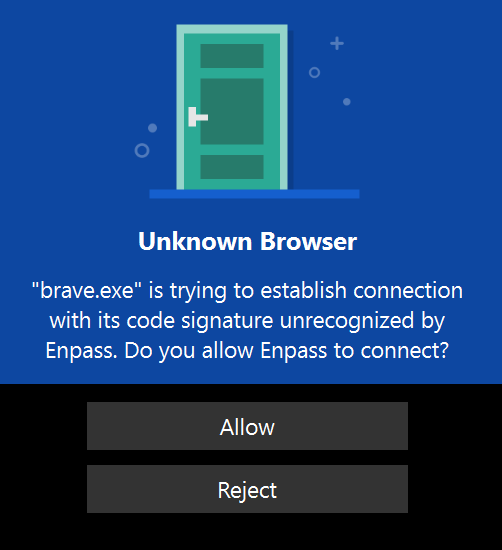
Is there a reason the Enpass extension no longer functions for the Brave web browser?
-
6.6.1 (804) Thanks
-
On which device (along with OS version and Enpass version) are you using? - Windows 10 Are you facing this problem when you fresh start the system or wake up from sleep mode or any other scenario? - Both Which cloud services are you using? - Google
-
Enpass crashes almost every single day when I open the Windows desktop app. This only happens the first time I try. After this, it works for that day. Does anyone else have this issue? I send crash reports so please can an update be issued
-
I understand the point of Enpass is to only have 1 password for everything but the point of a TOTP in theory is to require a second piece of information. I think Enpass should have the option to allow users to protect TOTP codes with a second, separate, master password so it can effectively function as an independent TOTP manager
- 1 reply
-
- 1
-

-
Please can I follow this question up? Thanks
-
@Garima Singh
-
bump
-
The last Enpass audit was in 2018. Is there any plan to repeat this audit as it is coming up to 3 years without one Thanks
-
Thanks. There is no crash report. I restarted my PC and this fixed the issue
-
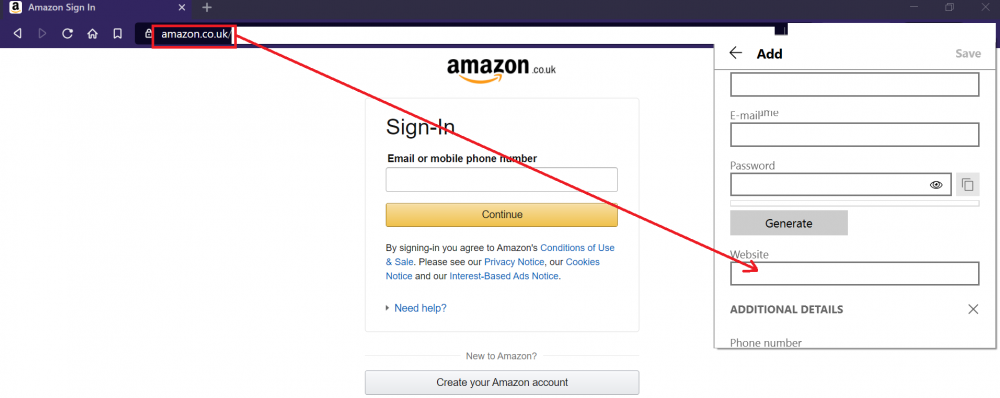
When adding a new item in the browser extension, using "+", the website field currently does NOT auto-populate with the current webaddress Please can this feature be added as most other Password managers offer this
-
I have tried 6 times now to "Add file" to Enpass. Enpass on Windows 10 crashes every time I have tried. I have no issues adding a file on my Android phone. Any ideas why?
-
Does Enpass intend to implement 2FA for itself as an second authentication method instead of Keychain It is much easier to use and is less risky as losing access to a 2FA is harder than a keychain