Nyana
-
Posts
3 -
Joined
Nyana's Achievements





-
Is there an update for this bug? It's still there and preventing access to Enpass when the database locks.
-
Thanks for looking into this @Abhishek Dewan I tried your suggestions and it didn't resolve the issue. The version number for the Enpass extension is 6.8.3
-
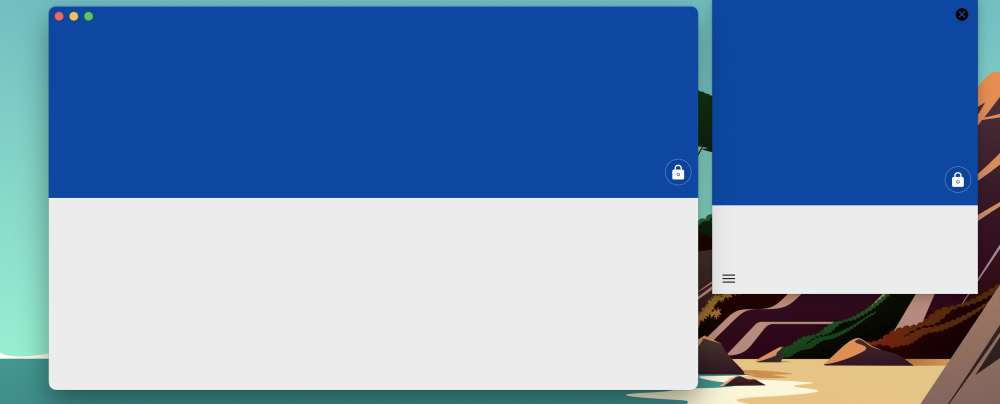
Hi, After Enpass locks because of inactivity, when I try to reopen EnPass there is no username/password field or option to unlock with fingerprint. This goes for both the EnPass application, as well as the Firefox browser extension. There's a lock icon, but clicking it doesn't do anything. The only way that works is to cmd + Q quit the app and restart it. MacOS: Ventura 13.2.1 (Apple M1 iMac) Enpass: 6.8.5 (1256) Firefox: 110.0.1 (earlier versions had the same issue) Any idea what this might be?