Jump to content
View in the app

A better way to browse. Learn more.

Enpass Discussion Forum

A full-screen app on your home screen with push notifications, badges and more.

To install this app on iOS and iPadOS
  1. Tap the Share icon in Safari
  2. Scroll the menu and tap Add to Home Screen.
  3. Tap Add in the top-right corner.
To install this app on Android
  1. Tap the 3-dot menu (⋮) in the top-right corner of the browser.
  2. Tap Add to Home screen or Install app.
  3. Confirm by tapping Install.

tomex

Members
  • Joined

  • Last visited

  1. tomex replied to tomex's topic in Mac
    Hi, any news? Unfortunately I cannot use enpass at all, because it crashes a couple of minutes after start
  2. tomex replied to tomex's topic in Mac
    Hi, unfortunately a .txt file cannot be added. How can I share it with you?
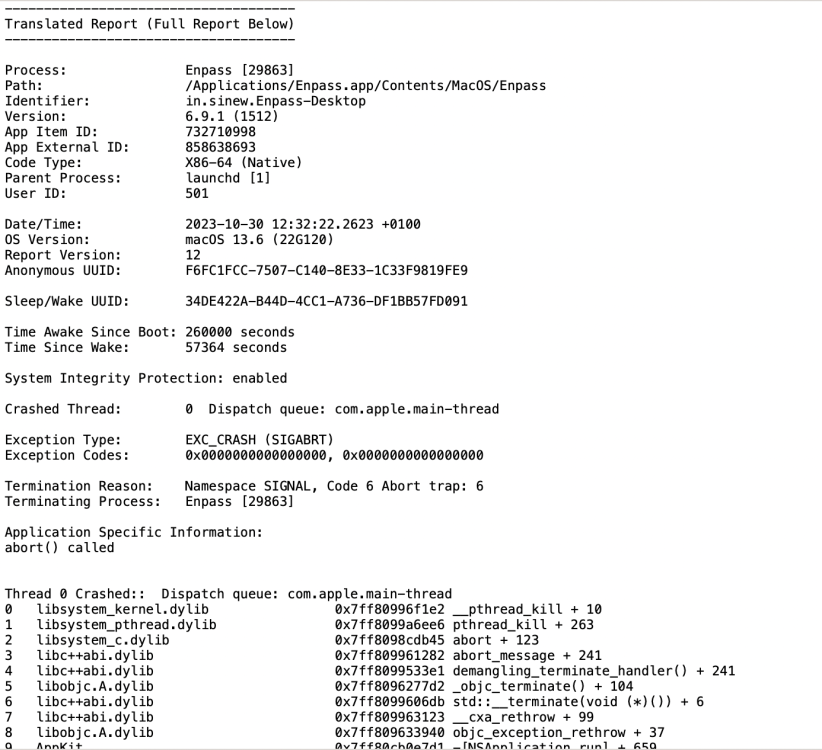
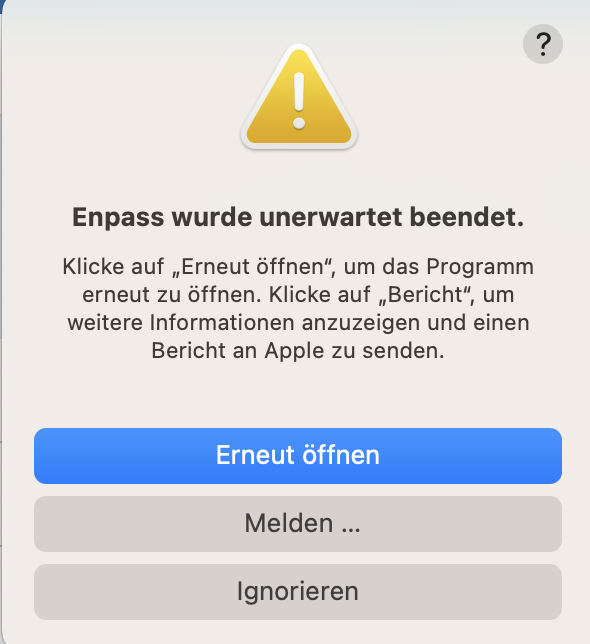
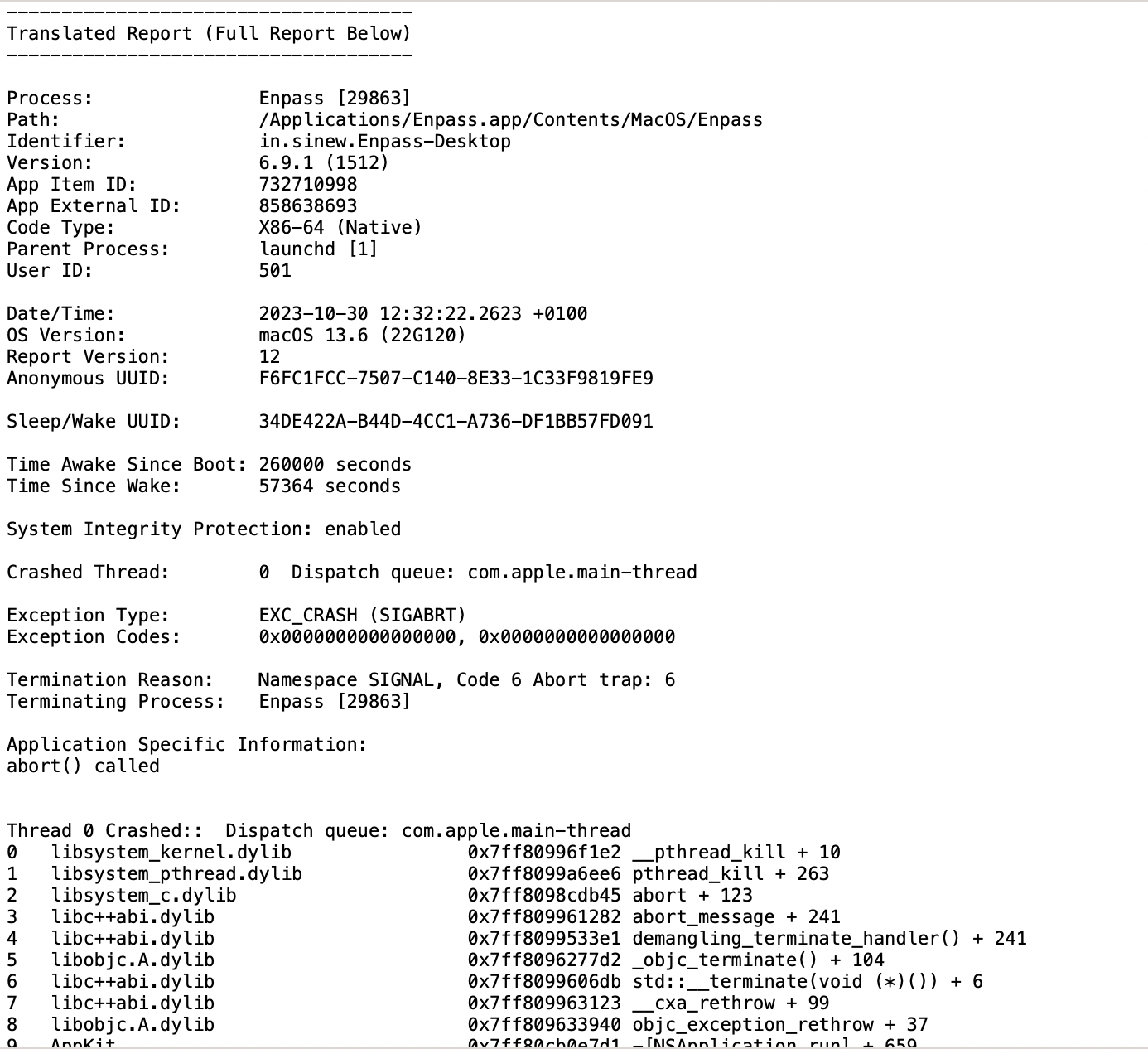
  3. Hi, We use Mac Ventura 13.6 and Enpass 6.9.1. Unfortunately the app crashes a few seconds after I entered the master password. There is a window telling "Enpass wurde unerwartet beendet." I have already deinstalled and reinstalled Enpassed a several times. Same error occors ... I hope you can help me! Best regards Thomas See log attached.

Account

Navigation

Search

Configure browser push notifications

Chrome (Android)
  1. Tap the lock icon next to the address bar.
  2. Tap Permissions → Notifications.
  3. Adjust your preference.
Chrome (Desktop)
  1. Click the padlock icon in the address bar.
  2. Select Site settings.
  3. Find Notifications and adjust your preference.