jackdinn
-
Posts
3 -
Joined
-
Last visited
jackdinn's Achievements

Newbie (1/14)
0
Reputation
-
hi, Just checking in to see if this problem has been addressed yet. Unfortunately nop. Come on i might give up checking soon
-
Just realized this is propitiatory software , otherwise i would have just skinned it myself. The fact its not open-source is also something i'm going to have to seriously contemplate before i start trusting it. Do you have any idea of what sort of time frame we are talking about here ? cheers.
-
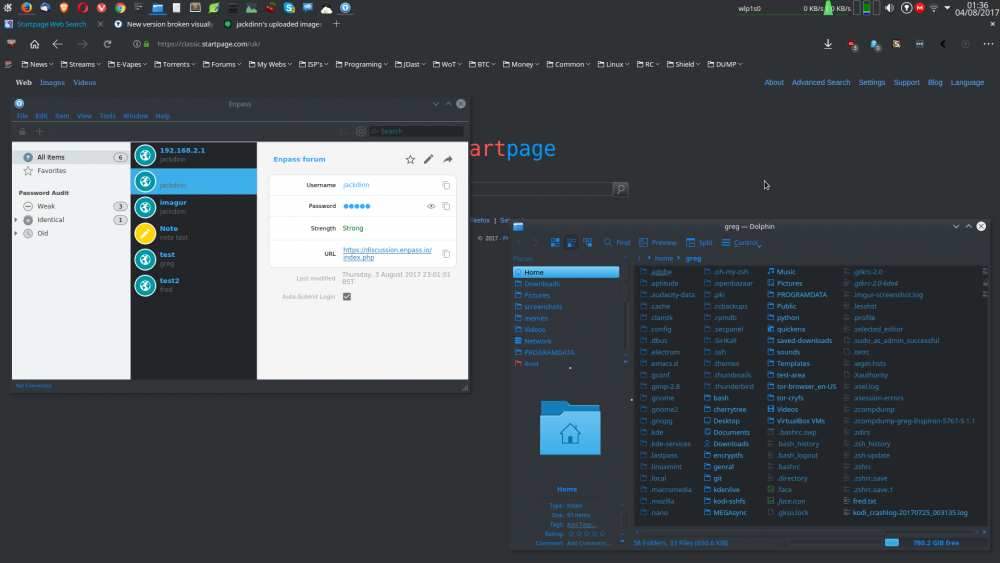
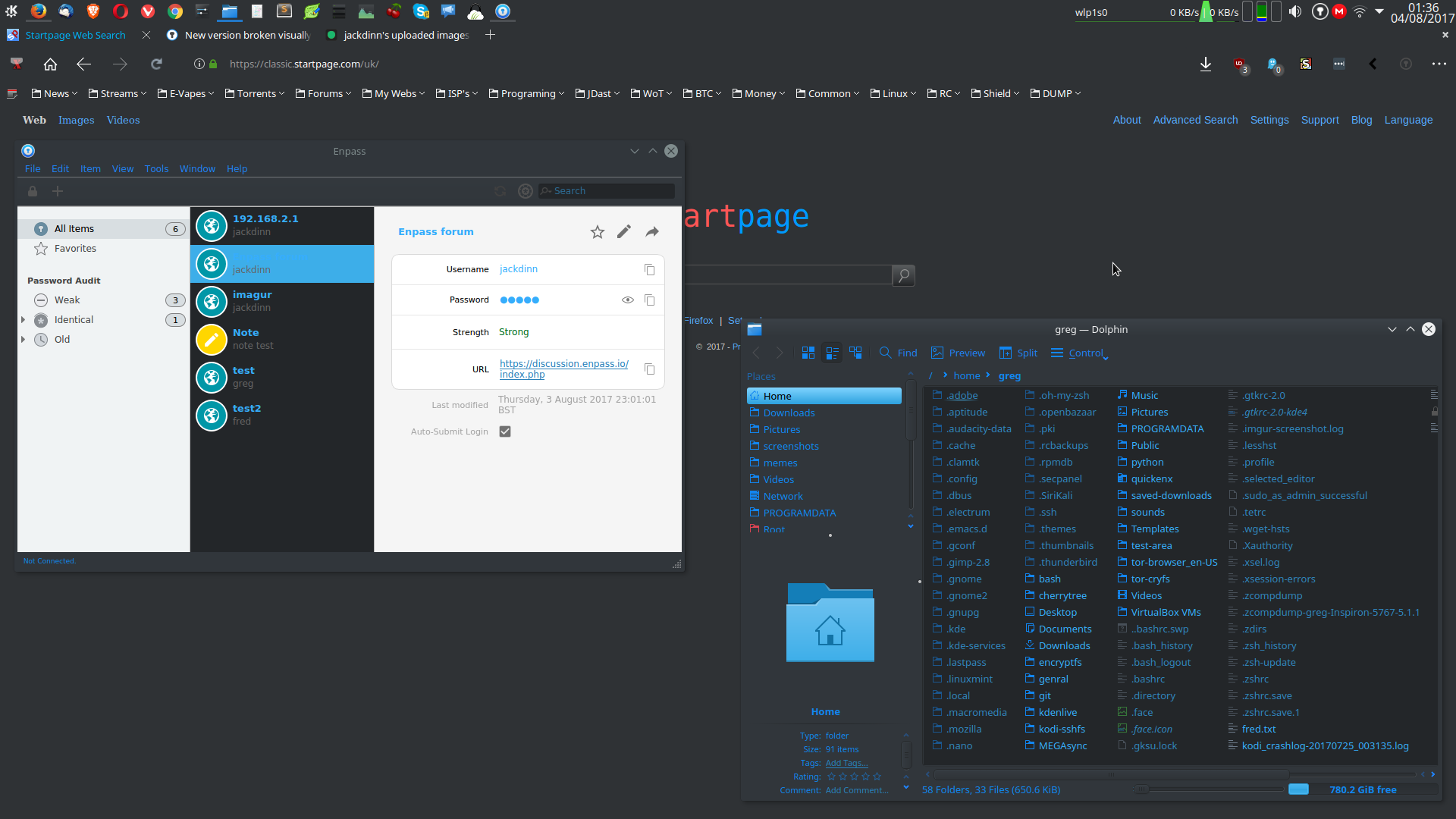
yea iv got the same problem on mint 18.1 KDE plasma 5.9 dark theme. Iv had to alter some of my color settings just so i can read the text in both the firefox addon and the main GUI. But it means iv had to change some key colors which i really dont like (the blue text) , id like my nice white text and icons back please which i cant do until the enpass gui is sorted out for dark linux themes Unfortunately looks like this problem has been going on for more than a year which is a real pity as I was just looking for a lastpass replacement which is getting worse and worse as time goes on.