Nev
-
Posts
6 -
Joined
-
Last visited
Nev's Achievements

Newbie (1/14)
0
Reputation
-
I have a few items with the password strength listed as 'Weak' so I placed them in the Password Audit Exclusion. However, when I right clicked on one item in the exclusions area (without changing its password) and selected 'Include in password audit', the item seems to remain in the exclusion area. I restarted Enpass and selected 'Weak' in the password audit area to see if they had returned but they had not and when I opened the 'Password Audit Exclusion' area, they are are still there.
-
When adding attachments in Enpass, the program remembers the last path where you sourced the attachment and when you save another attachment Enpass opens the last accessed folder to pick up another document. However when saving more than one attachment, Enpass defaults to the Documents folder for every saved attachment. For example, if I select the desktop as my save path when saving an attachment , the Enpass save path reverts to the Documents folder for each saved attachment even though I previously selected the desktop. Any chance that the save attachment save path could be remembered as it does in the 'add more than one attachment' process (or maybe let the user set the destination save path)? This request may sound trivial but when saving a number of attachments, it does make a difference.
-
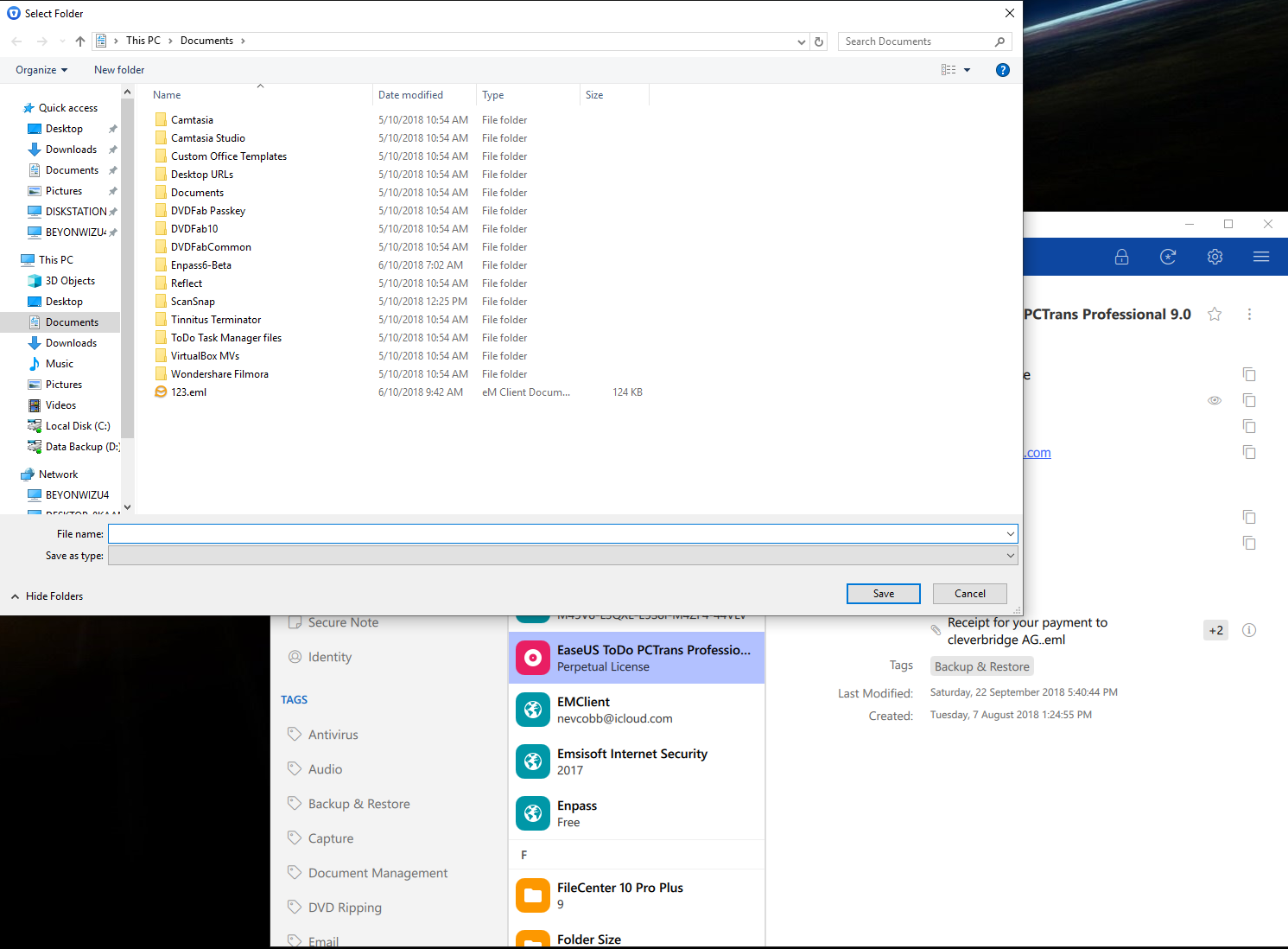
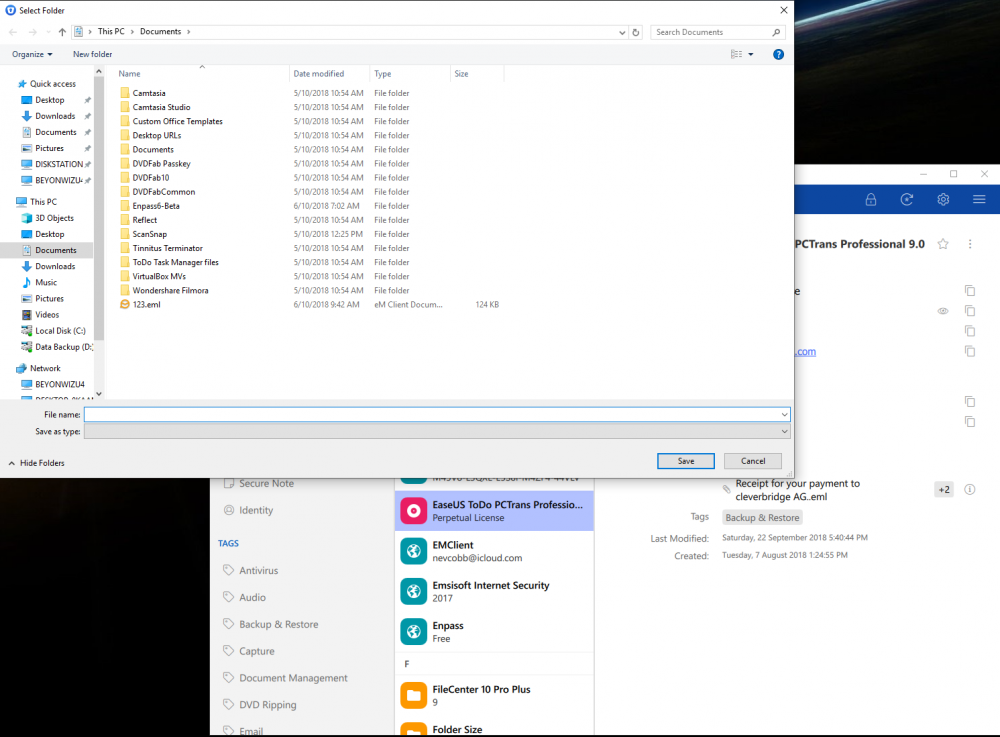
When I right click on an attachment to save it to the default Documents folder as illustrated, When I select Save nothing happens however, if I type in a filename with extension in the File Name area, the attachment saves and will open as normal.
-
When I save an attachment in version 149, the filename area is blank and in order to save the attachment I have to manually place a filename with the extension in the file name are of what appears to be explorer. When I do this it saves and opens as expected. This is different behavior to the previous beta version. I am running the October 10 update of Windows is that may be an issue.
-
What is the process for deleting a vault when you have multiple vaults, can't seem to locate delete/remove vault anywhere?
-
Hi, Just installed Enpass Beta 6 and have created multiple vaults however, when Enpass starts up it defaults to 'All Vaults'. Is there a way to select a default vault on opening the program rather than all vaults?