xflamechris
-
Posts
6 -
Joined
-
Last visited
xflamechris's Achievements





-
Resolved for me now. Thanks!
-
Can comfirm too, that Enpass can be installed as a normal Linux Desktop App in Chrome OS Flex Linux Developer-Environment VM. You can use the normal installation procedure for Linux described here: https://support.enpass.io/app/getting_started/installing_enpass.htm
-
Same issue on Linux Debian Bookworm
-
No proxy and no VPN for me. After lots of retries it worked somehow to sync via OneDrive...
-
OneDrive Sync Error: 505402, 505403, 504028
-
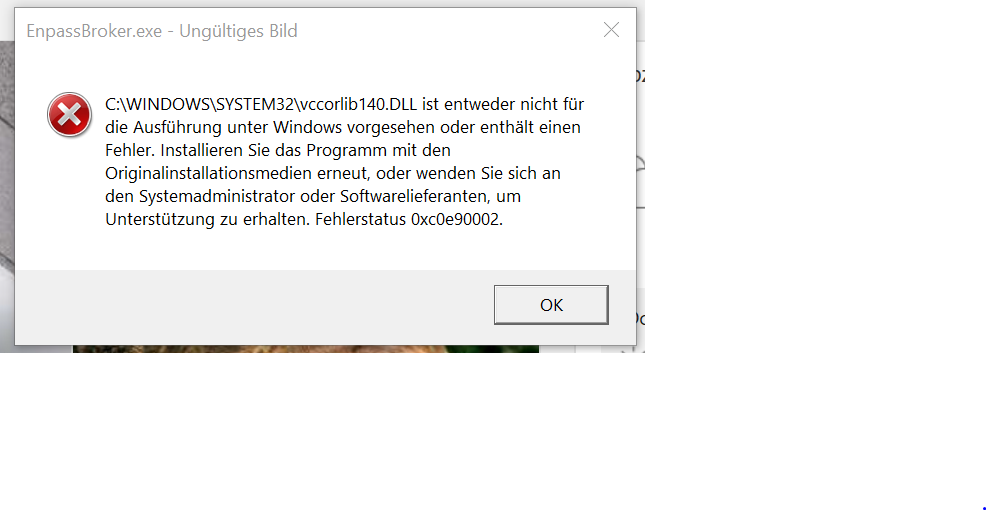
Enpass Edge Browser Plugin Error - installed on Windows 10 S Mode: